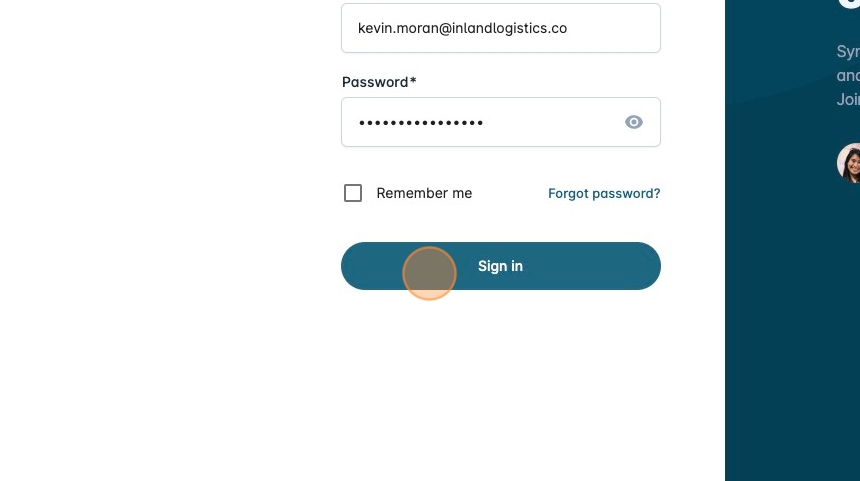
Reset Your Syncfreight Password
-
Navigate to [https://platform.syncfreight.com/#/sign-in]
-
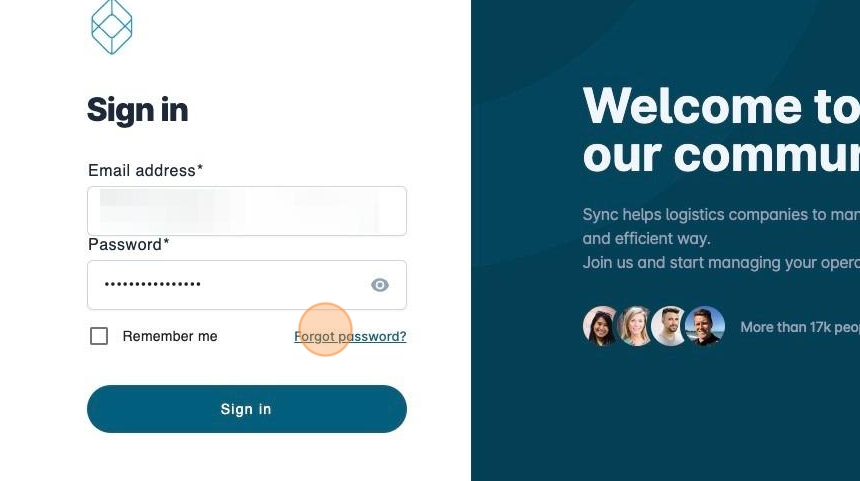
Click "Forgot password?"
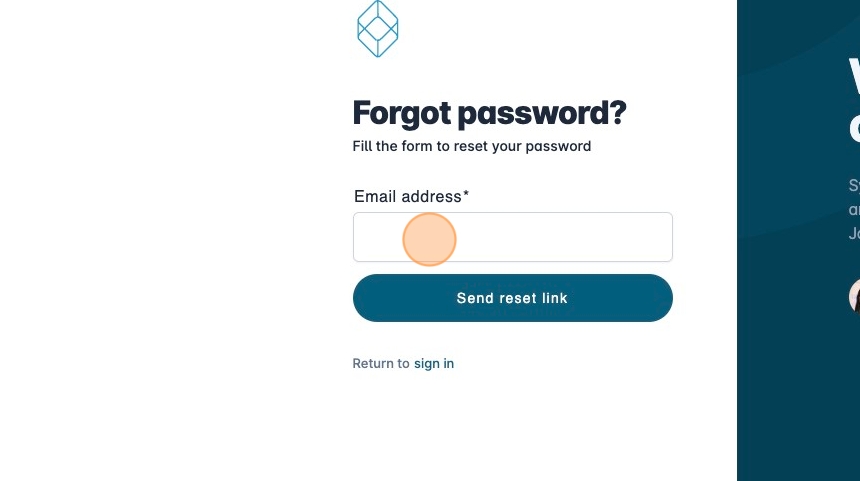
- Click the "Email address" field.
-
Type your email
-
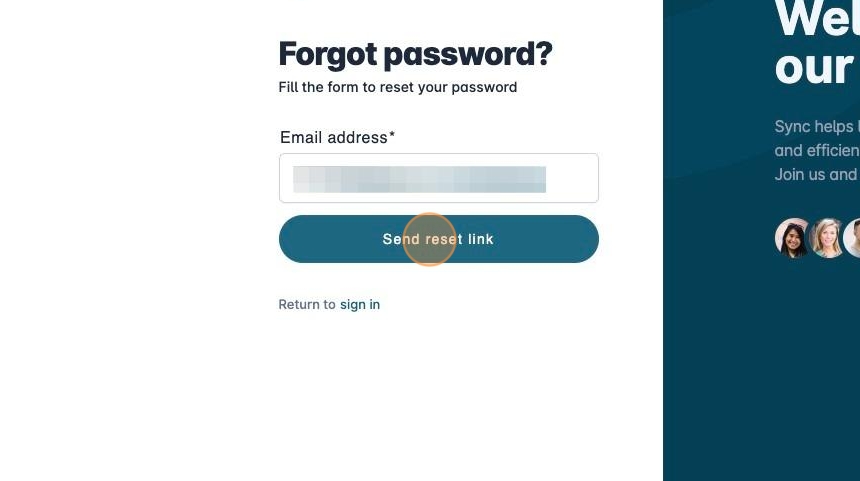
Click "Send reset link"
-
Check your email
-
Open the email received
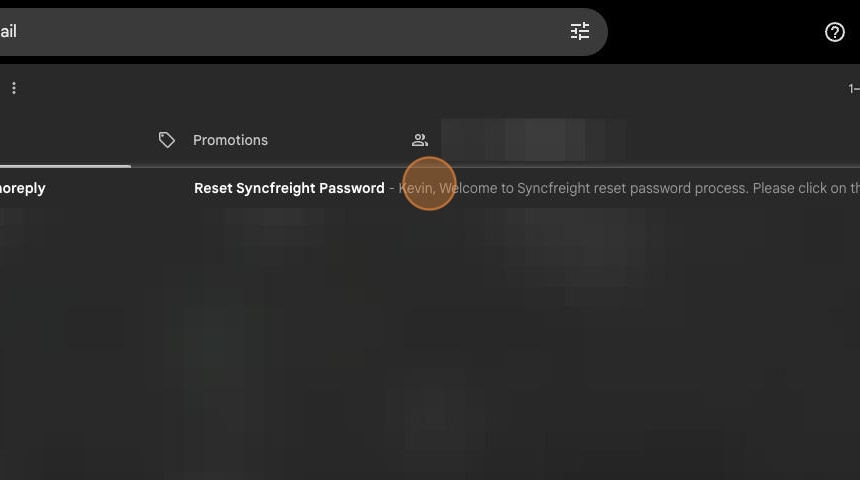
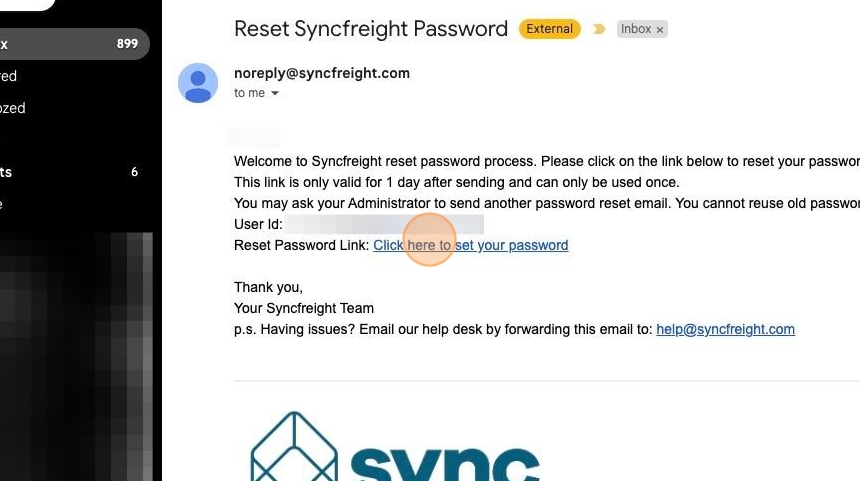
- Click "Click here to set your password"
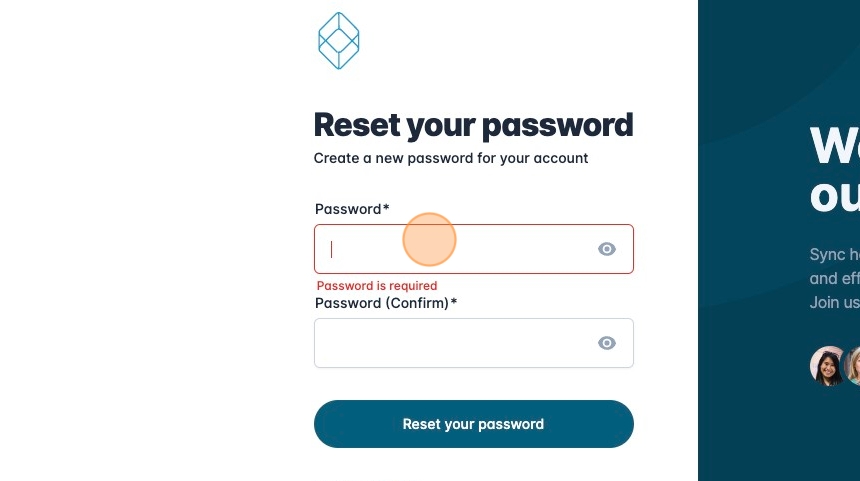
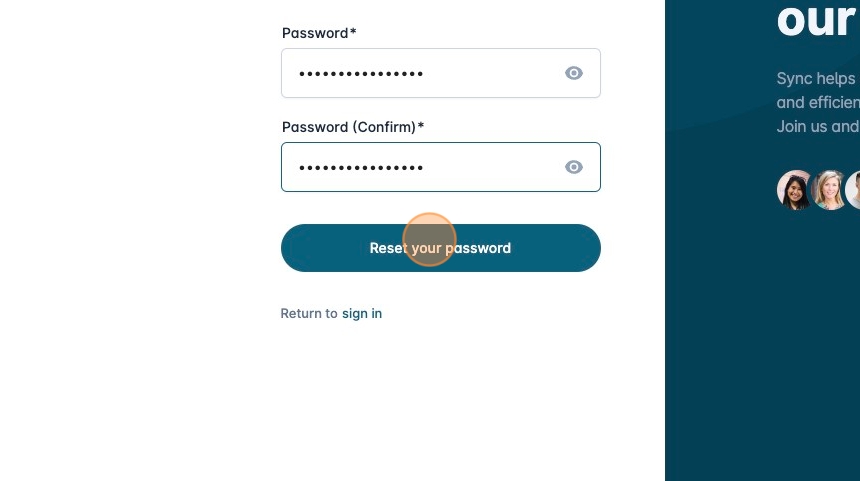
- Set your password
- Fill also the "Password (Confirm)" field.
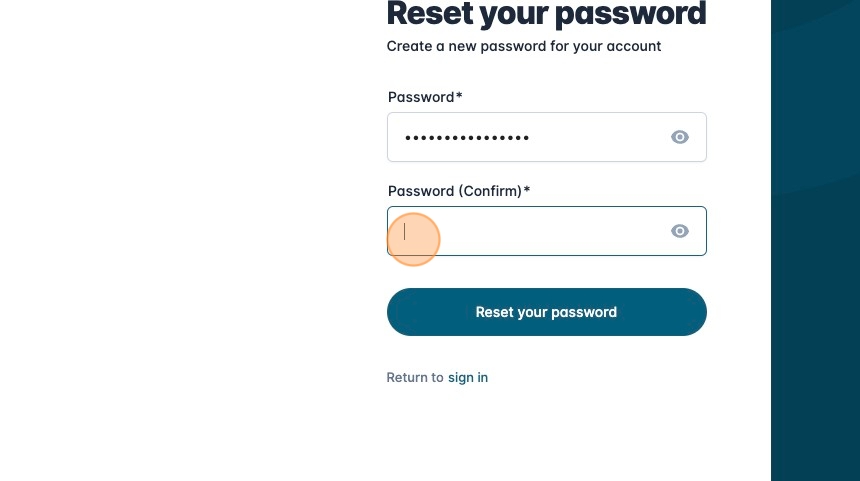
- Click "Reset your password"
-
You will be redirected to the login page.
-
Fill in the data with your new password.
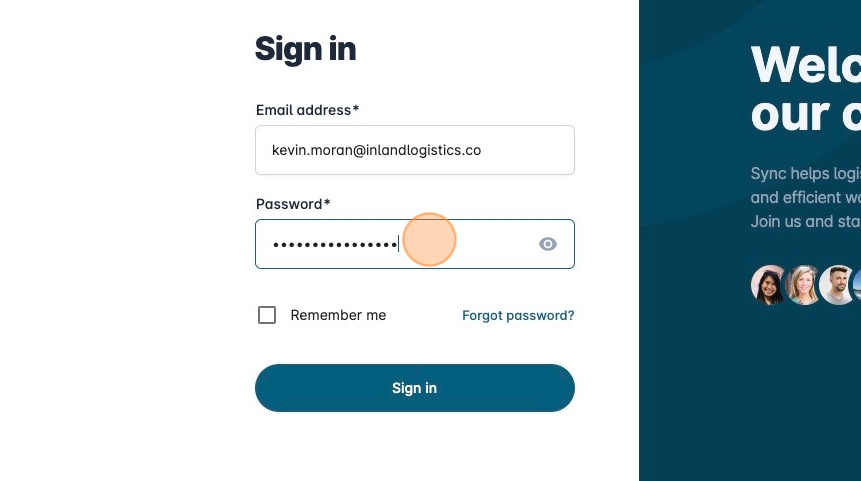
- Click Sign in.