Configuring Dispatch Routes in Syncfreight
Dispatch routes are crusial for the operation of Syncfreight. They are used to assign routes to Last Mile Nodes. This guide will show you how to configure dispatch routes in Syncfreight.
1. Navigate to https://platform.syncfreight.com/#/postal-codes
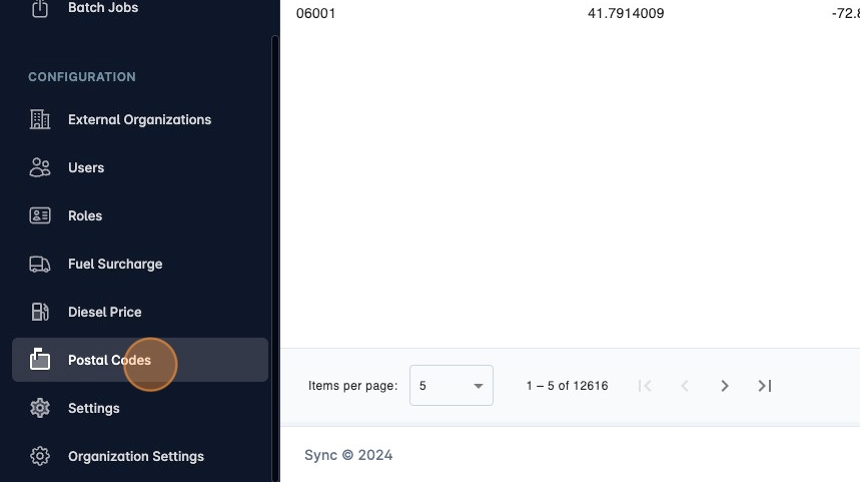
2. Or click "Postal Codes" in the sidebar.
3. Each postal code can have one route code assigned to it.
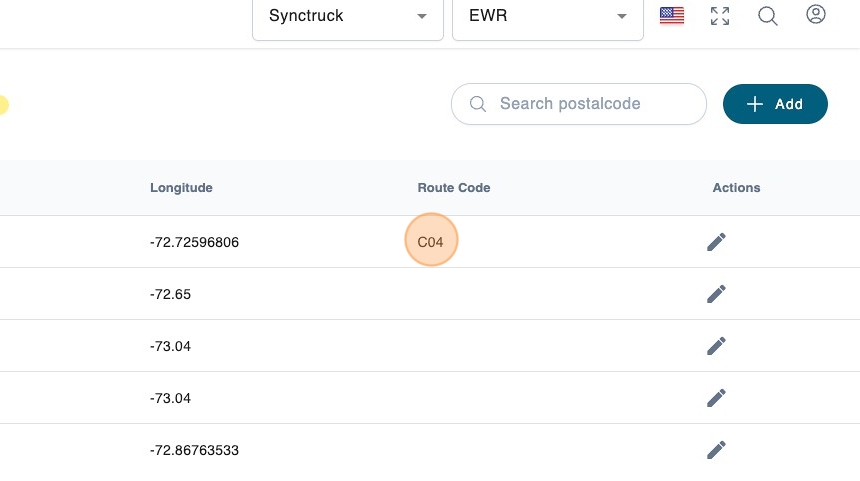
4. You can assign a route code by editing the postal code or using a Batch Job.
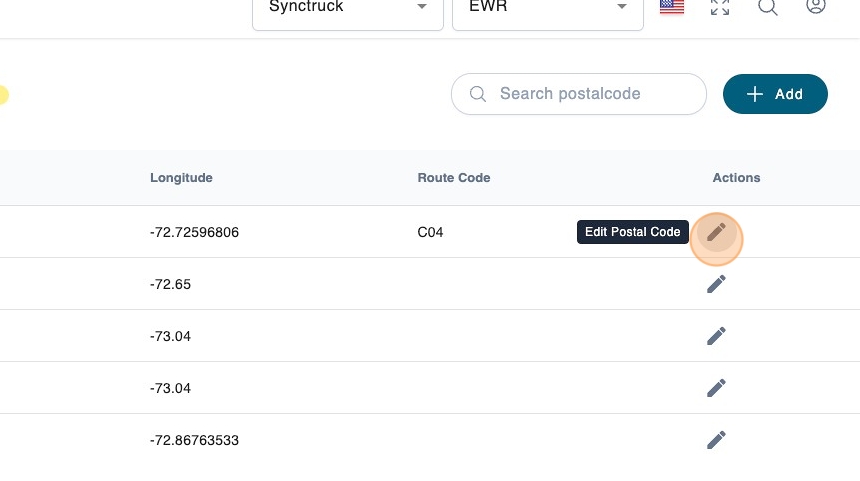
5. For example, in this image we are assigning the route code C04 to the postal code.
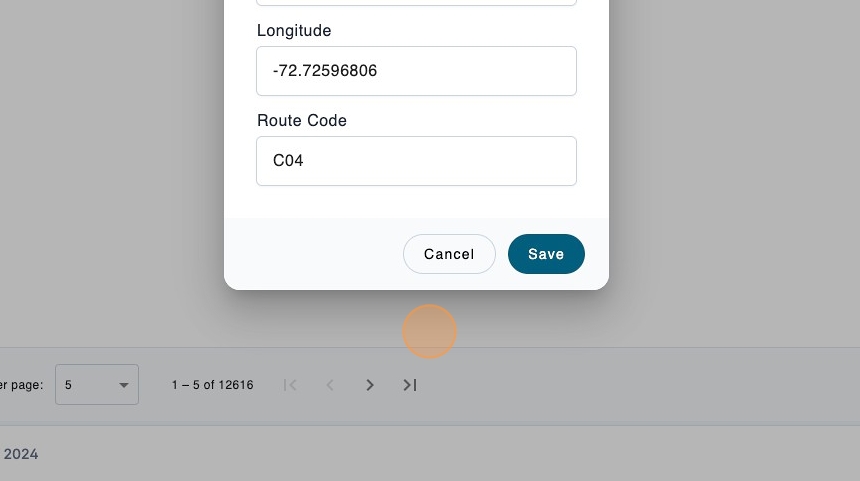
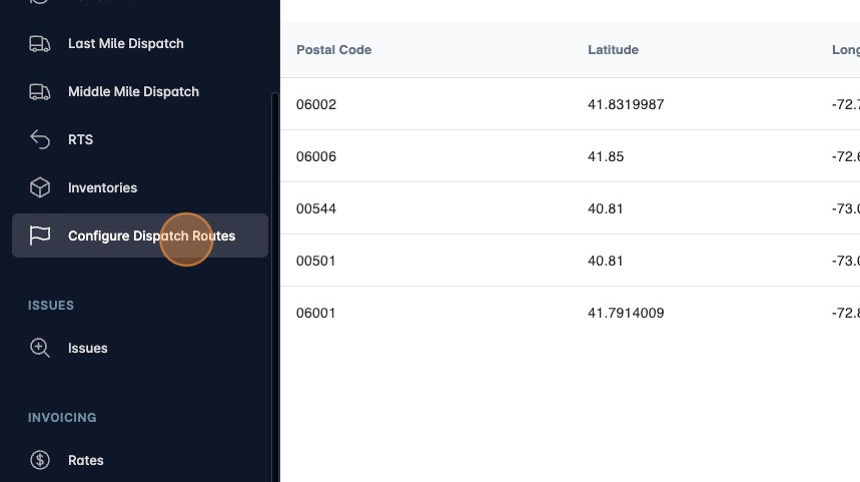
6. Now you are ready to configure dispatch routes. Click "Configure Dispatch Routes"
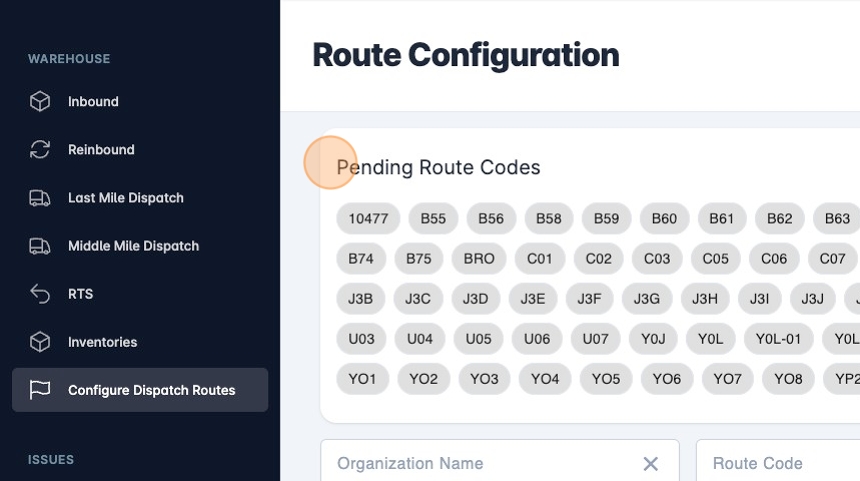
7. You can see the list of unassigned route codes at the top.
8. Search the agent you want to configure and click it. In this example it is "Agent A". This will reveal its Last Mile Nodes. Currently this agent only has one node.
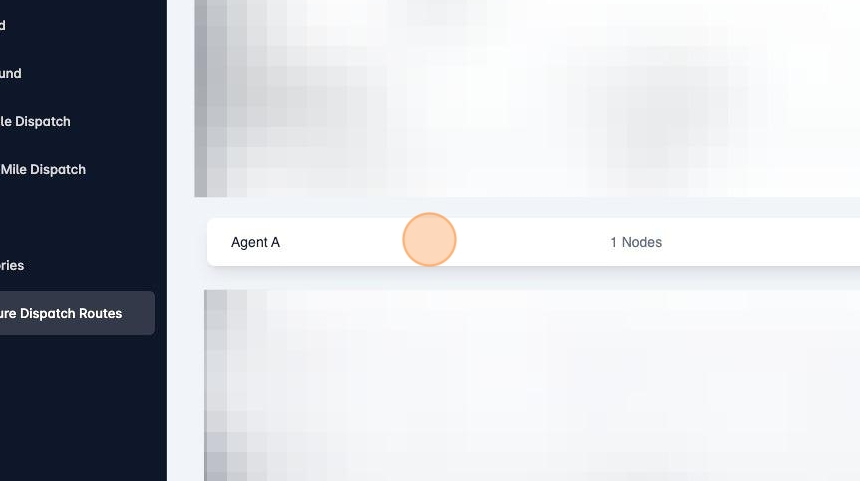
9. Click the "Route Codes" field to add or remove route codes from the agent.
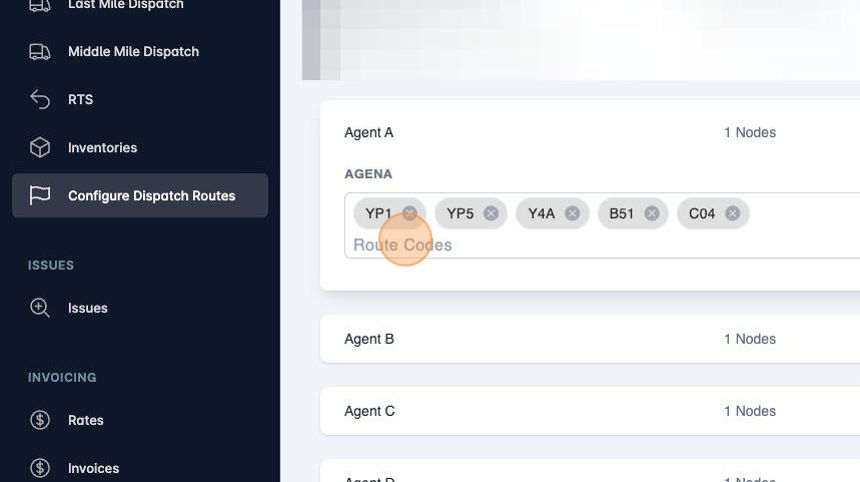
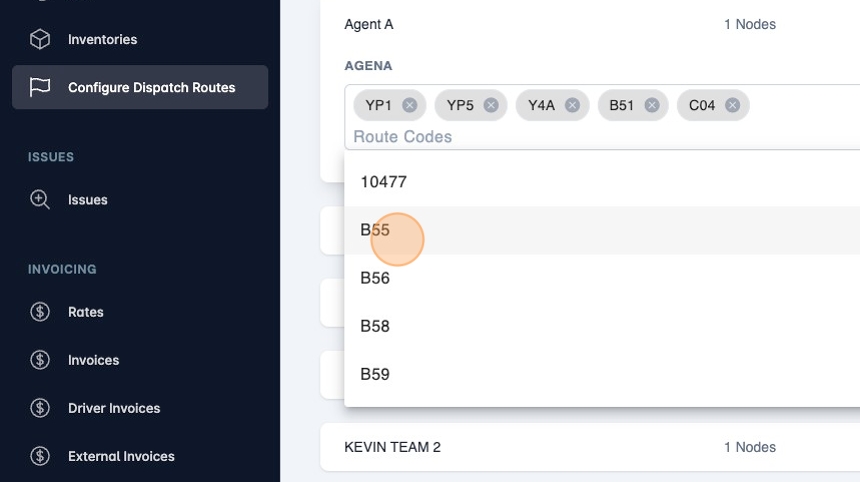
10. You can select the route code or type it.
11. To remove a route code you can click the "x" button.
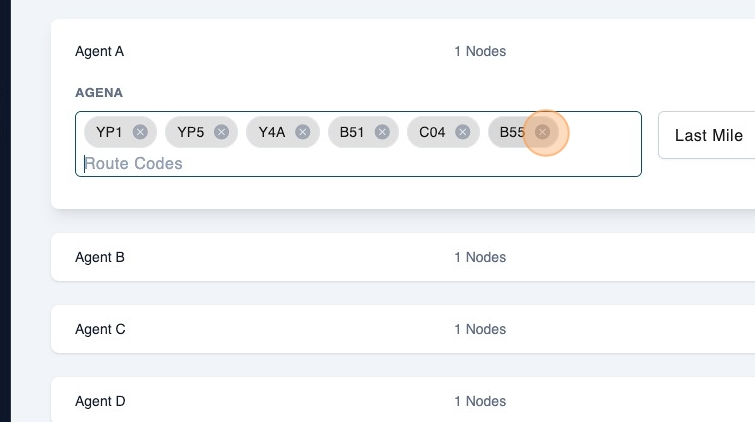
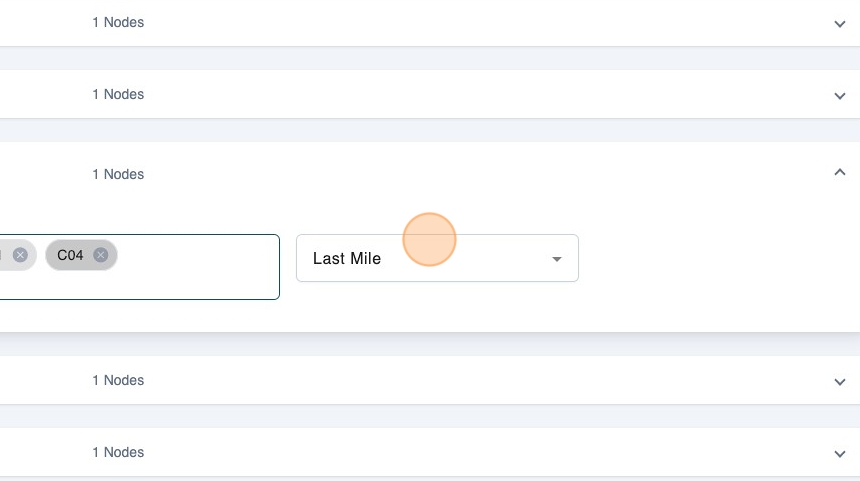
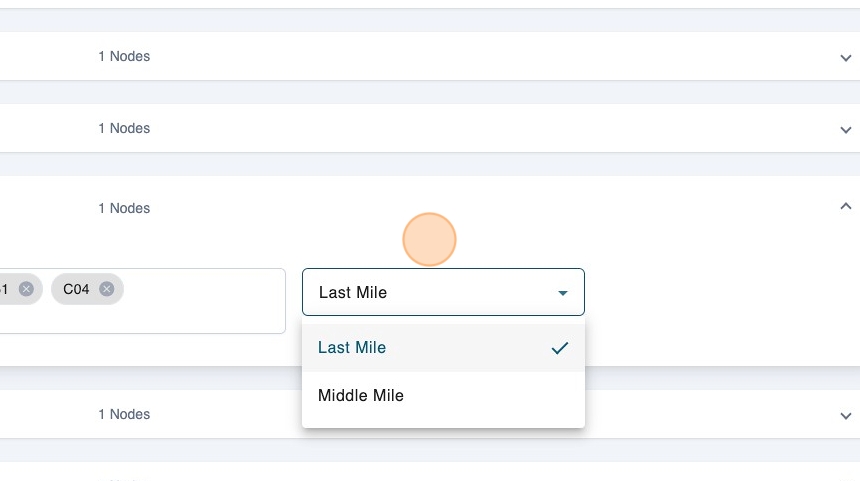
12. You can also specify if the configuration is for Last Mile or Middle Mile.