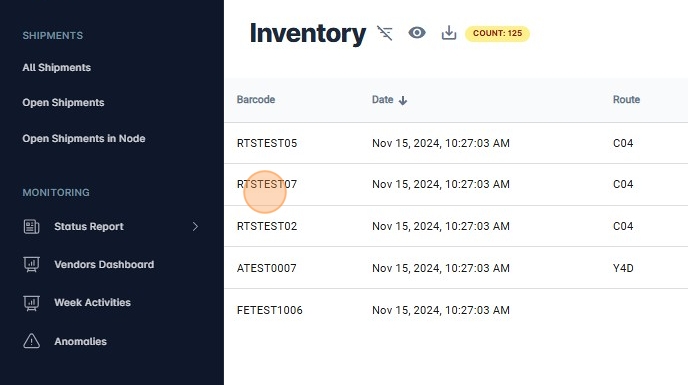
Inventory
1. Navigate to https://platform.syncfreight.com/#/shipments
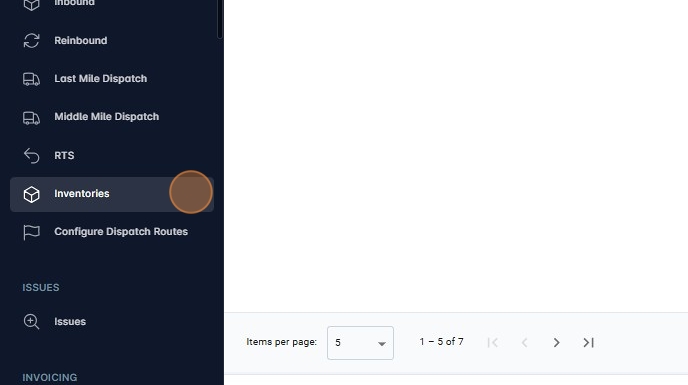
2. Click on "Inventories" on the sidebar to access to this page.
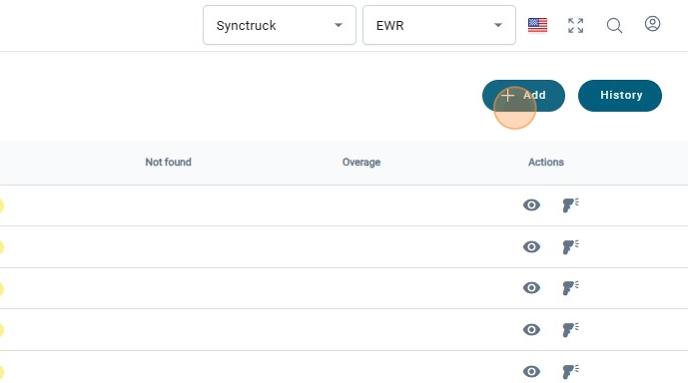
3. Click on "+ Add" to create a new Inventory
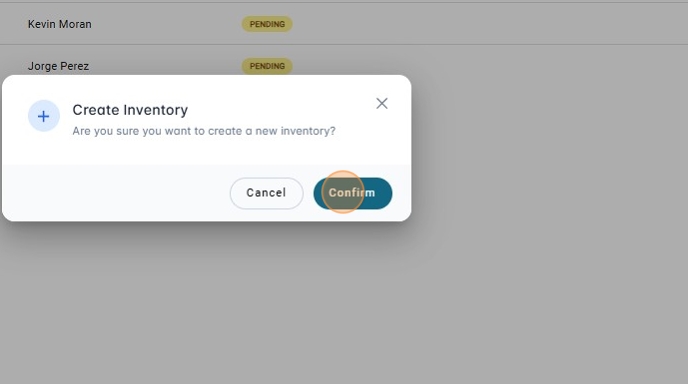
4. A modal will be shown
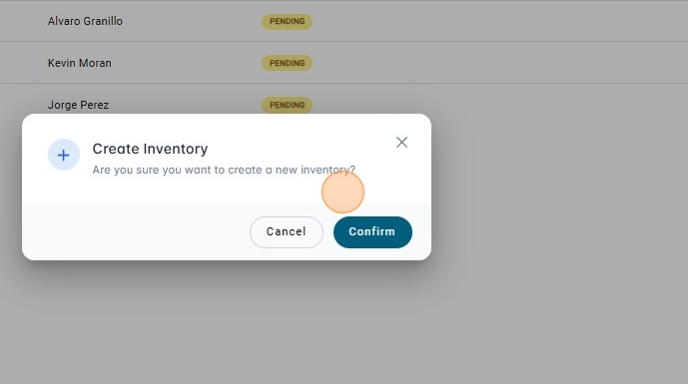
5. If everything is ok, click on "Confirm"
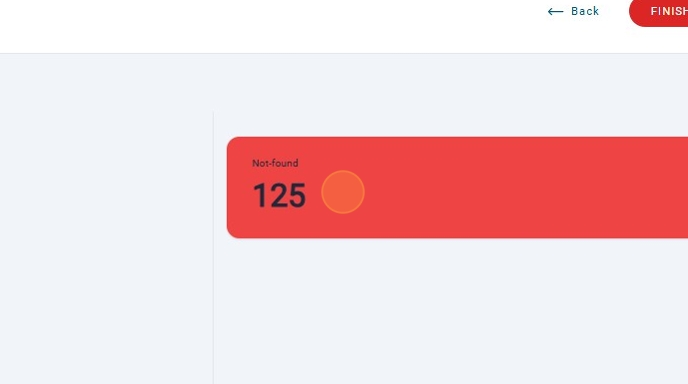
6. Once the Inventory is created, there will be the amount of packages that were not found without being scanned.
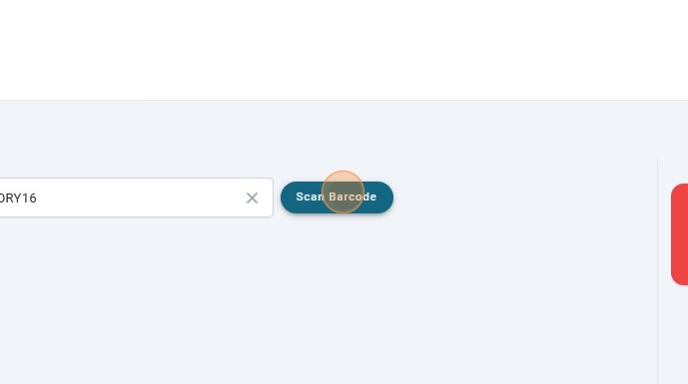
7. Scan a Barcode
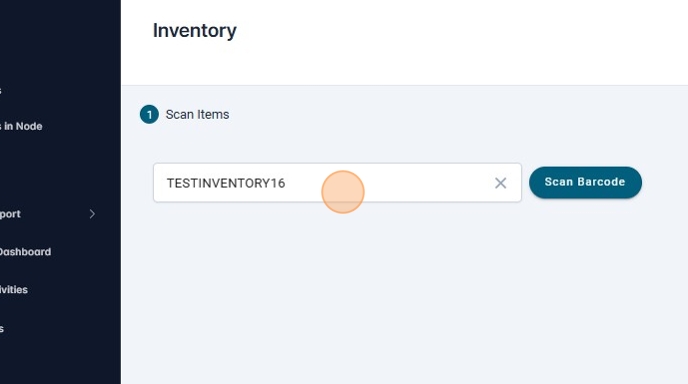
8.
9. If everything is ok, a card with a message of "Success" will be shown.
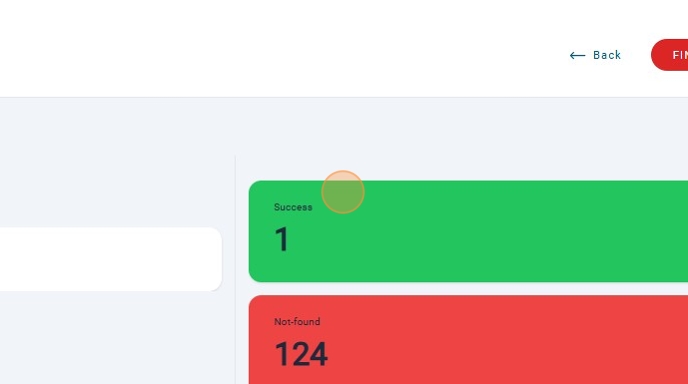
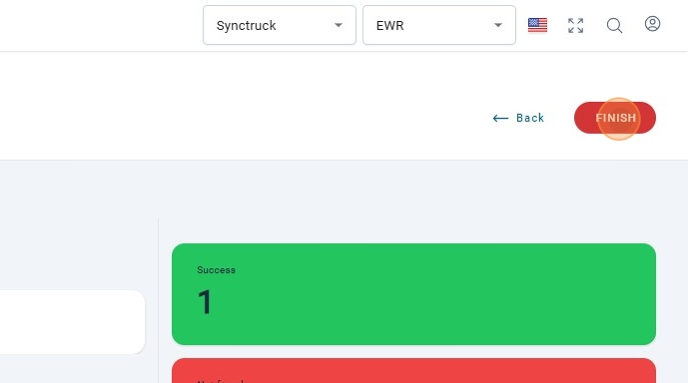
10. Click on "FINISH" once the Inventory is done.
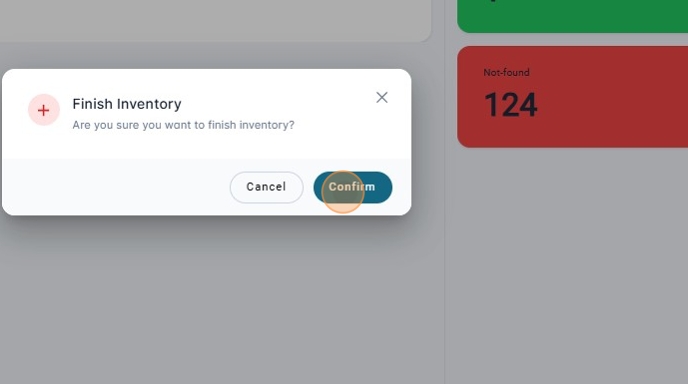
11. A Modal will be shown to confirm the action.
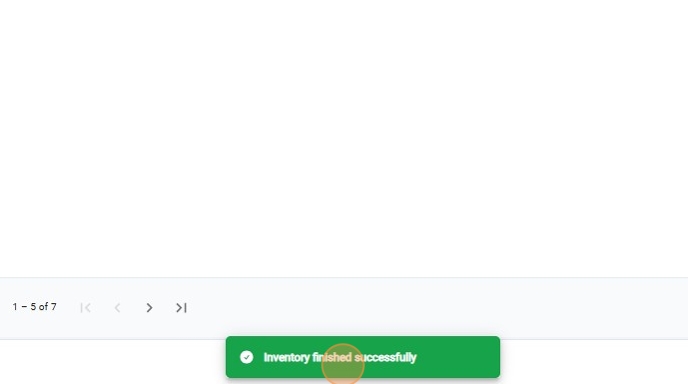
12. Once the Inventory is closed a message of success will be shown.
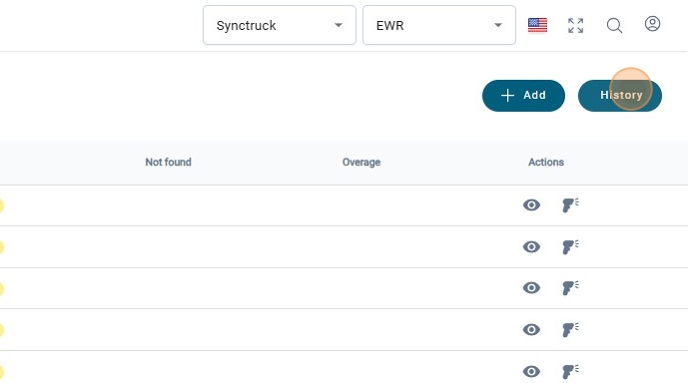
13. Click on History to see the Inventories that have been closed.
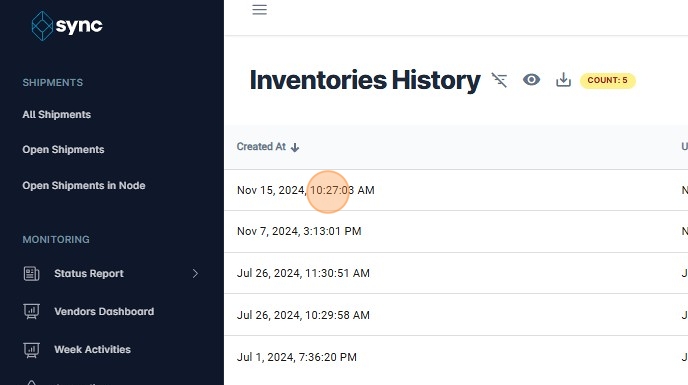
14. The inventories will be shown by dates.
15. Click on "View History"
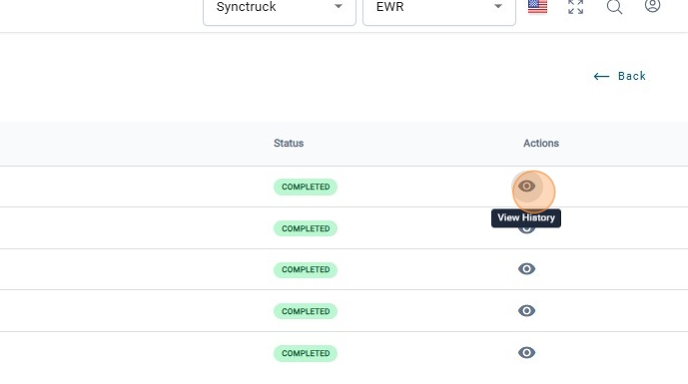
16. There is the history of the packages that were scanned in that specific Inventory,