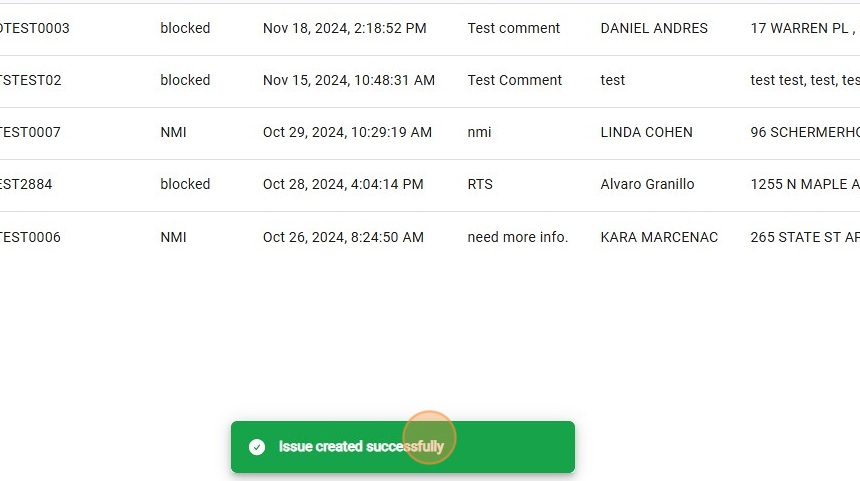
How to Create an Issue
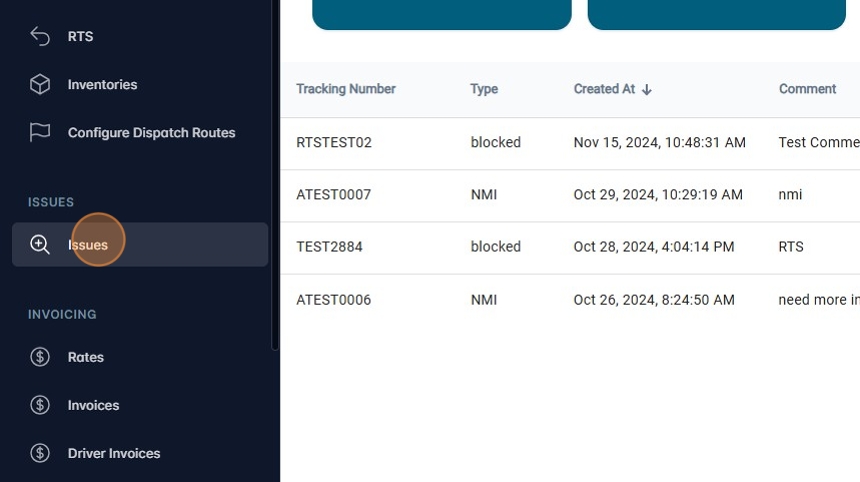
1. Navigate to https://platform.syncfreight.com/#/issues
2. Click "Issues" to access the page.
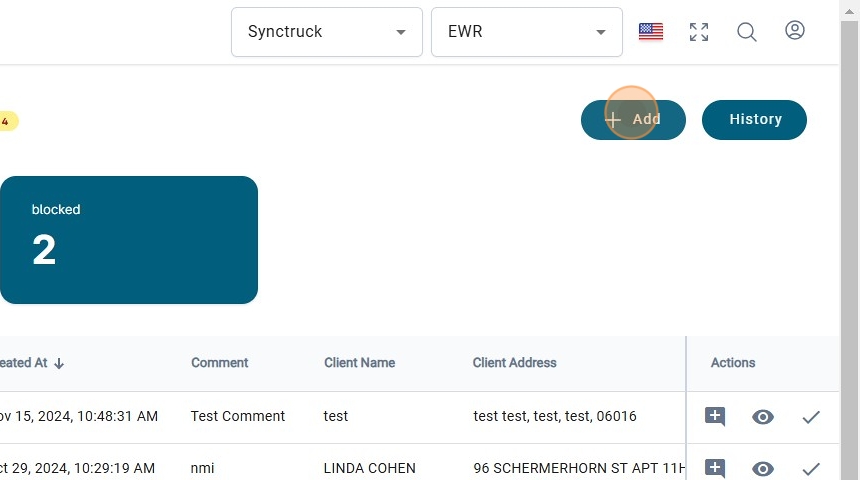
3. Click "+ Add" to create a new issue.
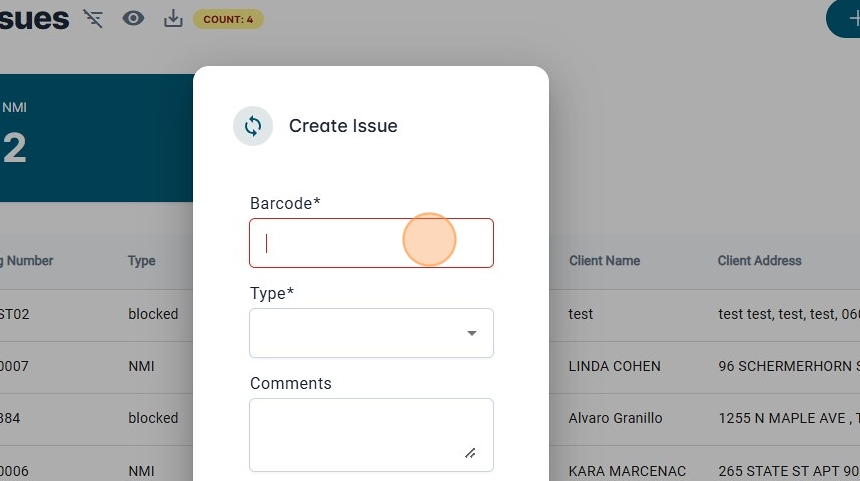
4. Add the barcode of the package that has the issue.
5. Click on "Type" to create.
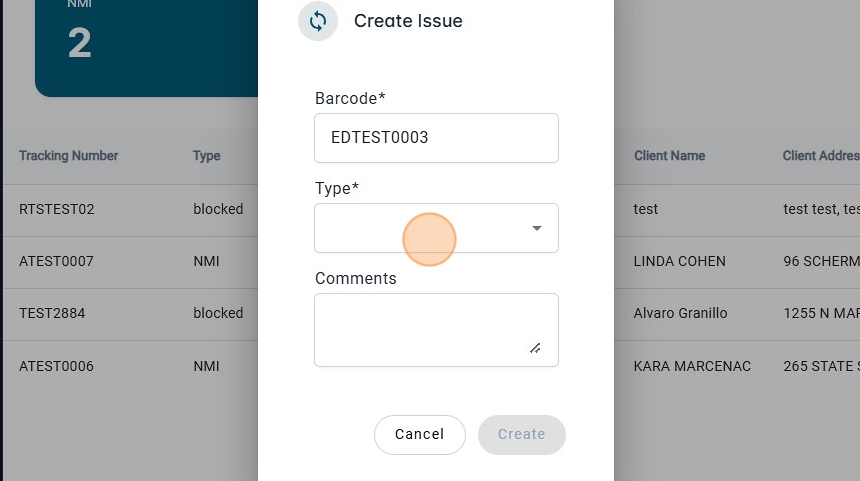
6. There will be the three types of issues that can be created.
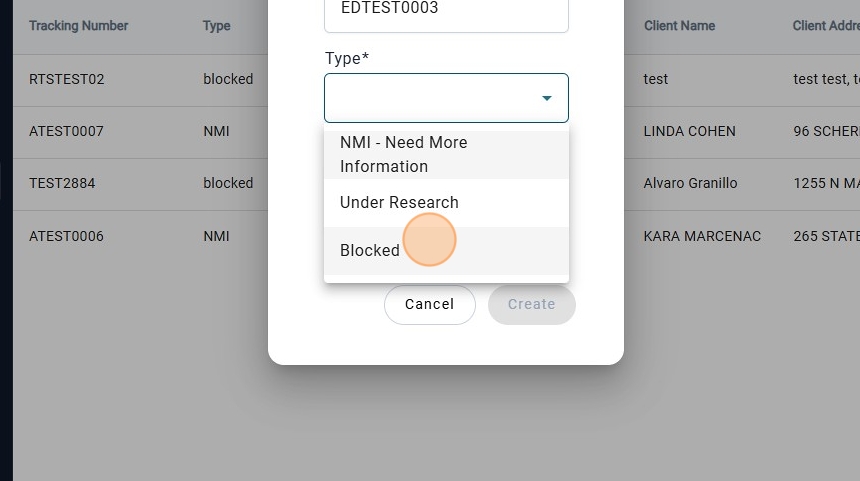
7. If the issue is Blocked, another dropdown menu will be shown.
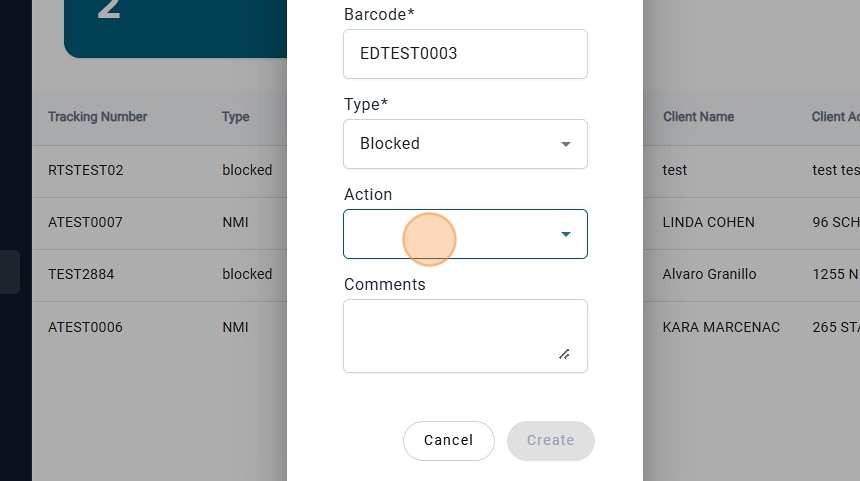
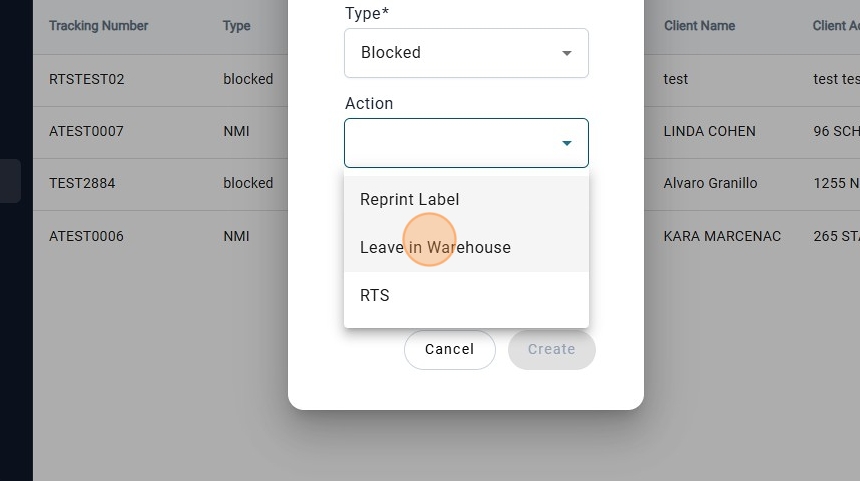
8. Click on the "Resolution Action" needed for the block issue.
9. Add a Comment.
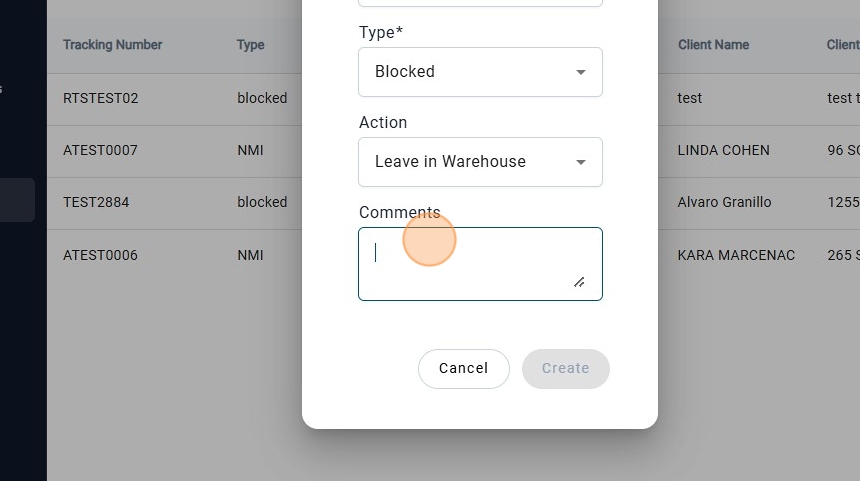
10. Once the everything is added, the "create" botton will be enable.
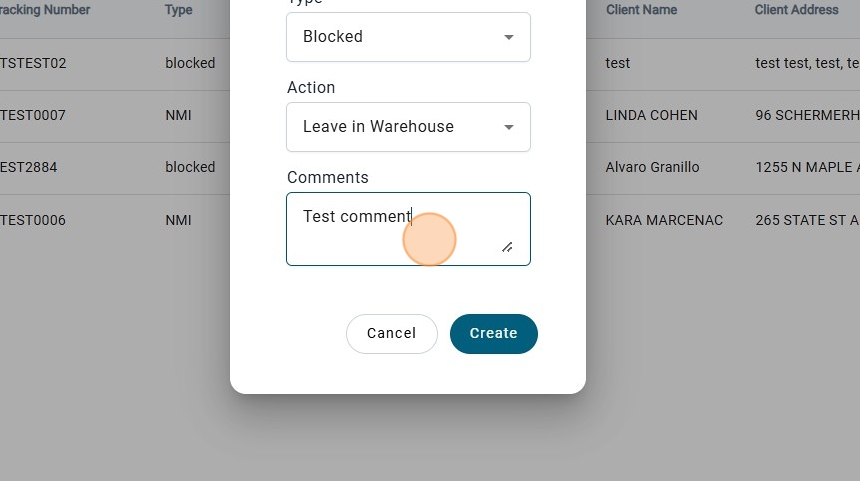
11. Click on "Create"
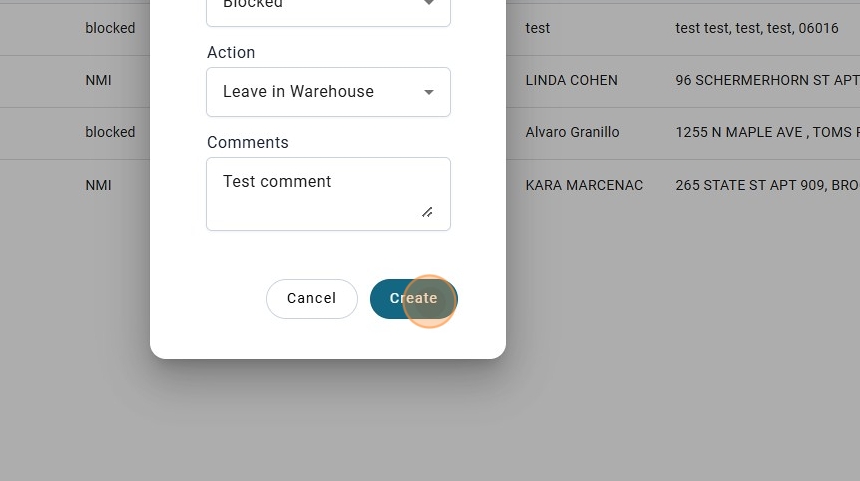
12. A success message will be shown.