Create Reinbound
1. Navigate to https://platform.syncfreight.com/#/warehouse/reinbounds
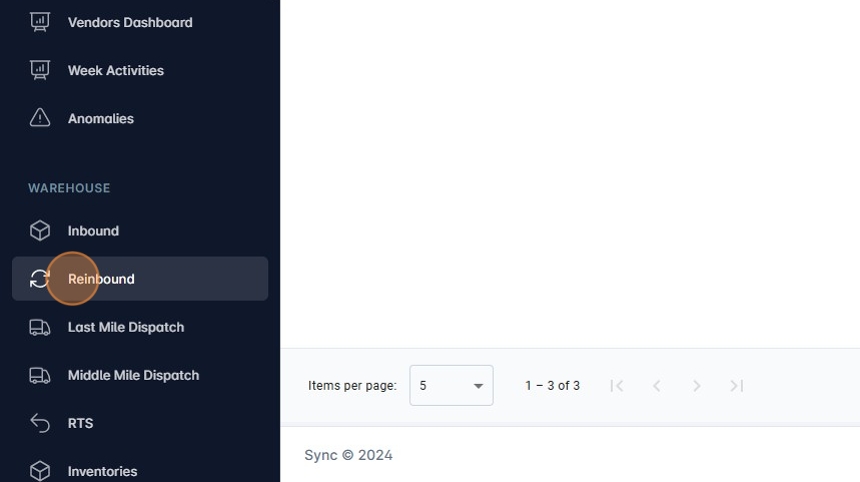
2. Navigate by clicking on the sidebar Reibounds.
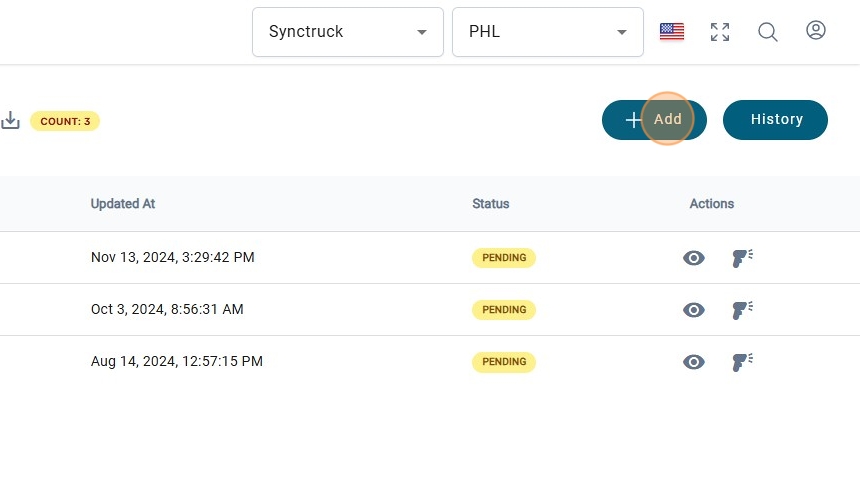
3. Click on "+ Add" to create a new Reinbound,
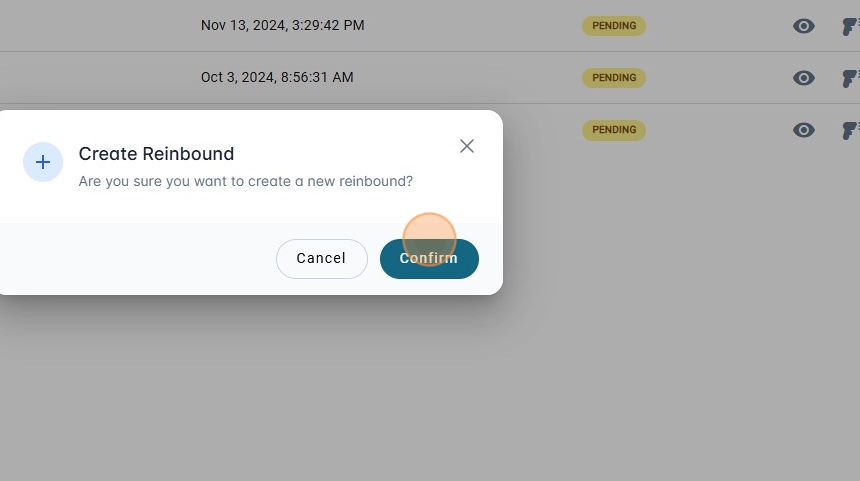
4. Click on Confirm
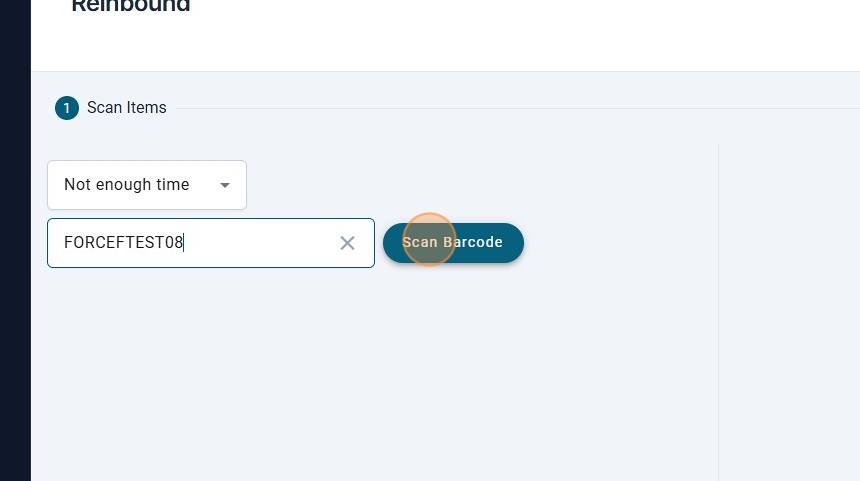
5. Selec the reason to reinbound.
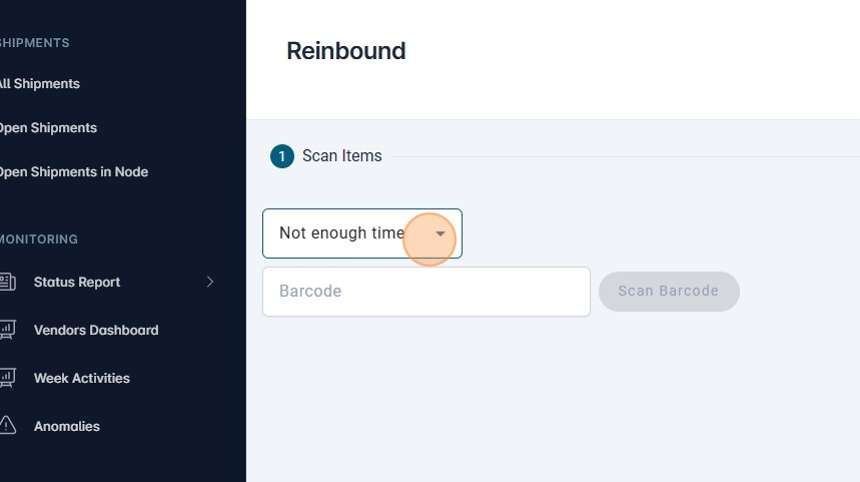
6.
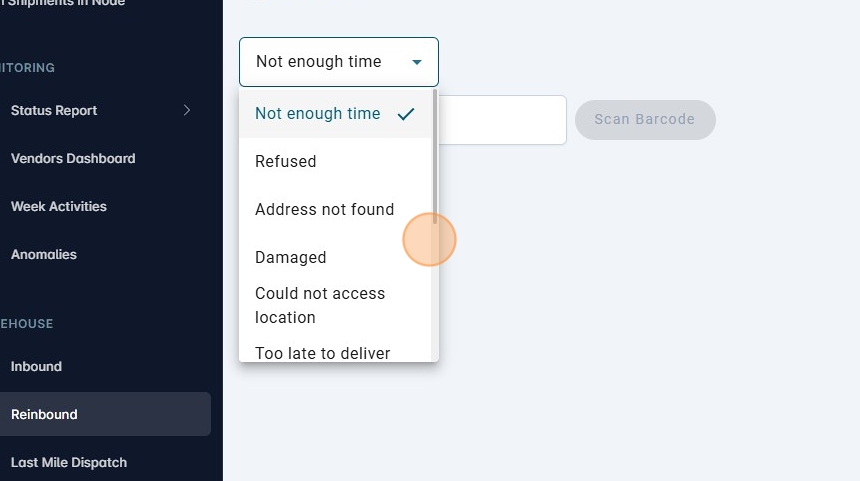
7. Scan the Barcode.
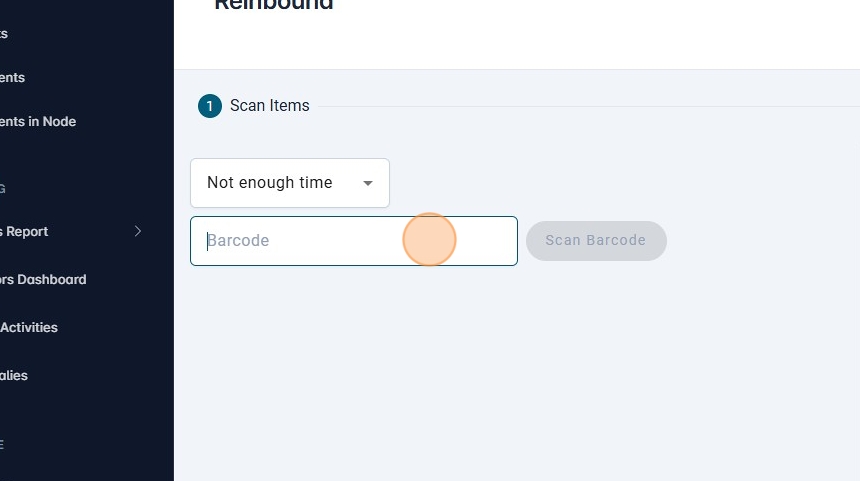
8.
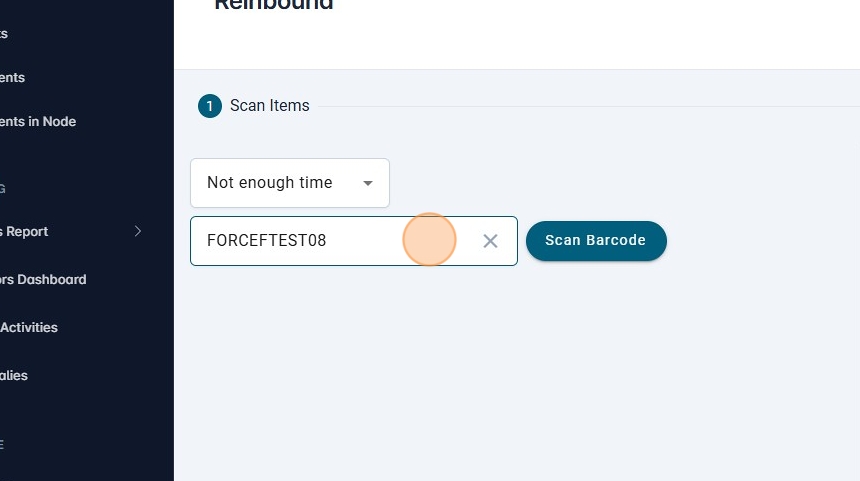
9. Click on "Scan Barcode"
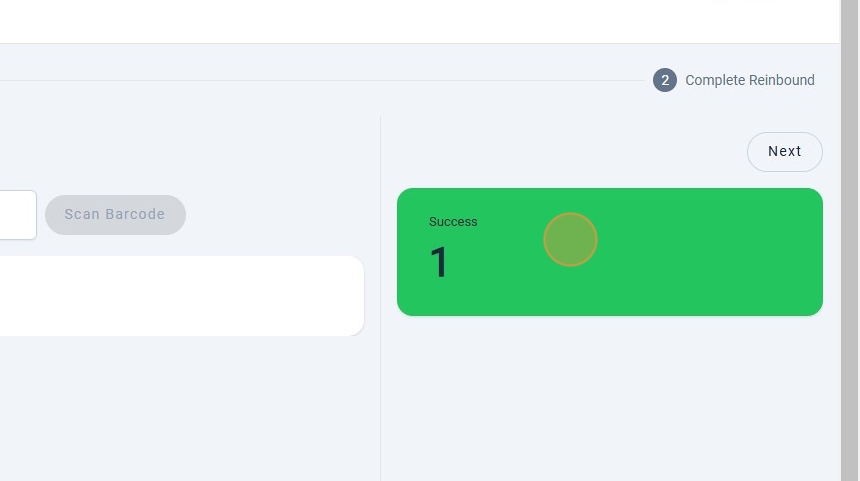
10. Check the status of the scan
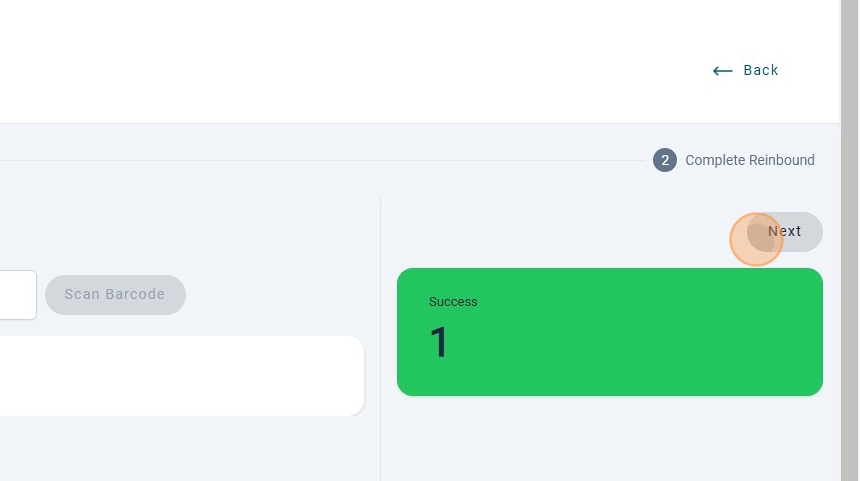
11. Click on "Next" to go to the next step.
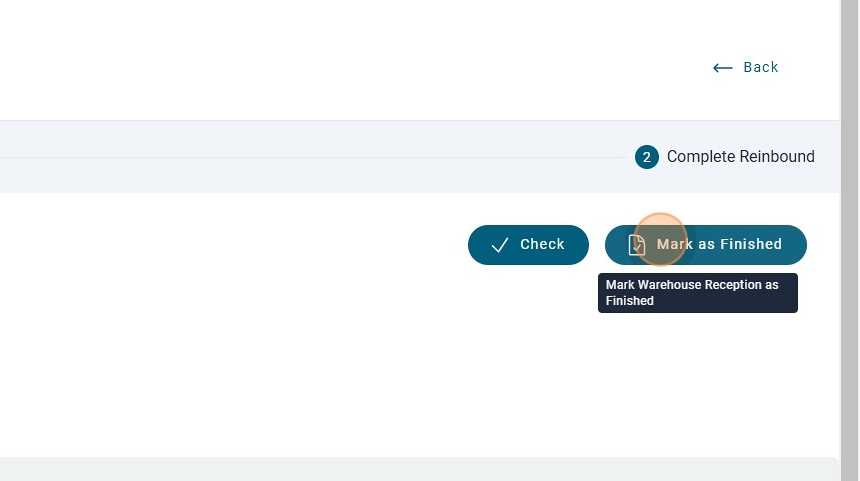
12. Click on "Mark as Finished"
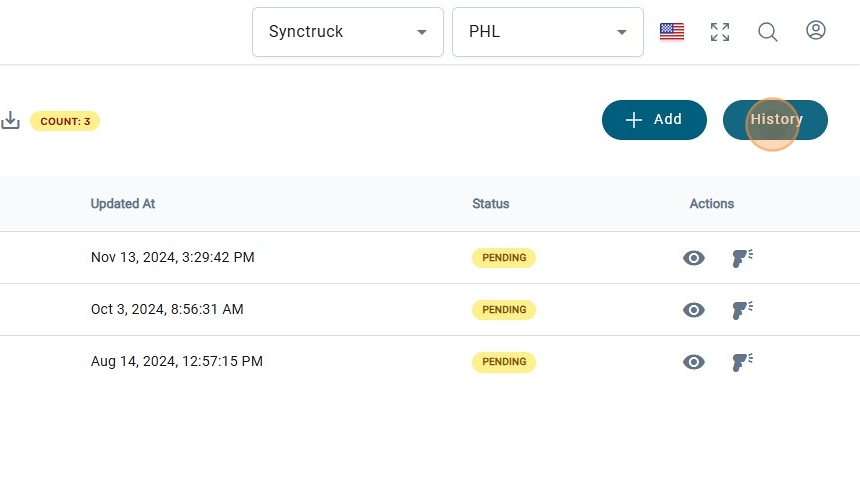
13. Check the History of the reinbounds by Clickin on History