Export Data from SyncFreight Using the Dynamic Table
-
Navigate to https://platform.syncfreight.com/#/shipments
-
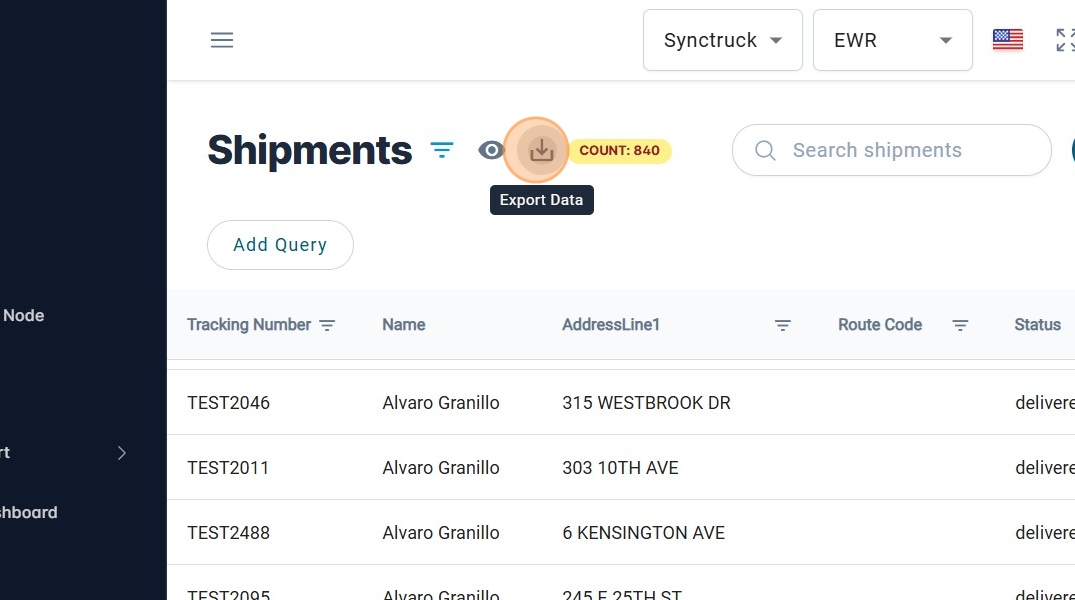
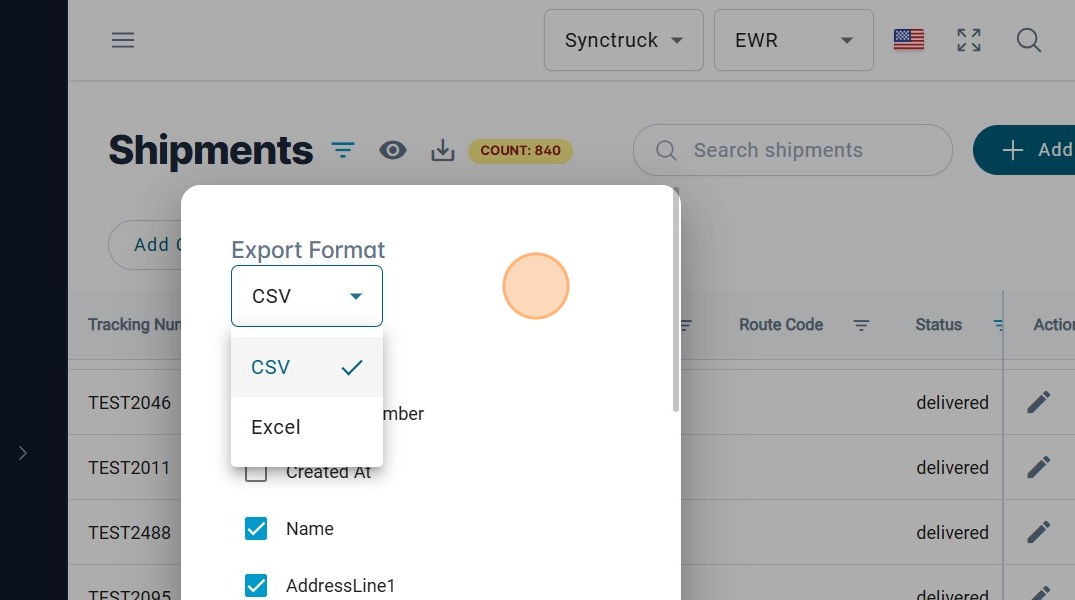
Click on Export Data.
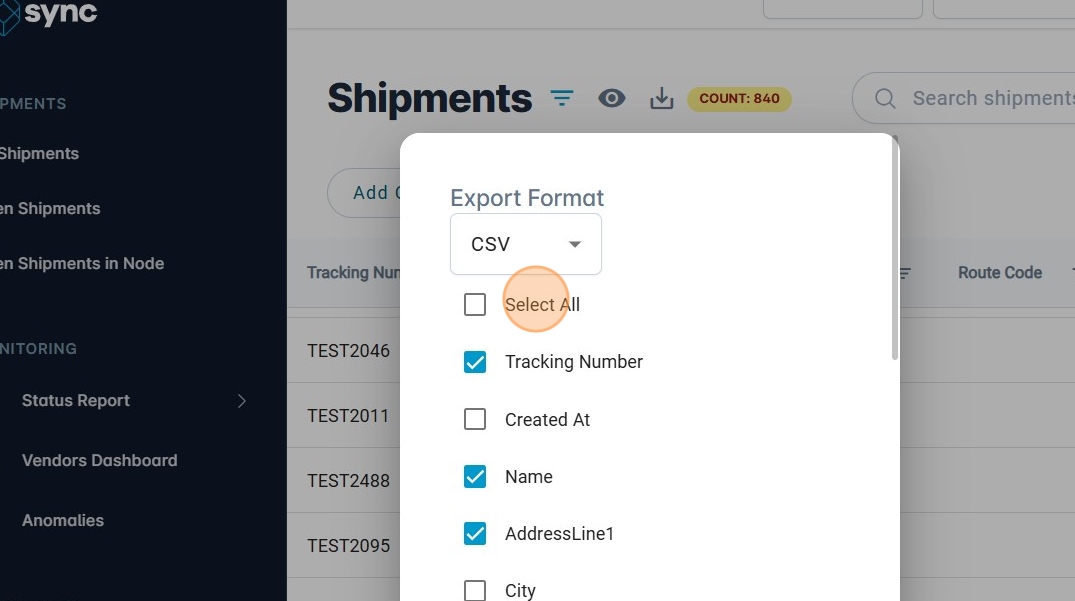
- Choose the columns that will be exported.
- Click on the Dropdown menu.
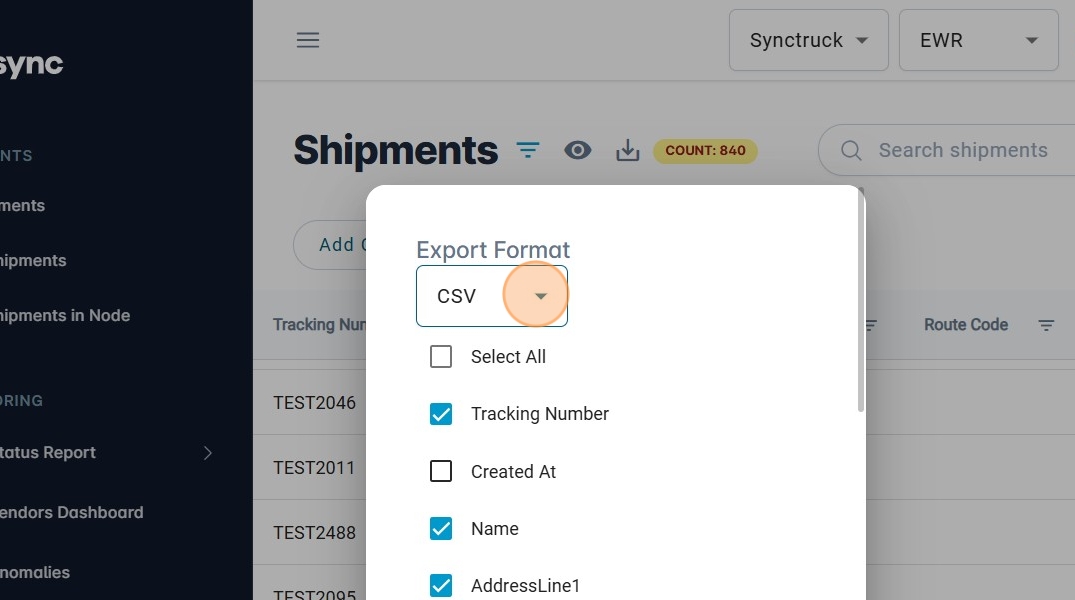
- Select the format that will be exported.
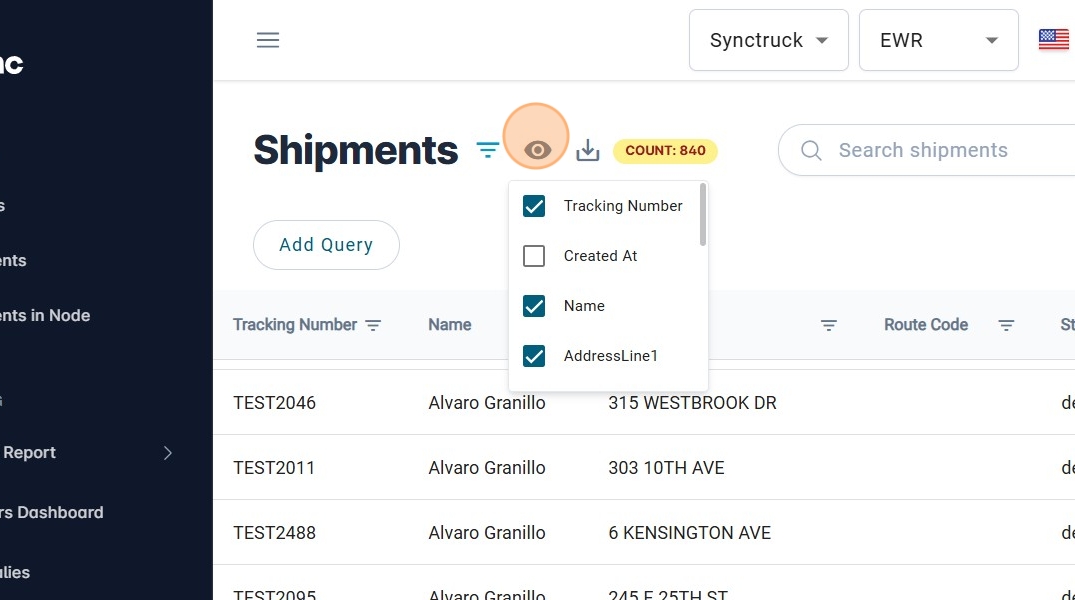
- Columns that are selected at the beginning are the ones that the user selected on the view of the table.
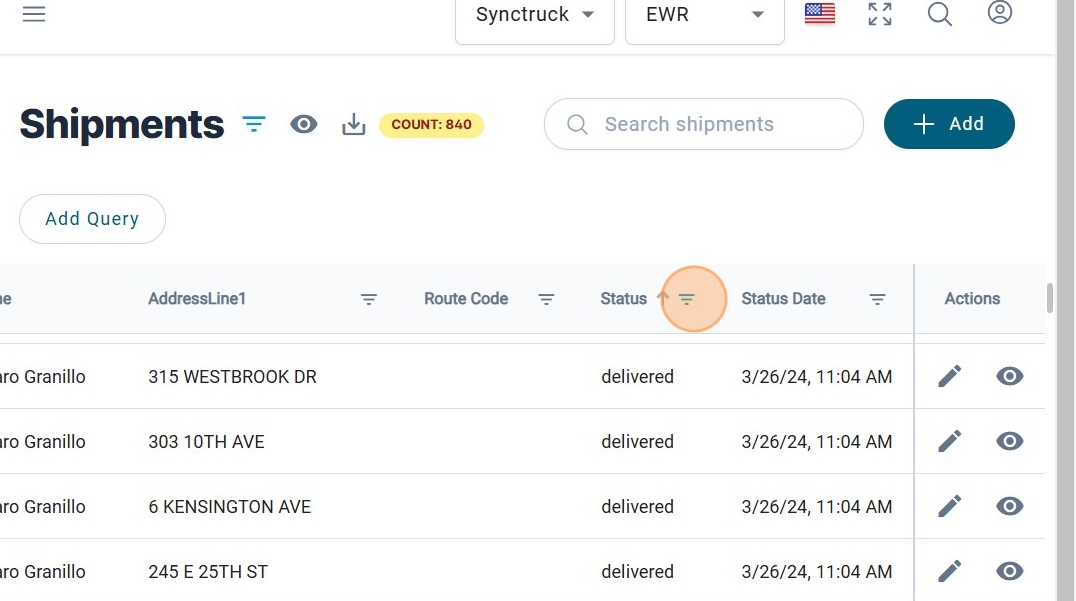
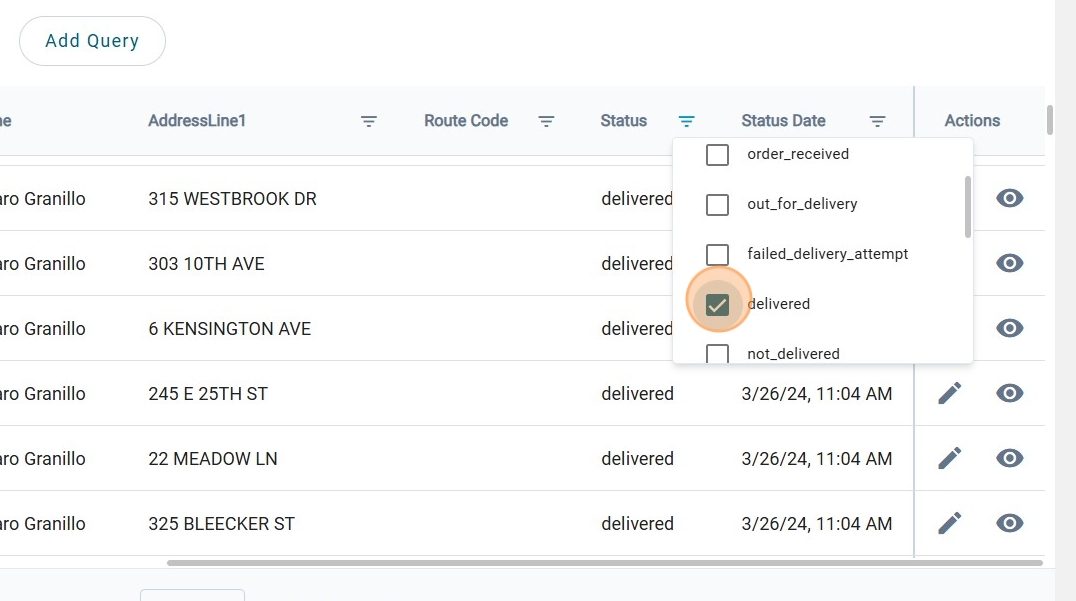
- Filters applied to the table view will be reflected in the exported file.
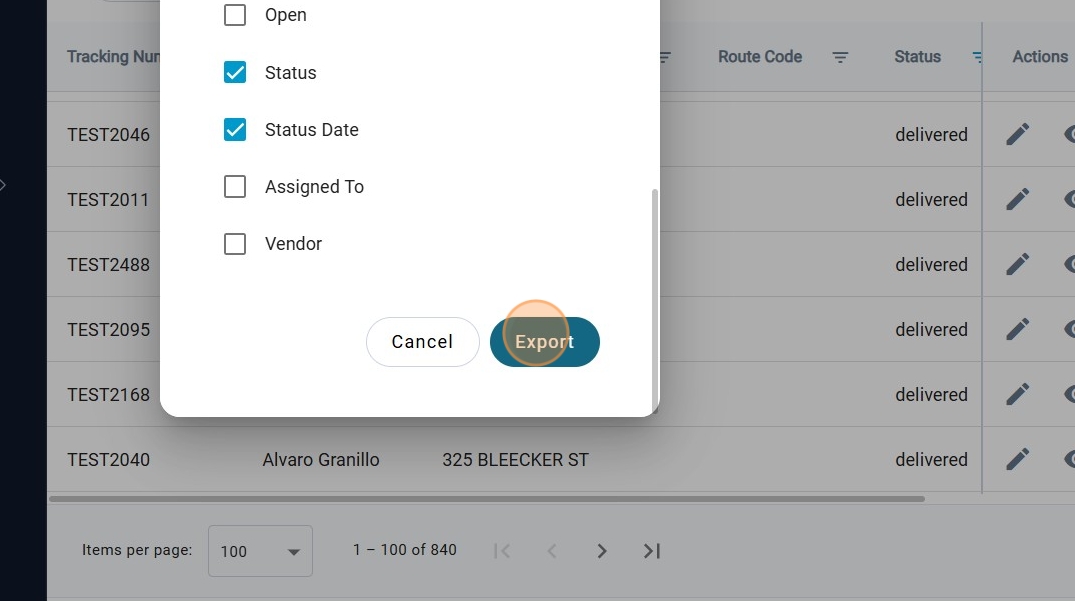
- Once you have everything selected, click on "Export"