Import file in open filter
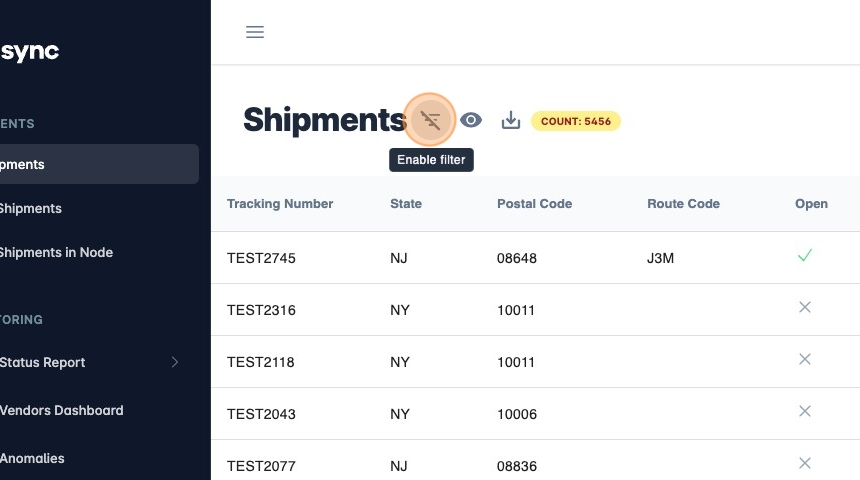
- Click here to enable filters.
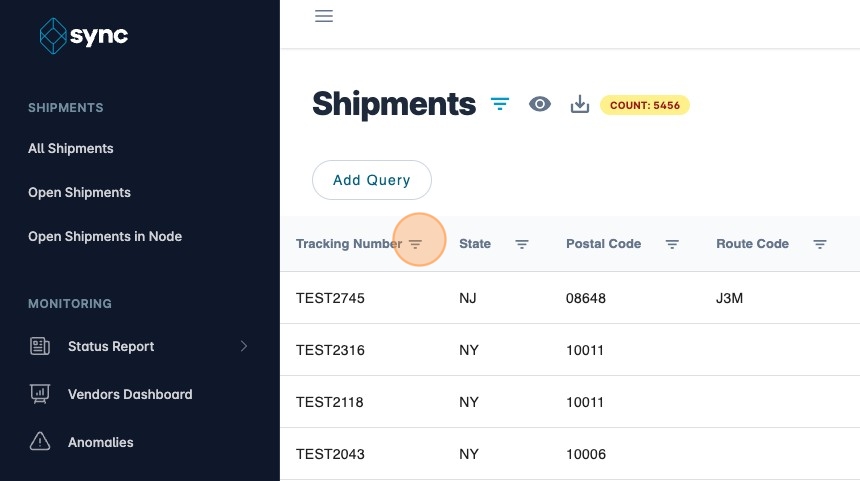
- Click on the filter icon. This filter must be open.
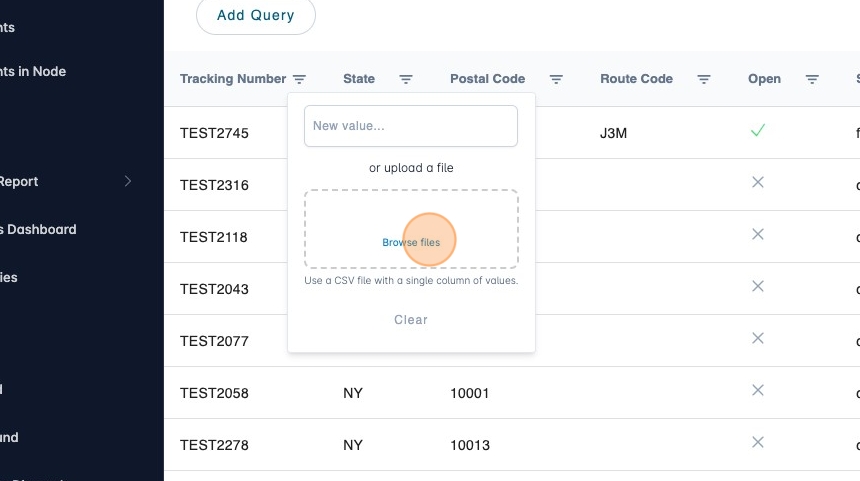
- Draw and drop a file or click on "Browse Files". Upload a CSV with a single column.
- The filter will display the values you have uploaded. You can add or remove values manually if needed.
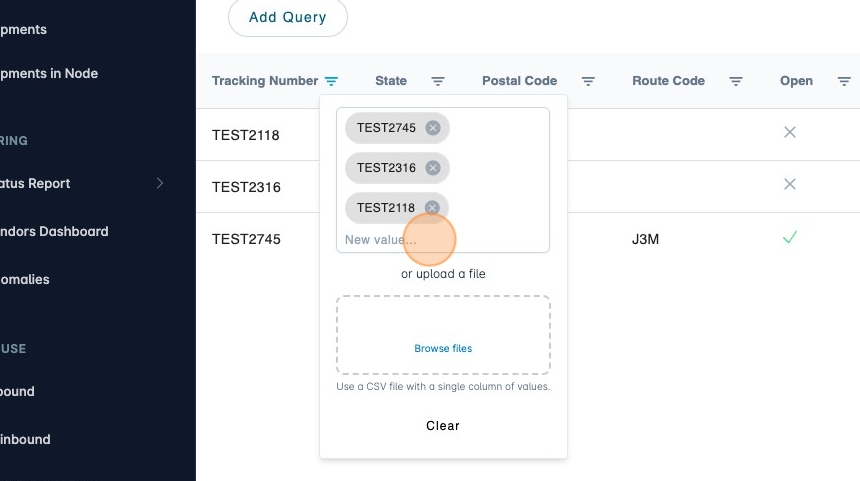
- Close filters to view results.
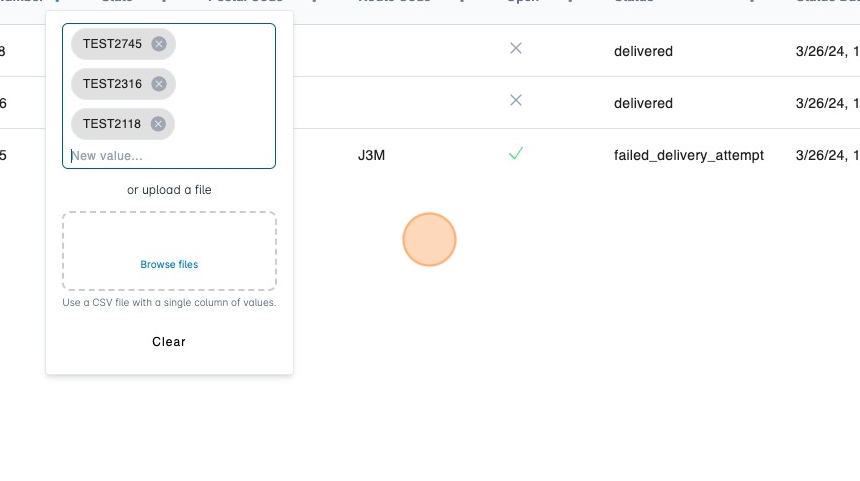
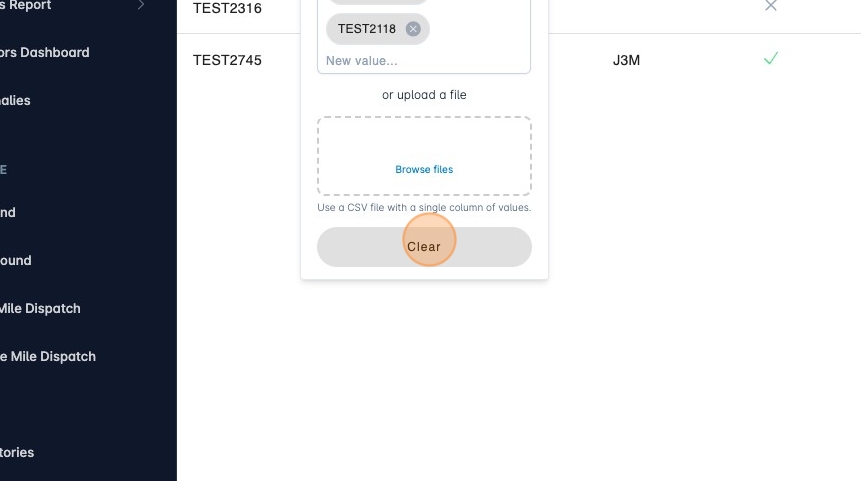
- Click "Clear" to clear the values on this filter.