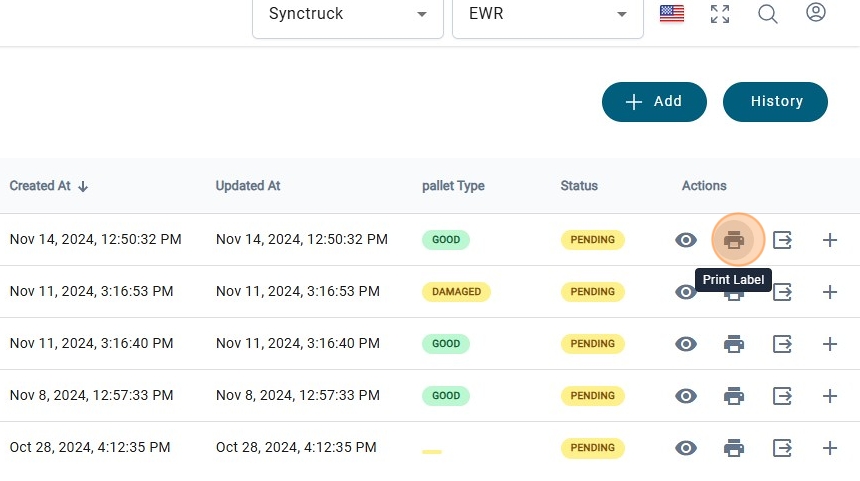
How to Create and Scan Shipments in pallets.
1. Navigate to https://platform.syncfreight.com/#/warehouse/rts
2. To create a new Pallet click on "+ Add"
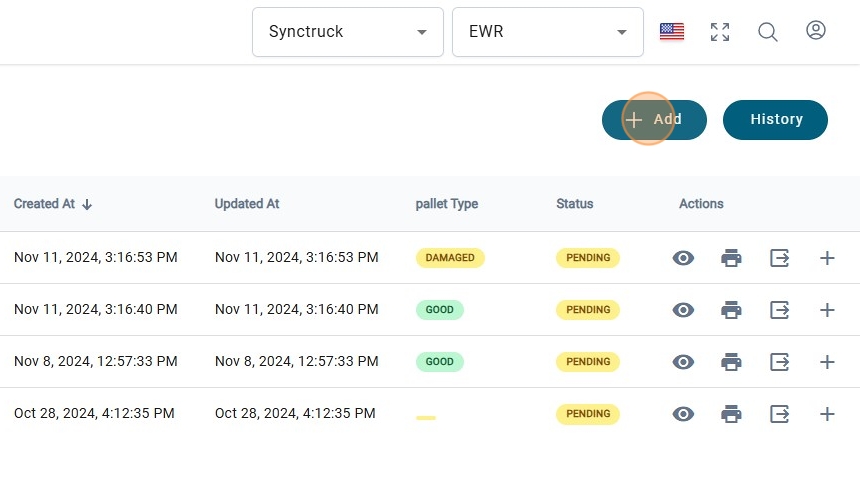
3. Select the Shippmet by clicking on the dropdwon Menu.
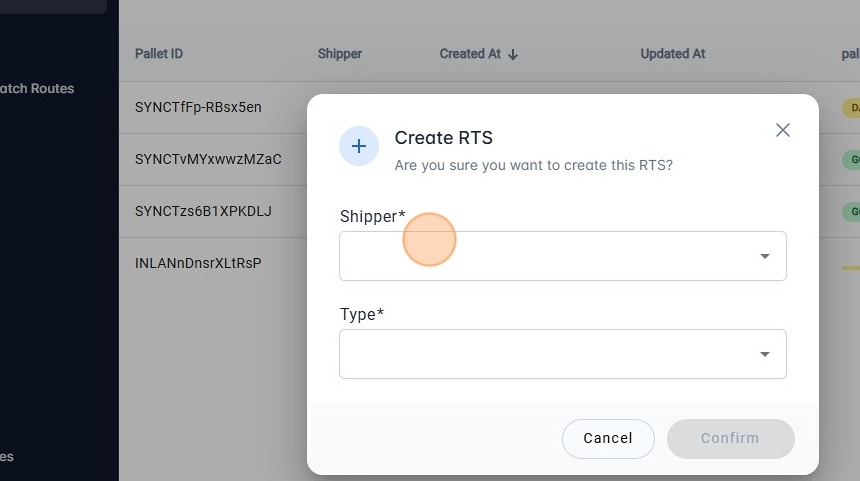
4.
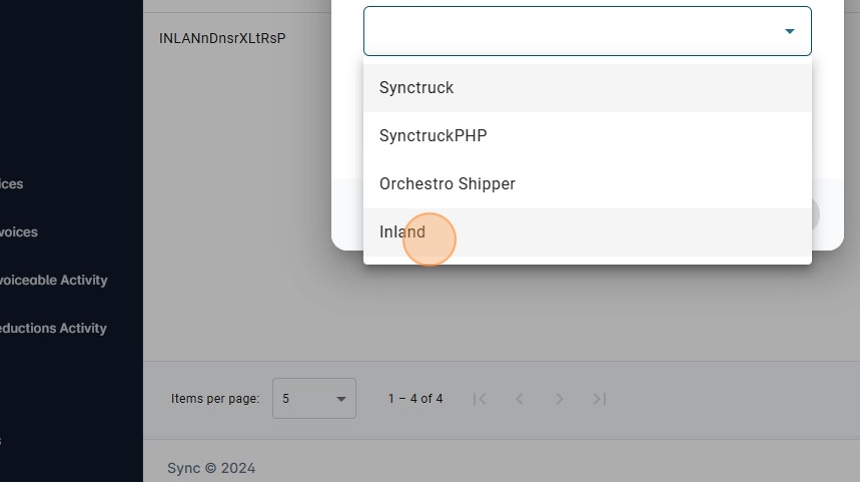
5. Select a "RTS Pallet Type" By clicking on the dropdown Menu
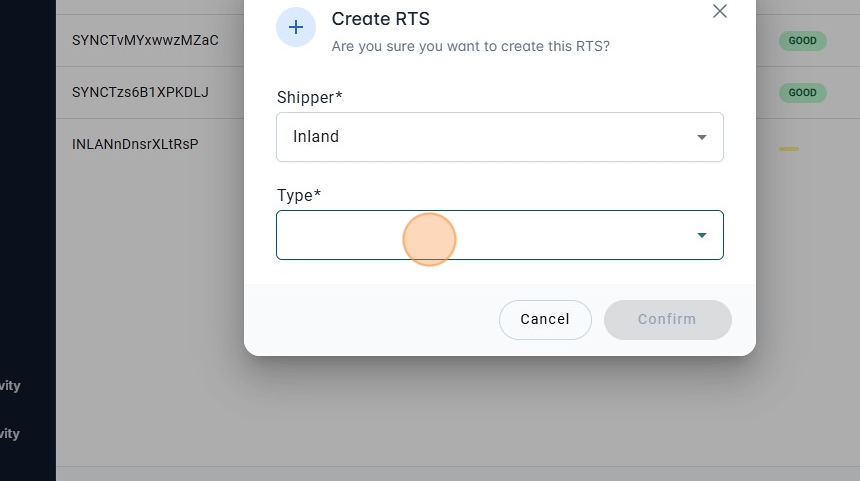
6.
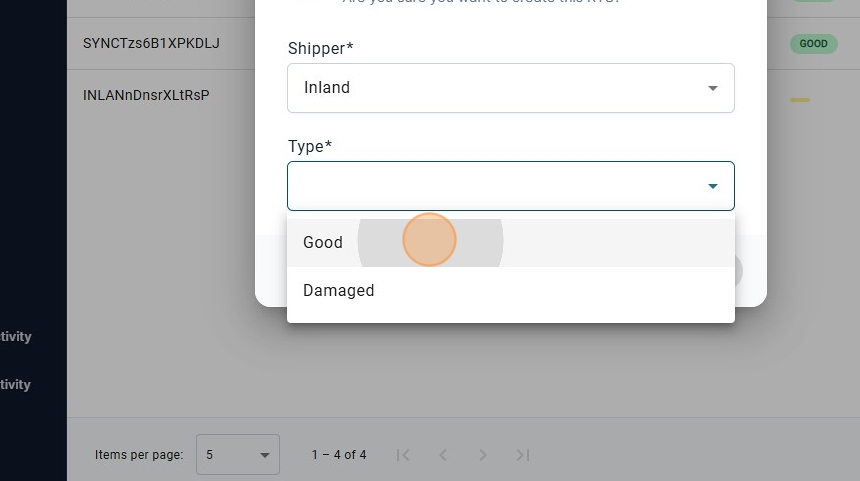
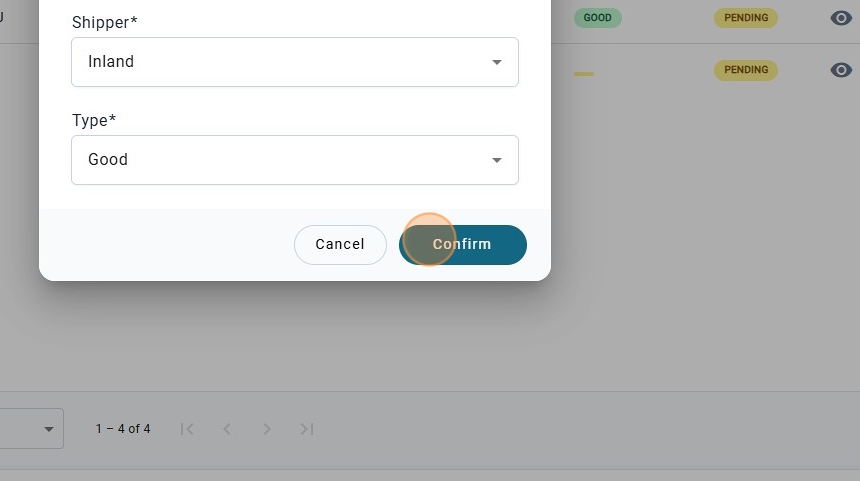
7. Once the shipper and the Type has been decided select on "Confirm".
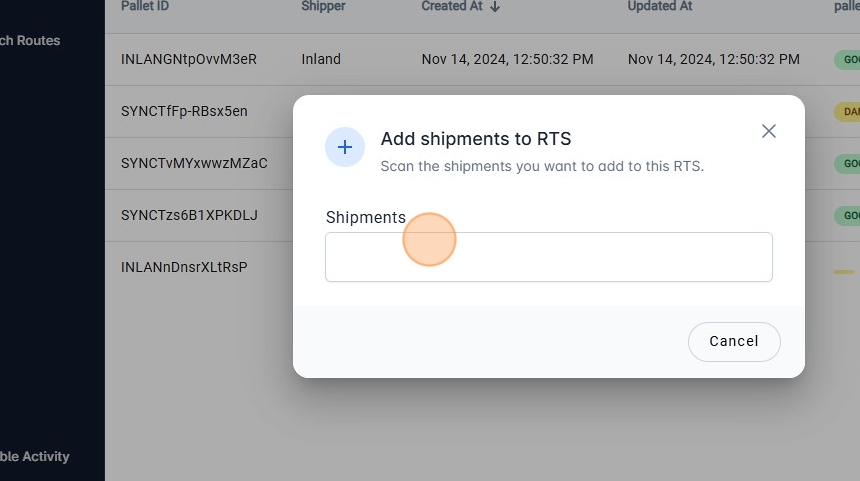
8. To add shipments to the pallet, click on "Add Shipments"
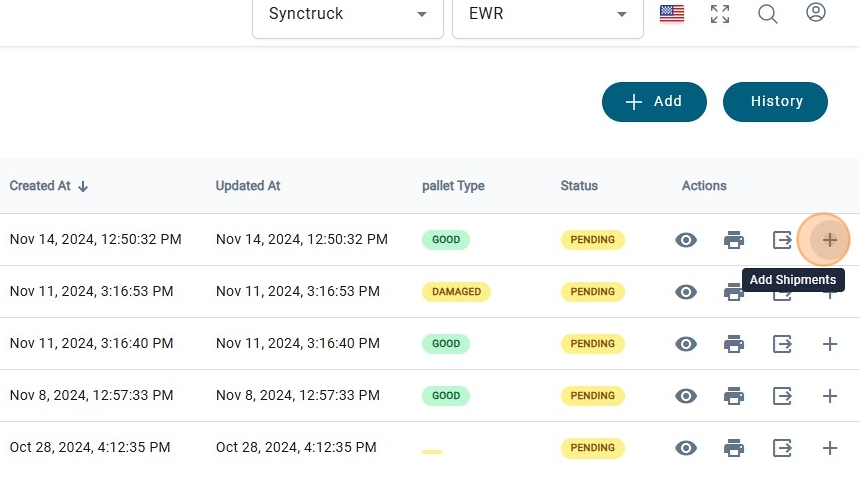
9. A modal will be shown and here the barcode must be scanned.
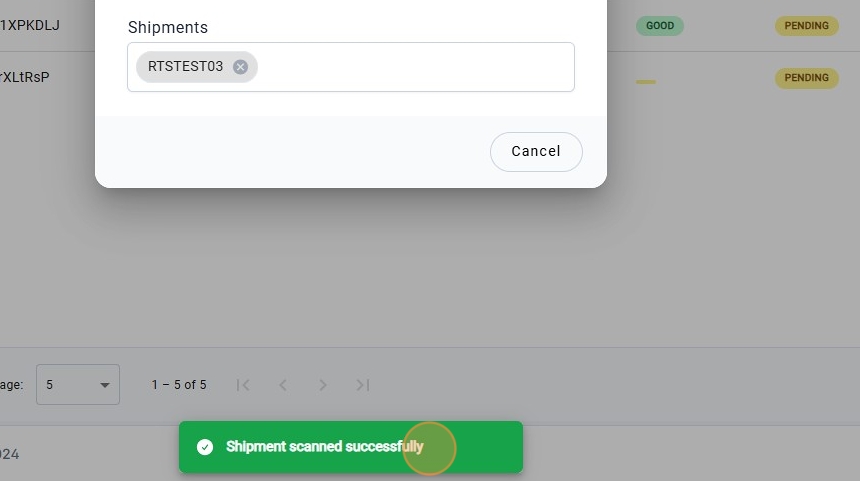
10. If the package was successfully scanned, a message will be shown.
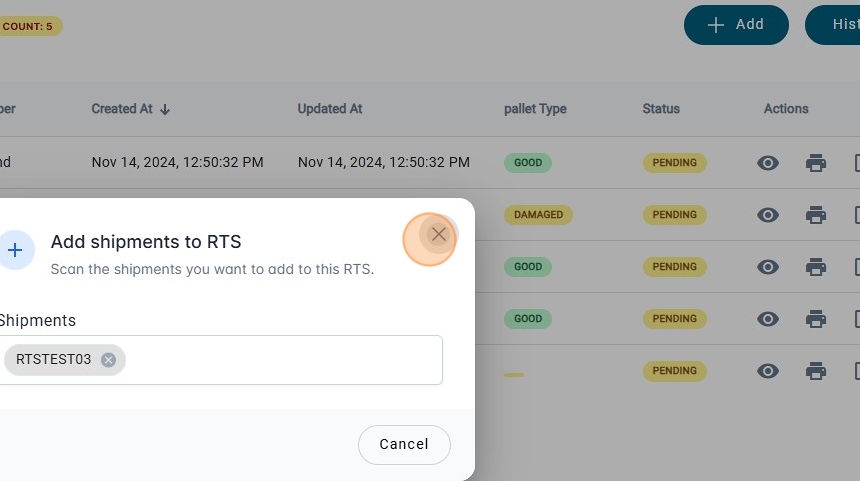
11. Click on the "X" to close the modal.
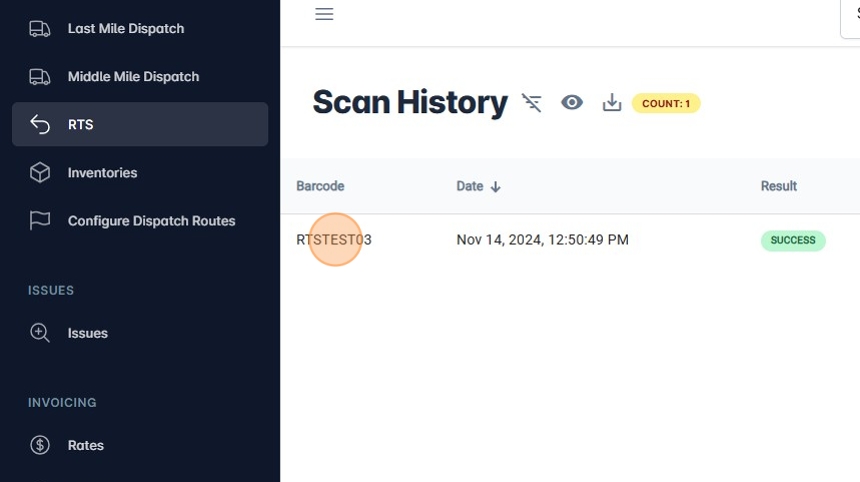
12. There is the option to "View History"
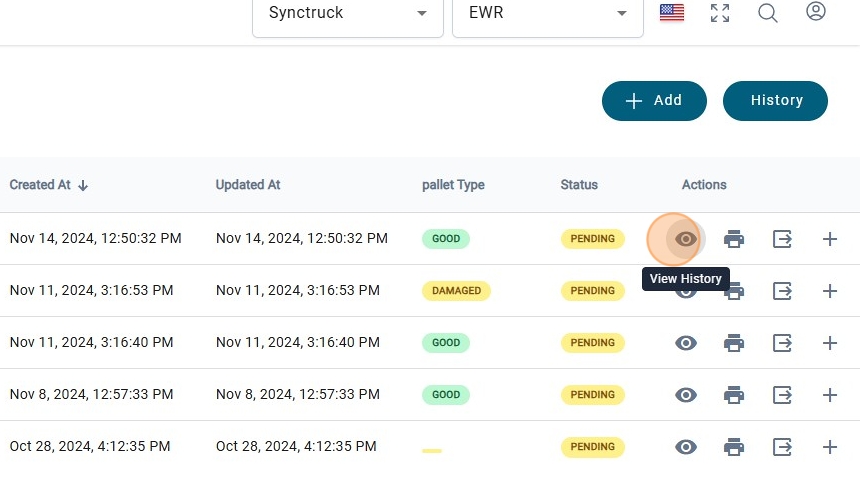
13. Once a package has been scanned, It will be shown in the "Scan History"
14. To print a Label click on "Print Label"