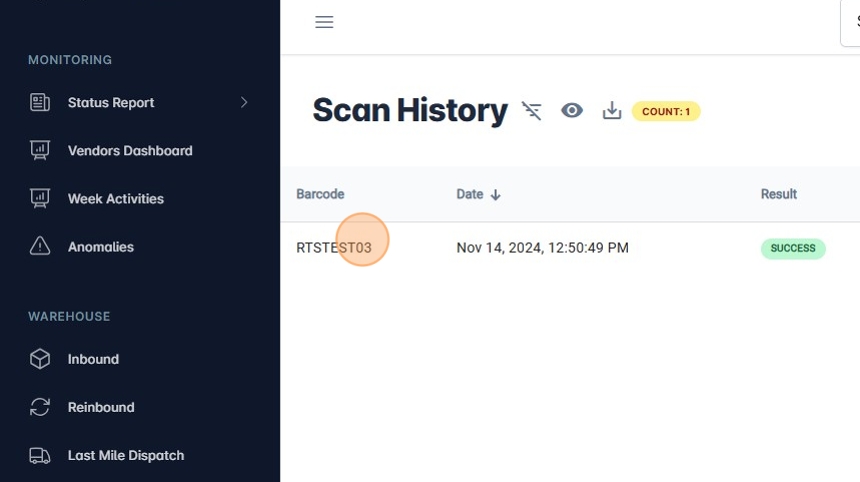
How To Scan Out an RTS Pallet.
1. Navigate to https://platform.syncfreight.com/#/warehouse/rts
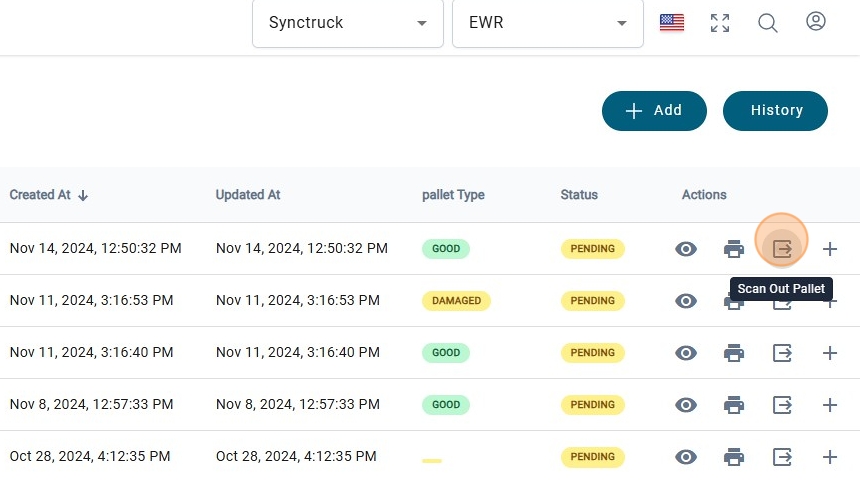
2. Click on "Scan Out Pallet".
3. This message will be shown on screen.
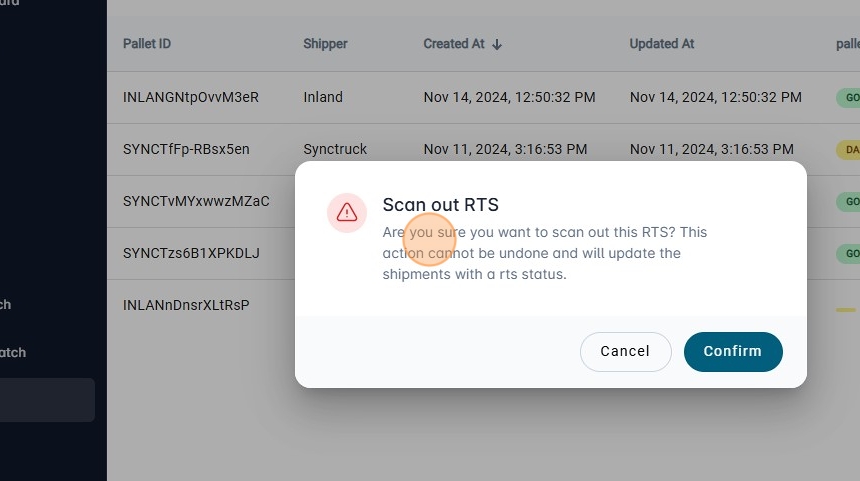
4. If everything is ok, click on "Confirm"
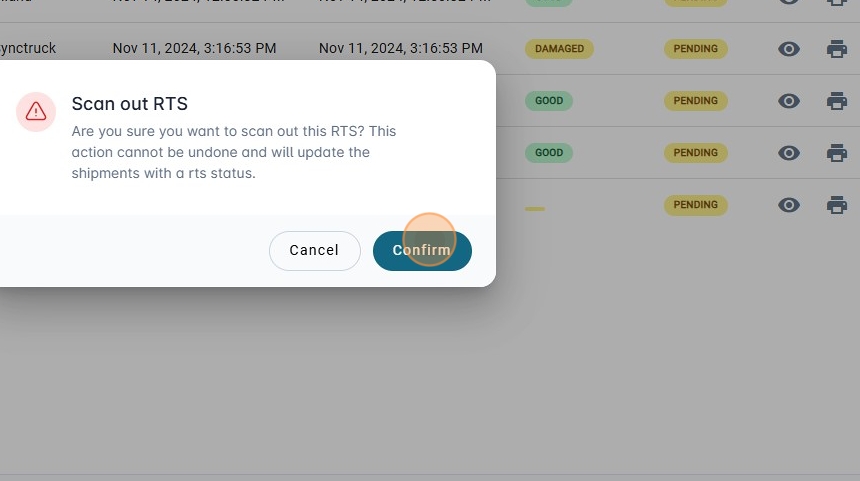
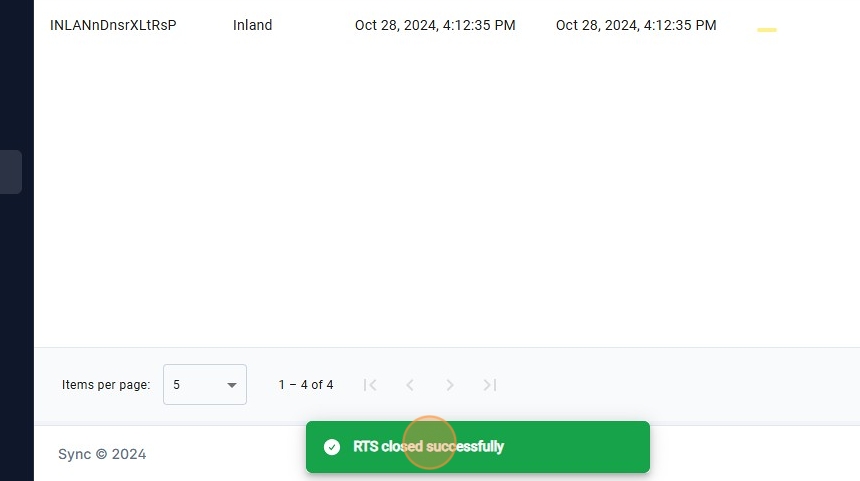
5. The message that RTS was closed successfully will be shown.
6. To check the pallets that has been scanned out, click on "History".
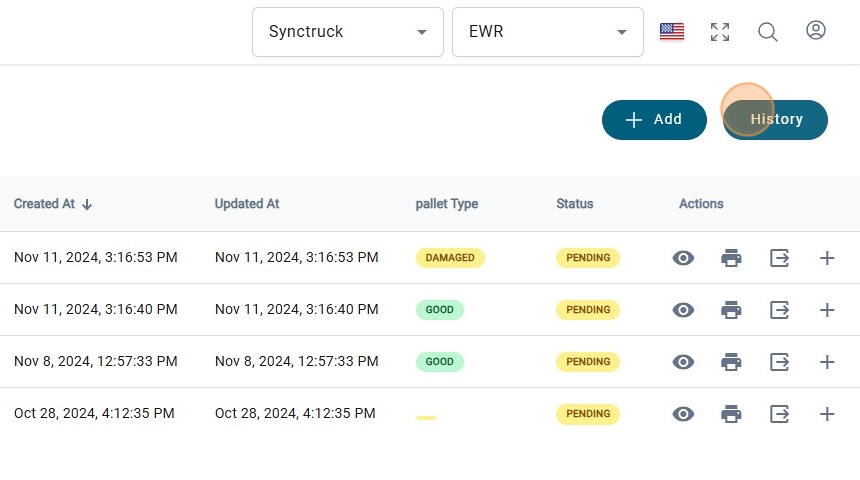
7. The date that was created and updated will be shown
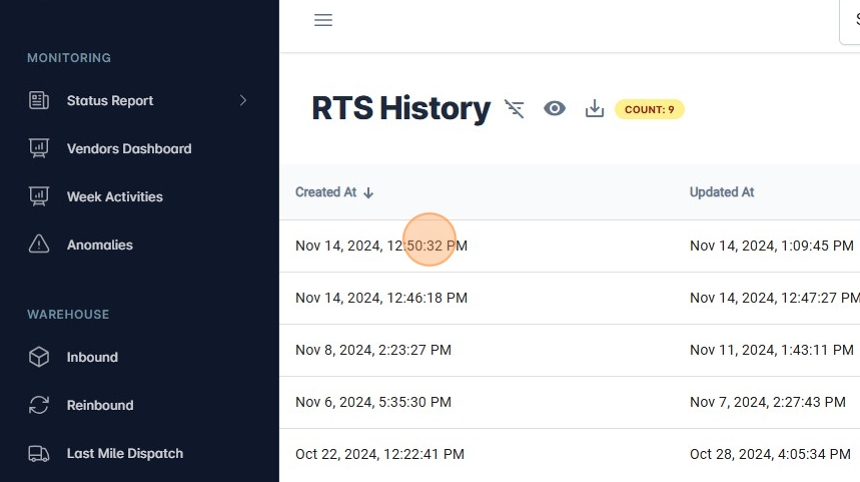
8. Click on "View History" to see the packages that were scan on the pallet.
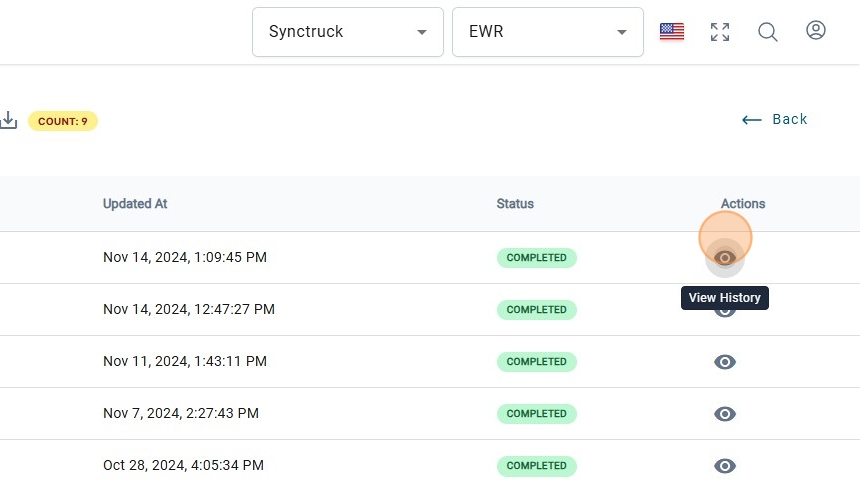
9. Packages that were scan on the pallet will be shown on this table.