Creating a Shipment
-
Navigate to [https://platform.syncfreight.com/#/shipments]
-
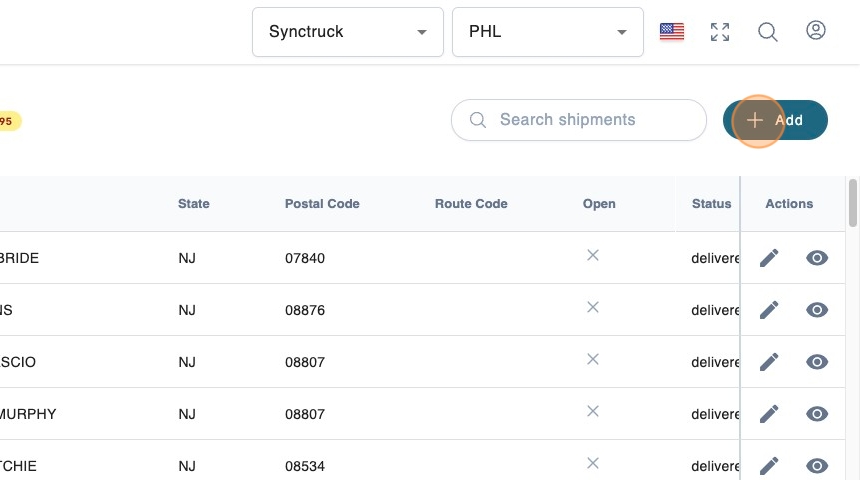
Click + Add.
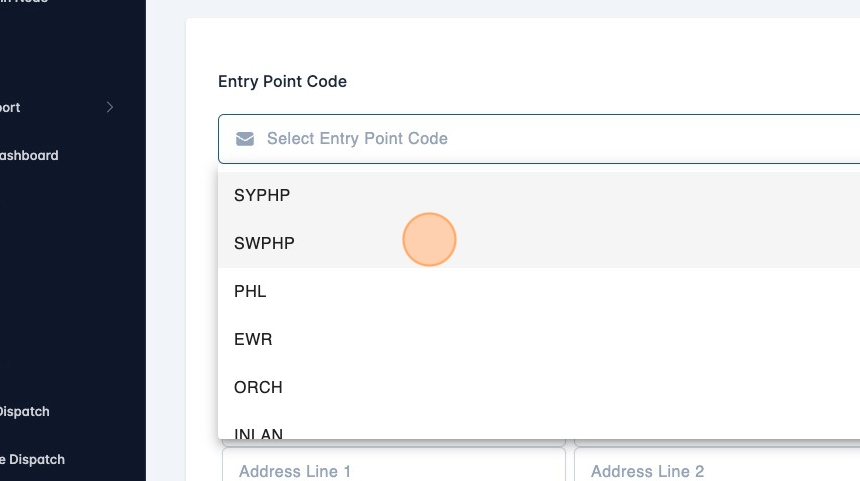
- Select entry point code.
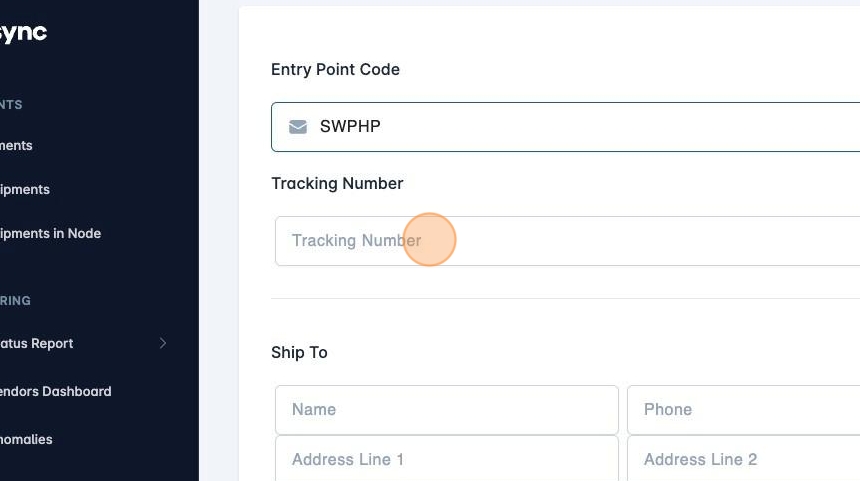
- Enter the tracking number
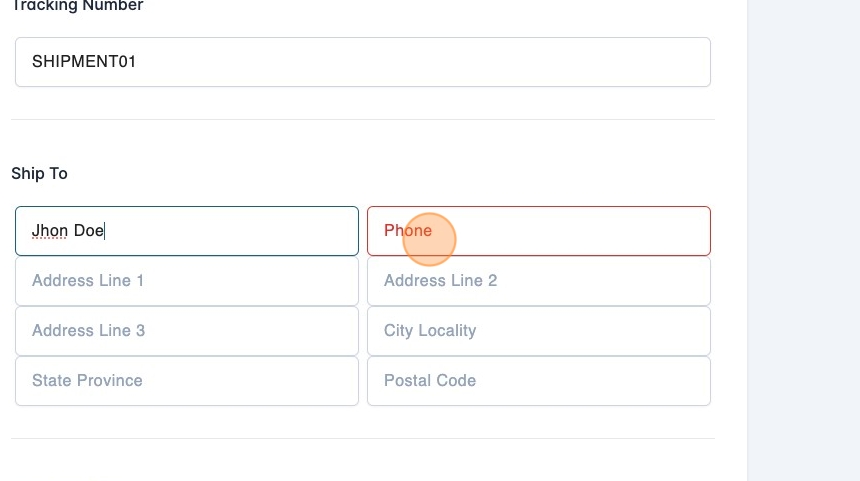
- Enter the address information
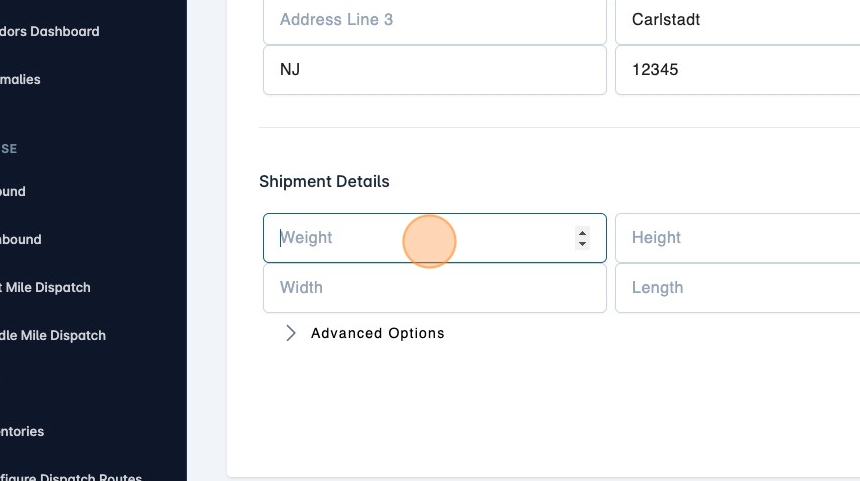
- Enter the dimensions and weight information.
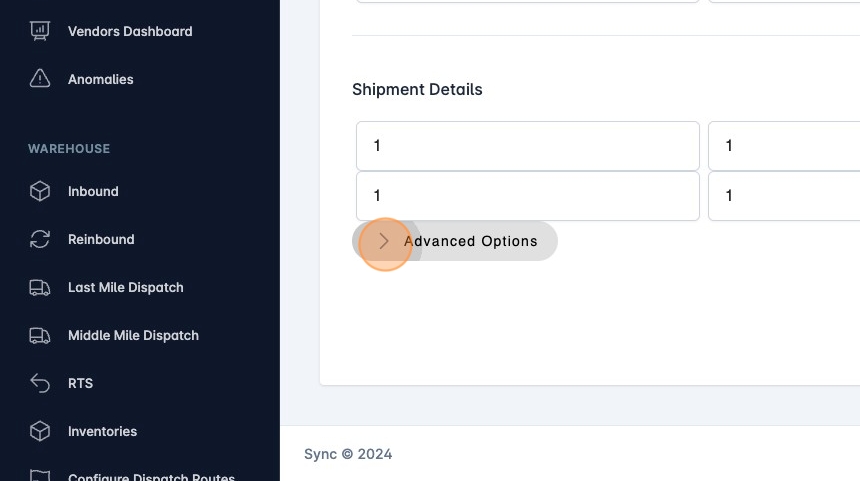
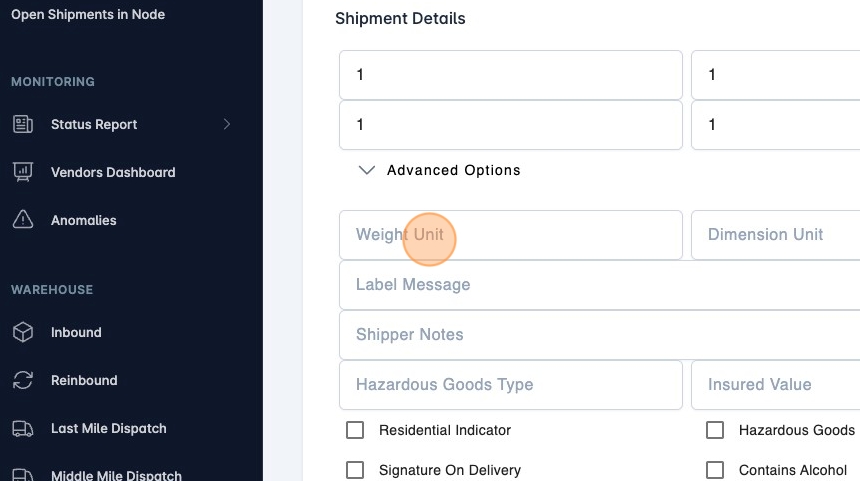
- If you need it there are advanced options.
- Fill in the information you need.
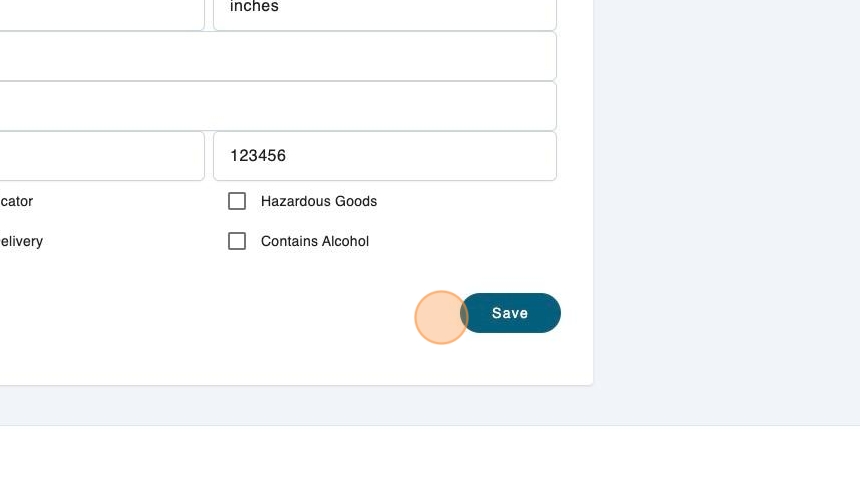
- Click on Save.