Mark a Shipment as Lost in Shipment View
1. Navigate to https://platform.syncfreight.com/#/shipments/view/67660084465
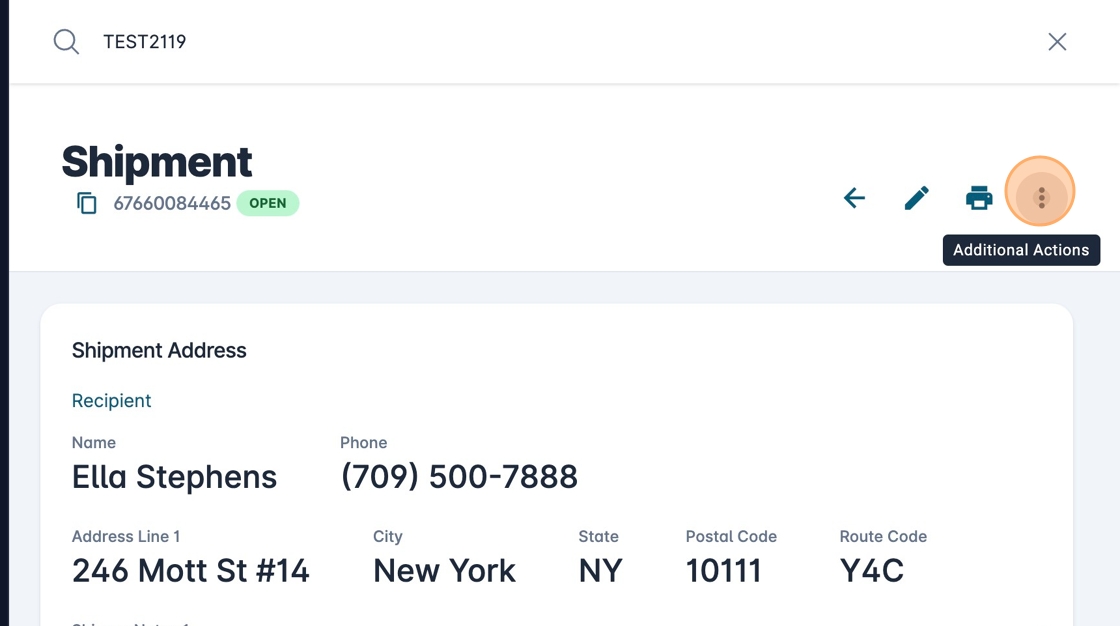
2. Click here.
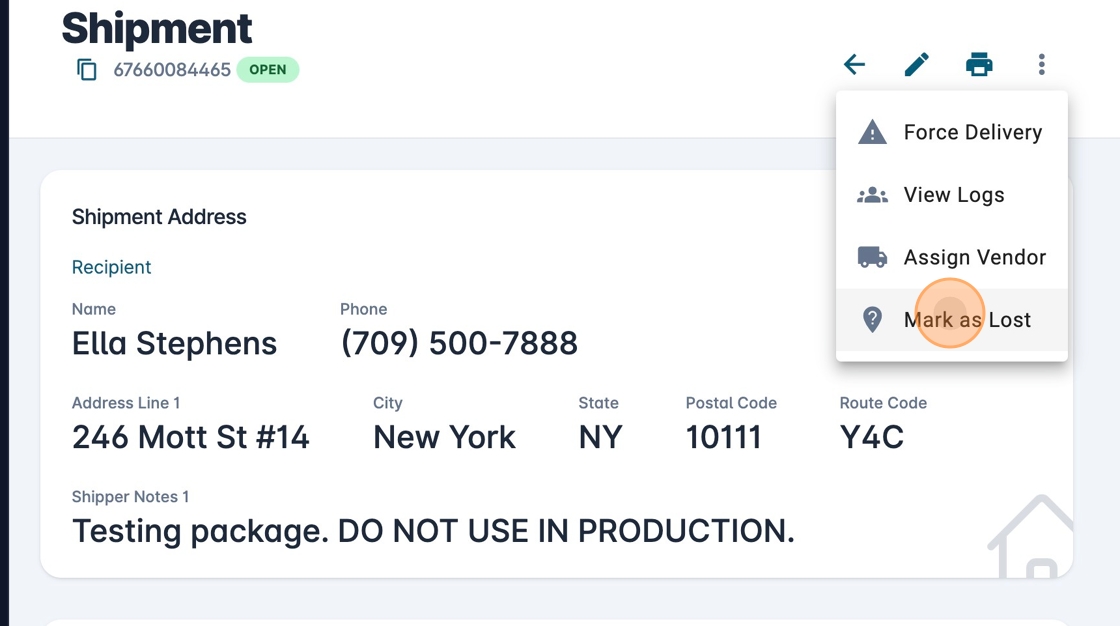
3. Click "Mark as Lost"
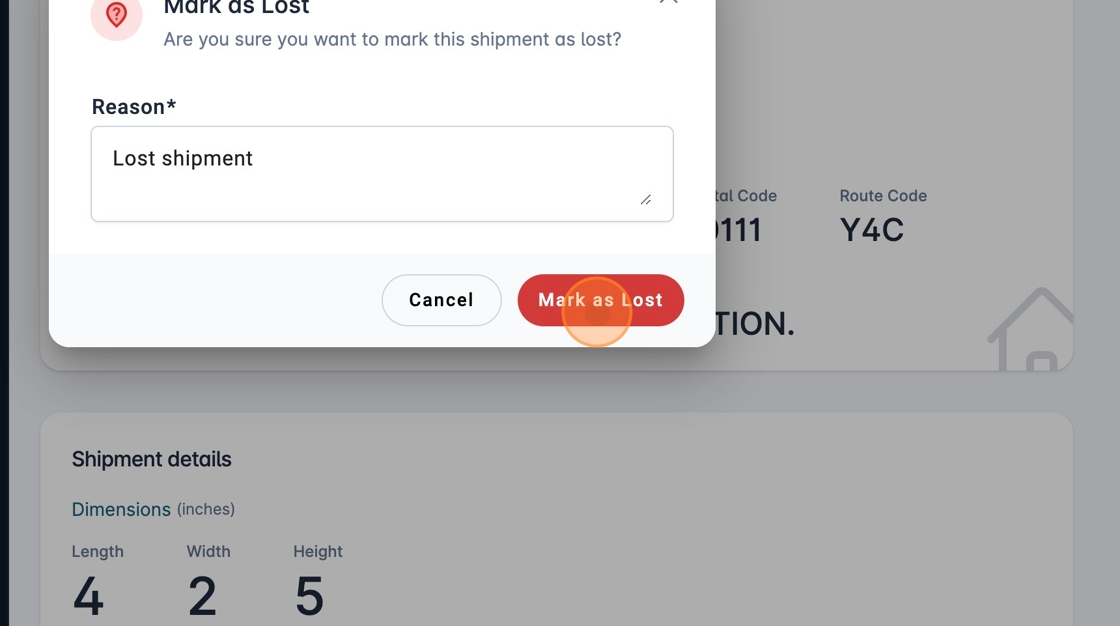
4. Write the reason and click "Mark as Lost".
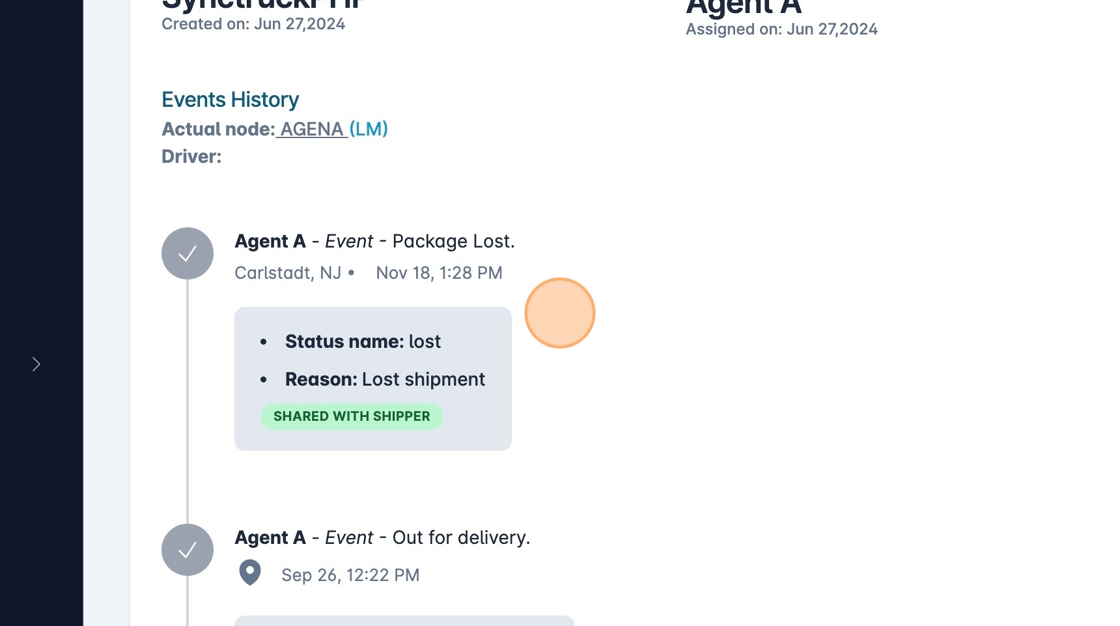
5. The lost was registered.
1. Navigate to https://platform.syncfreight.com/#/shipments/view/67660084465
2. Click here.
3. Click "Mark as Lost"
4. Write the reason and click "Mark as Lost".
5. The lost was registered.