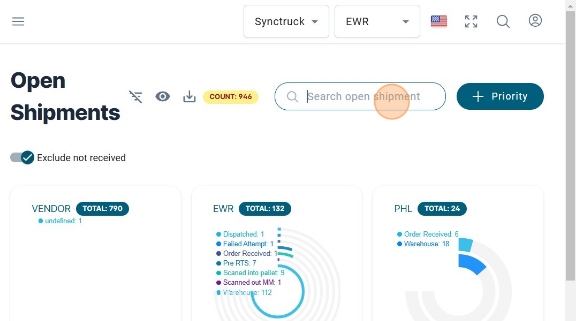
Open Shipments
-
Navigate to https://platform.syncfreight.com/#/shipments/open
-
Check the open Shipments Table, where all the shipments are filter by the ones that have not been close yet.
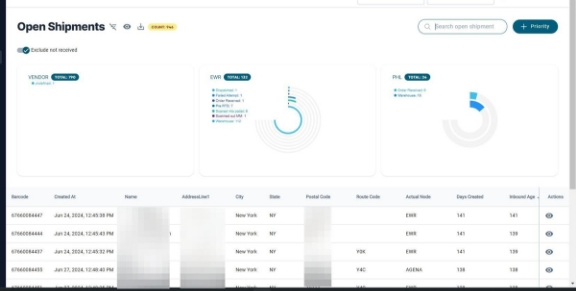
- There are this graphs that show the amount of packages in the different statuses, divided in Vendor, and the different Nodes.
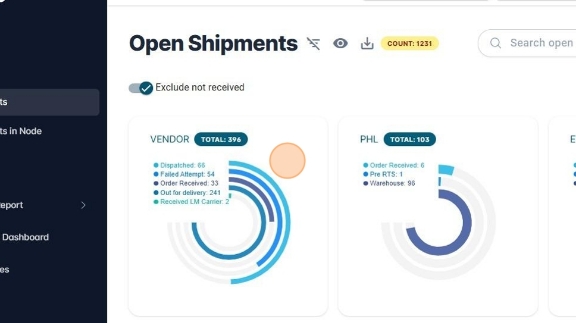
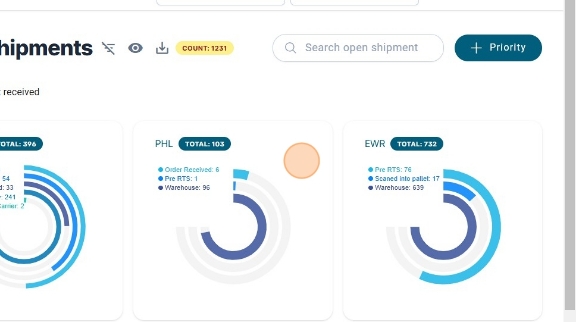
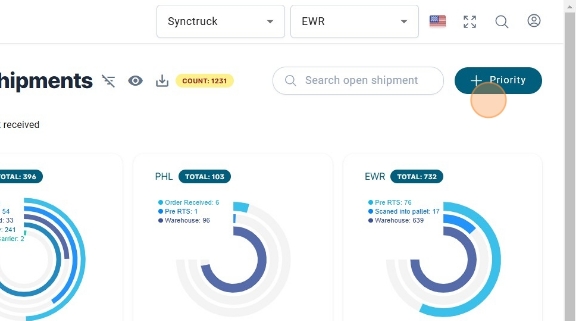
- To mark a package as high Priority, click on "+ Priority"
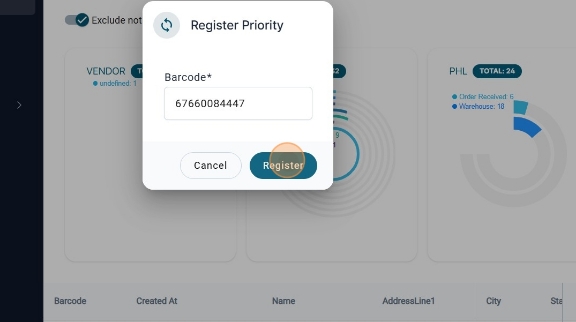
- A modal like this, will be shown, add the Barcode, and Click on "Register"
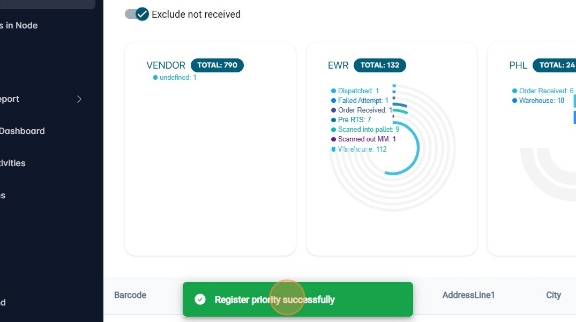
- A message like this will be shown if the package was register successfully
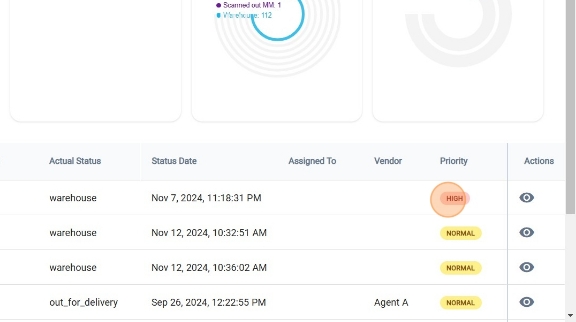
- The priority will be shown on this column like this.
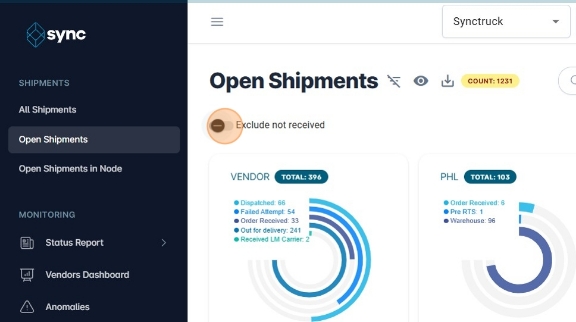
- There is the option to exclude the packages that are not in warehouse yet, by clicking on this icon.
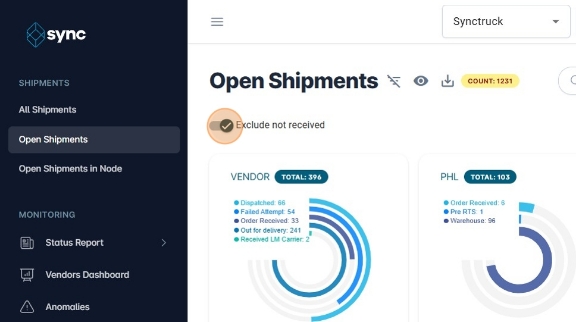
- Click here.
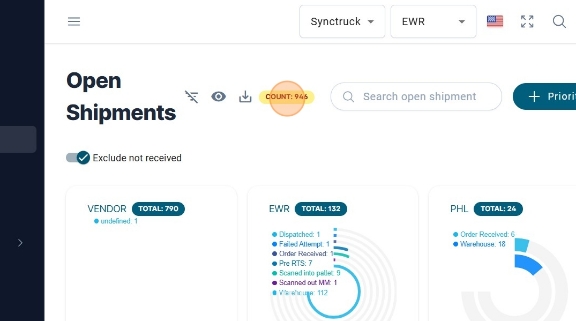
- The option to see the count of packages is at the top of the page.
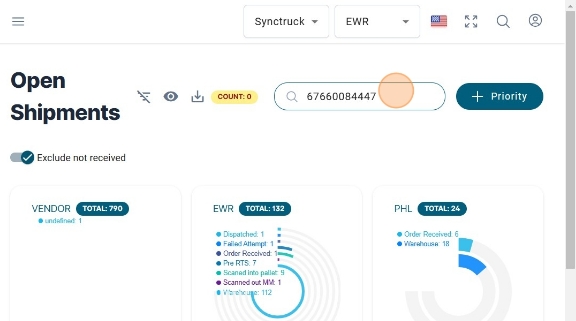
- There is also the option to look for a package, this is another useful option if the user does not want to apply filters to the table.