Open Shipments in Node
1. Navigate to https://platform.syncfreight.com/#/shipments/open-shipment-on-node
2. Here, there is only one graph, with the information of the amount of packages in every status, but only in this node.
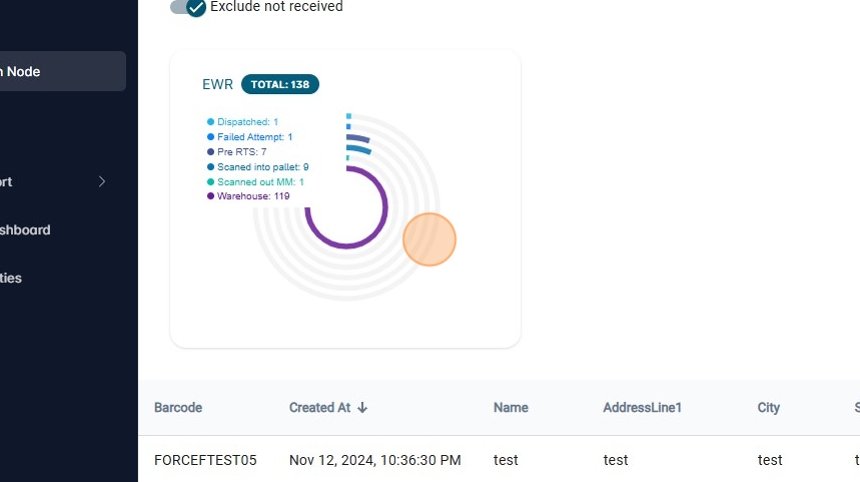
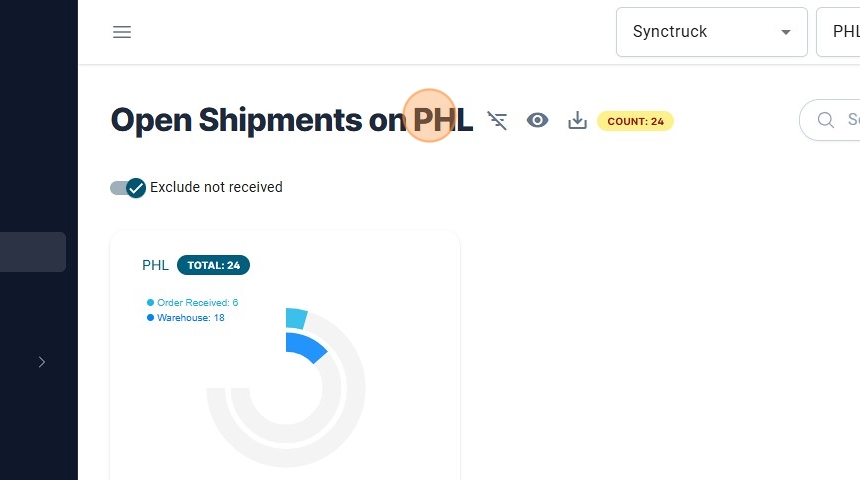
3. User will be able to see on the on the title the current Node.
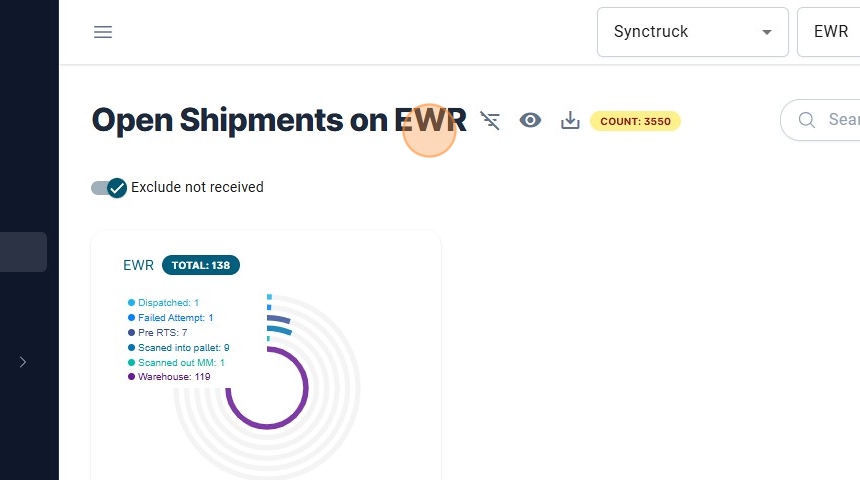
4. If the user change the node information will change too.
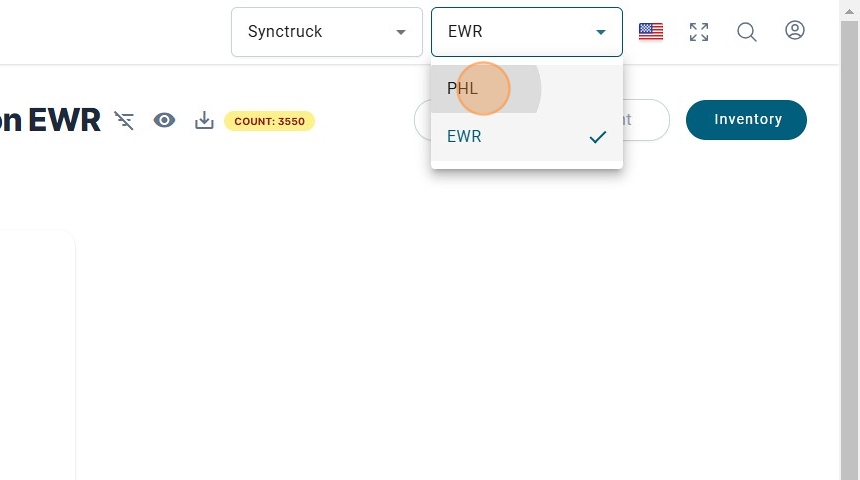
It will be reflected on the title and also on the information of the packages.
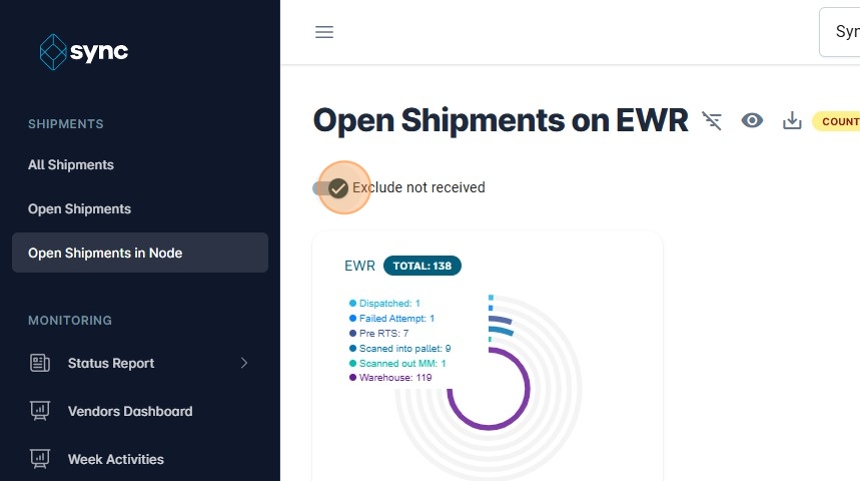
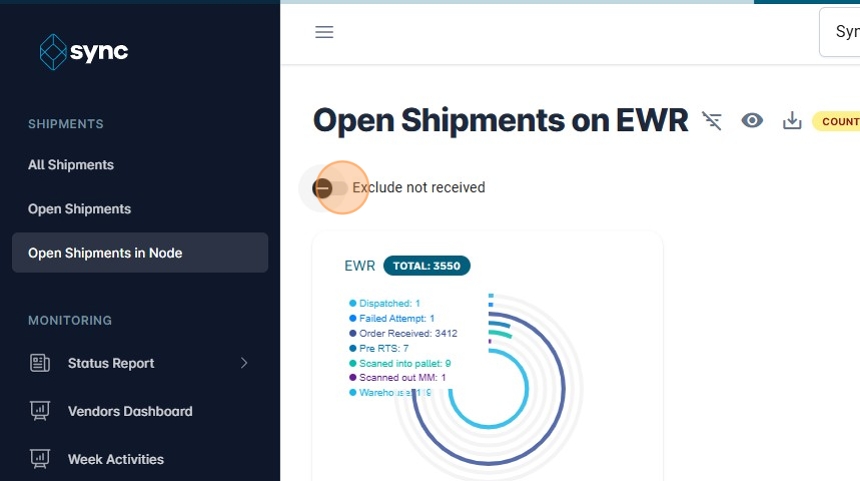
5. There is the option to Exclude the packages that has not been scanned in Warehouse too.
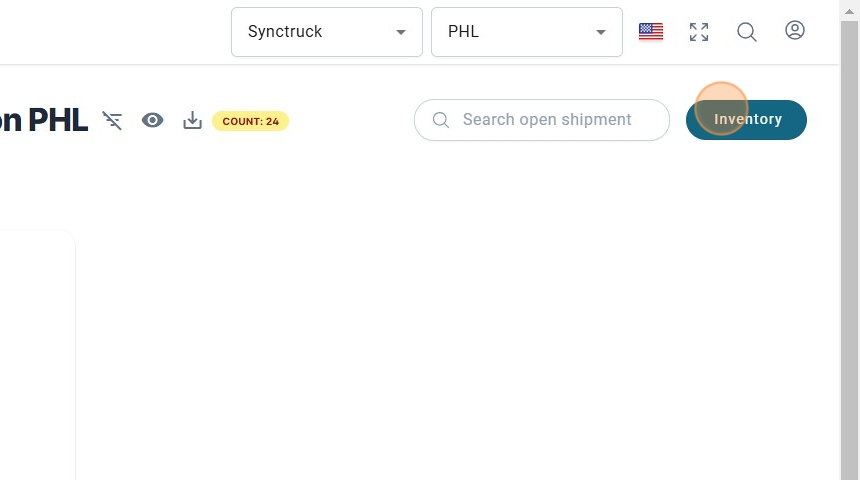
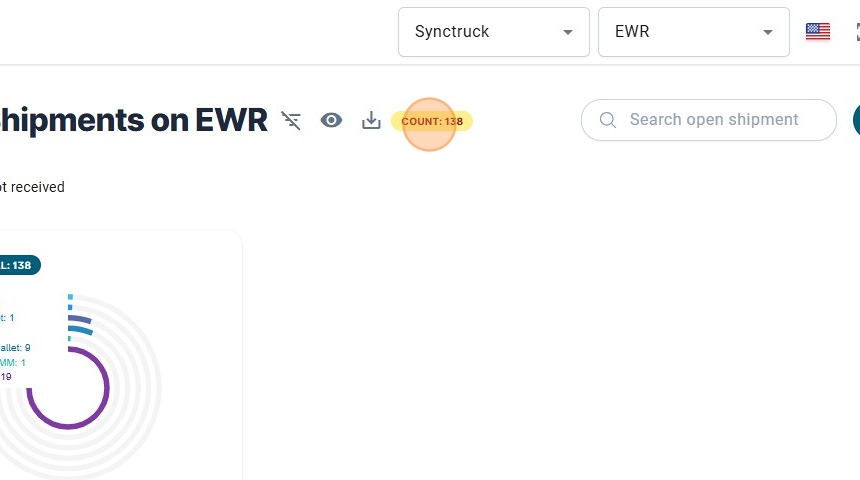
6. The Count of the packages is at the top of the scree.
7. There is the option to go the Inventory, to see the history of inventories.