Resolve Block Issue with Reprint Label Action
1. Navigate to https://platform.syncfreight.com/#/issues
2. Check the Action, the is "Reprint Label"

3. Click on "Print Label" the get the new Label.

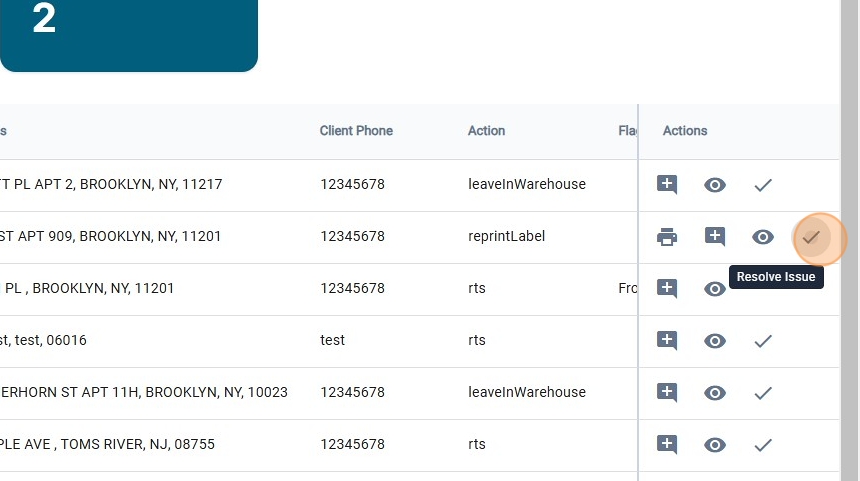
4. One the new label has been printed, click on "Resolve Issue"
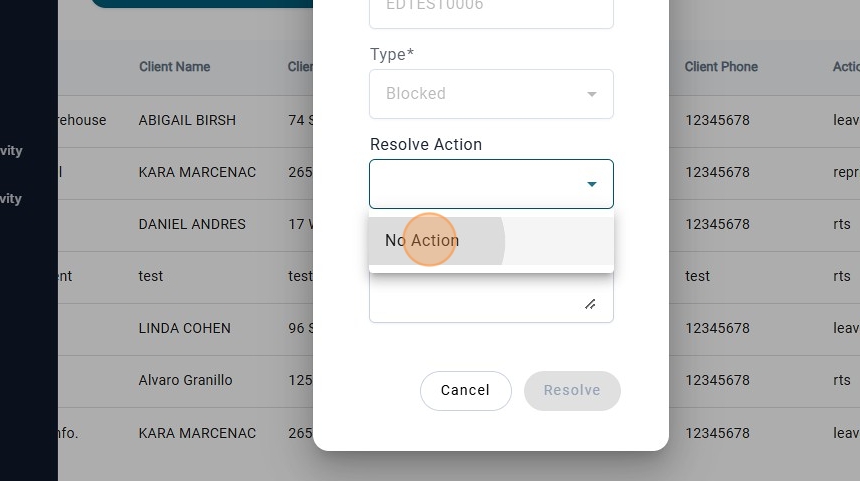
5. There will be only one "Resolve Action" that will be "No Action"
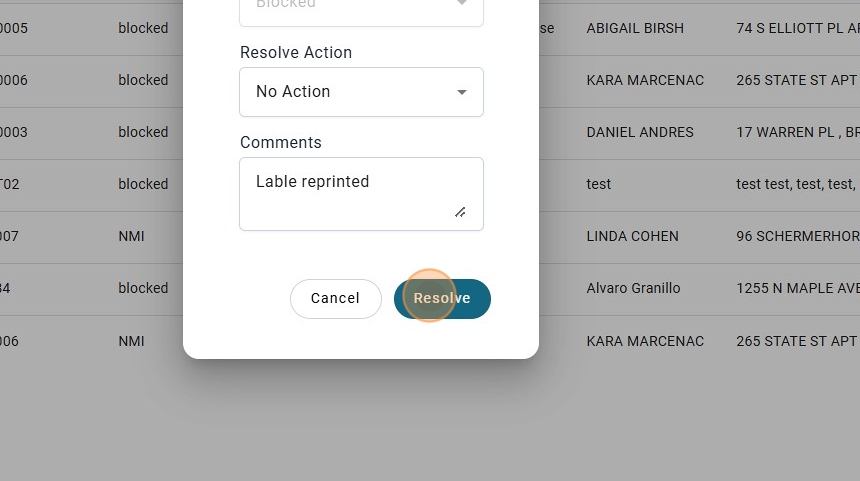
6. Add a Comment.

7. Click on "Resolve"
8. check the history.
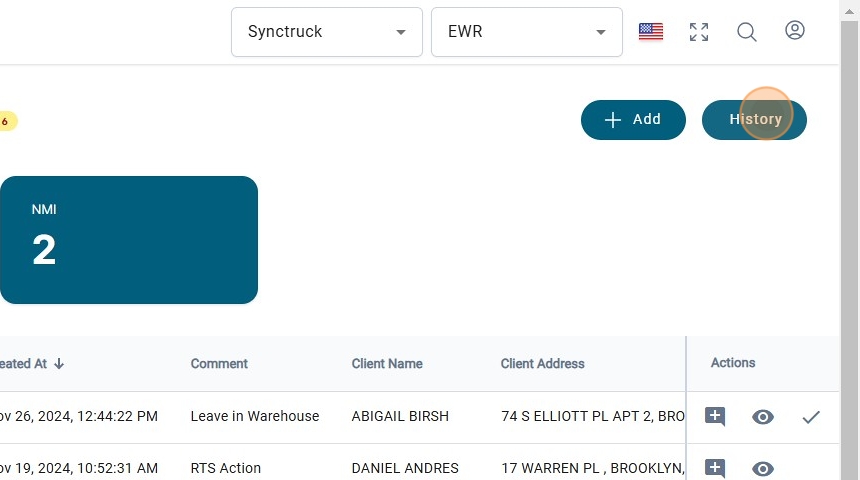
9. And there will be the issue resolved.
