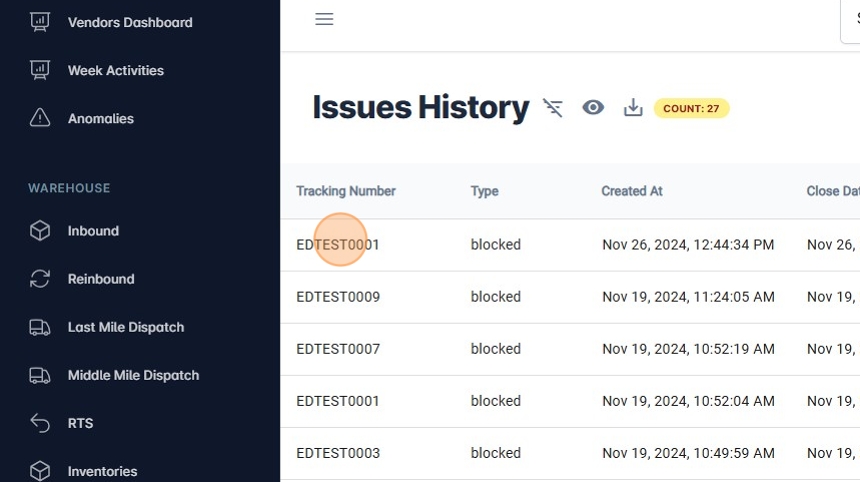
Resolve Block Issues with RTS Action.
1. Navigate to https://platform.syncfreight.com/#/issues
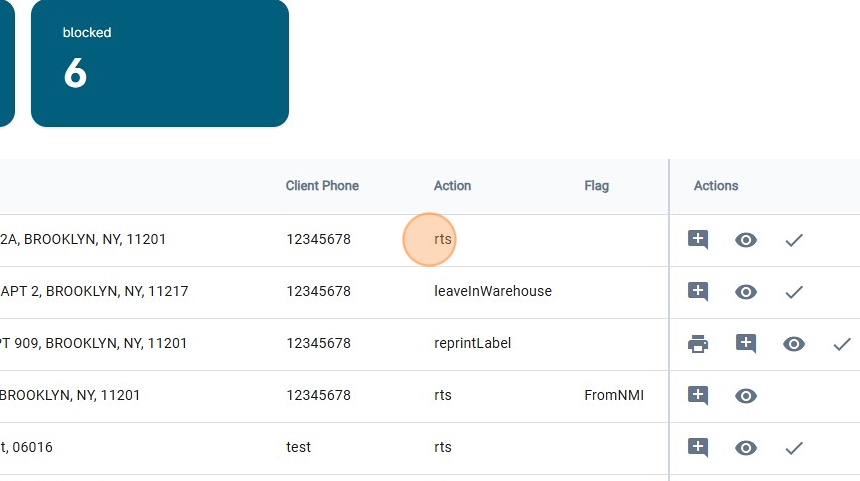
2. Check the resolve Action that will be shown on the table.
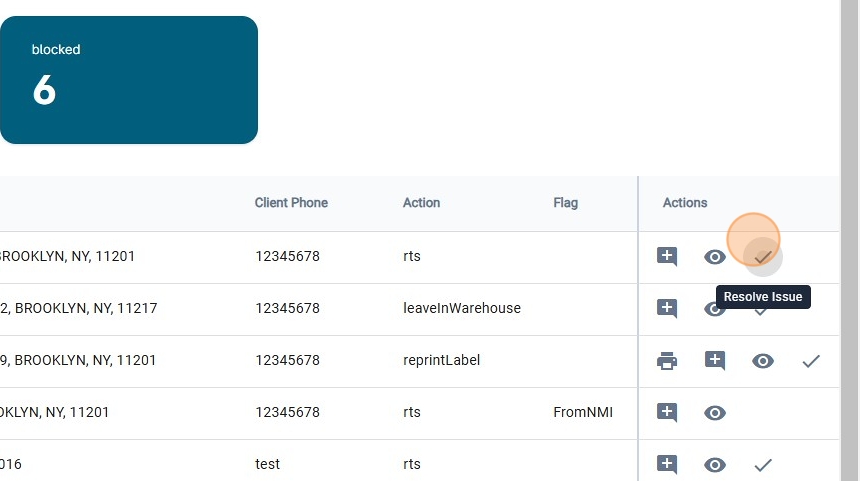
3. Click on "Resolve Issue"
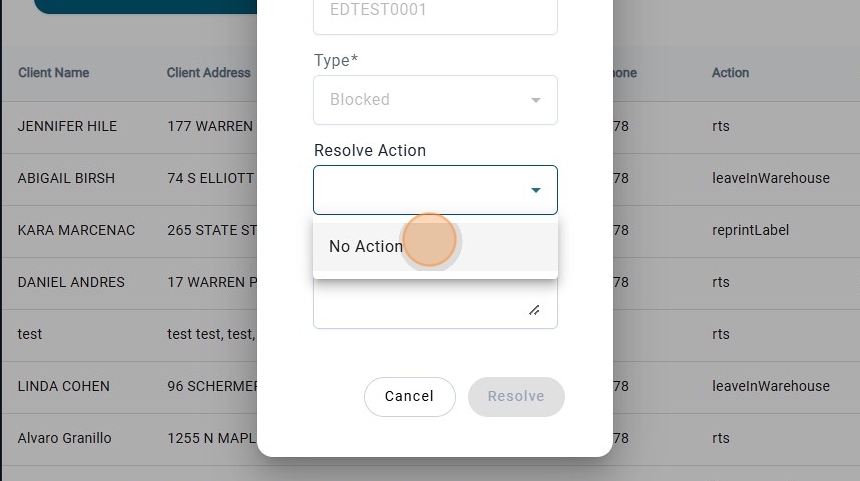
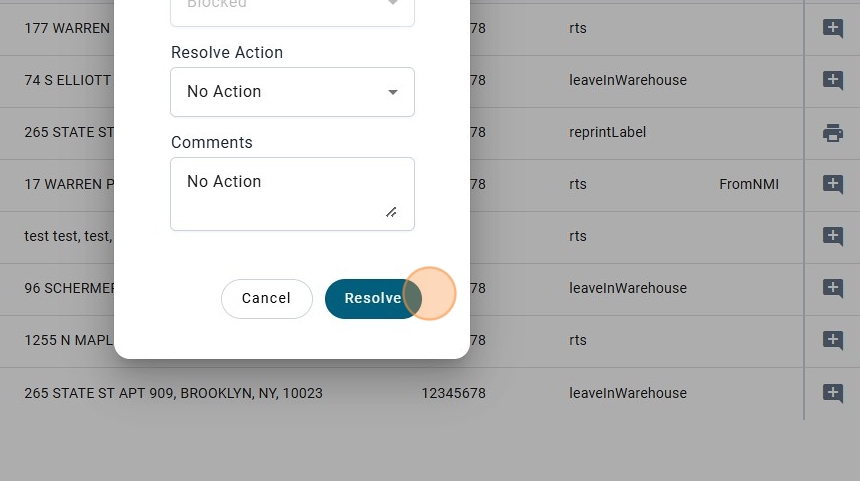
4. There Will be only one option that will be "No Action"
5. Add the Comments

6. Click on Resolve.
warning
Alert! If you close the issue like this, this one will not be moved to RTS, it will be only to unblocked the package.
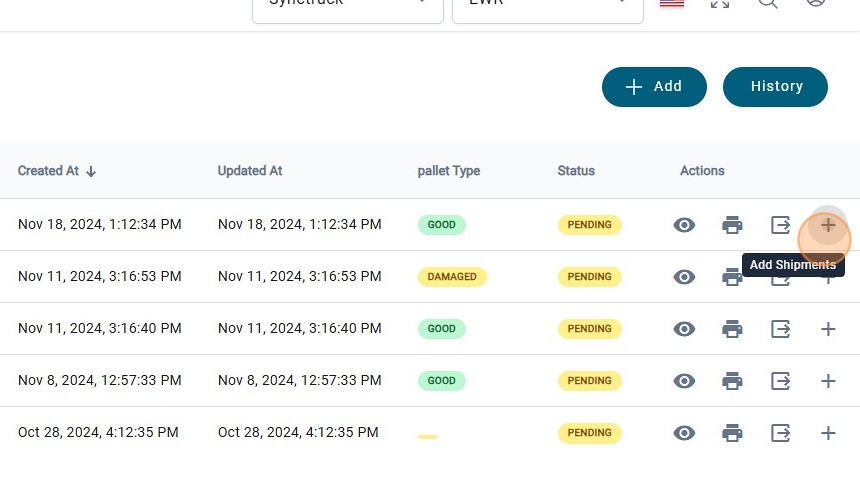
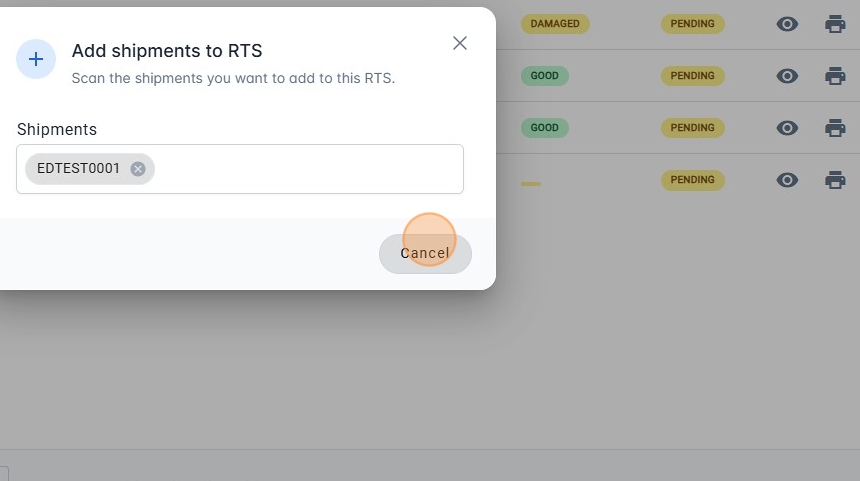
7. Another way to resolve this issue, is moving the package to RTS, by Scanning the barcode.
note
View the Create and Scan Out Pallet RTS guide to learn how to configure the dispatch route codes.
8. Move the package to RTS
9. Click on "History"

10. And check that the issue has been solved.