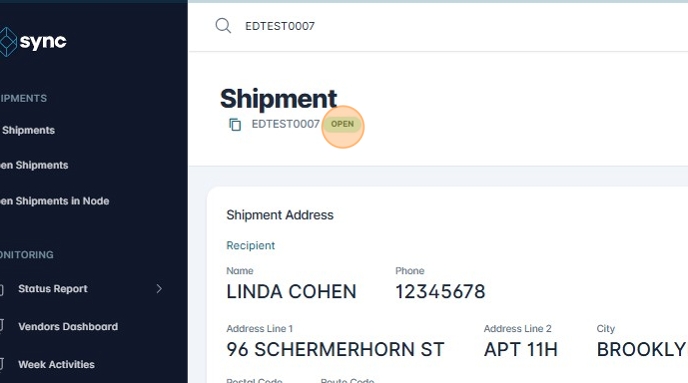
Resolving Issues with No Action
1. Navigate to https://platform.syncfreight.com/#/issues
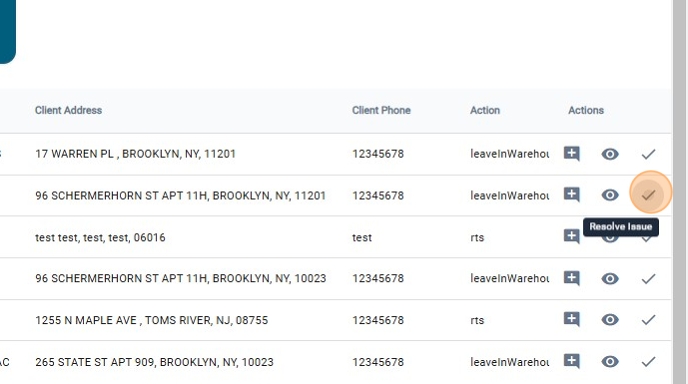
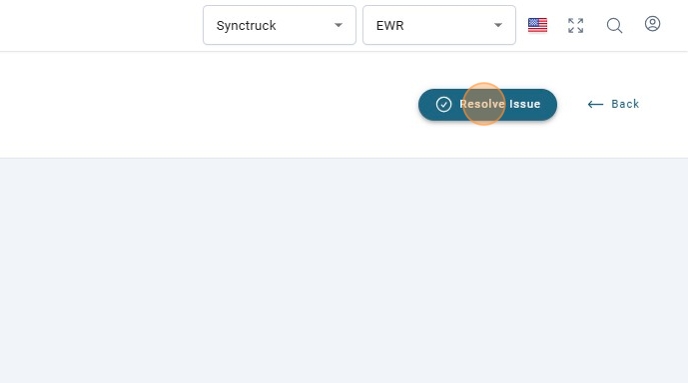
2. Click on "Resolve Issue"
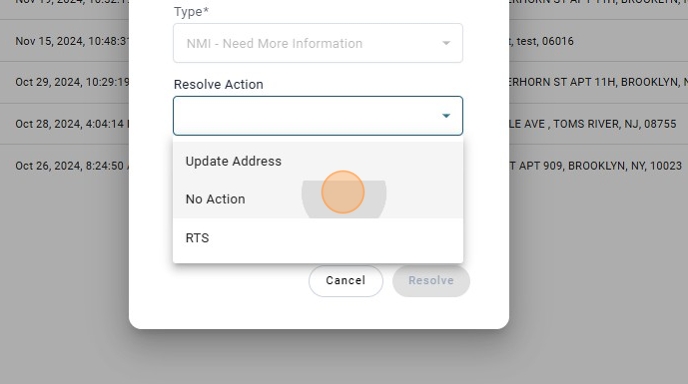
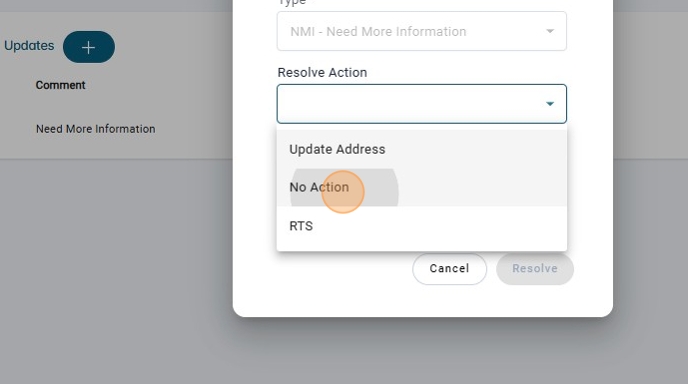
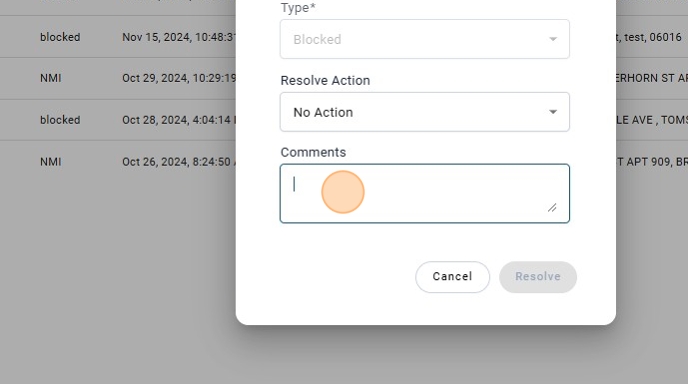
3. Click on the Resolve Action "No Action"
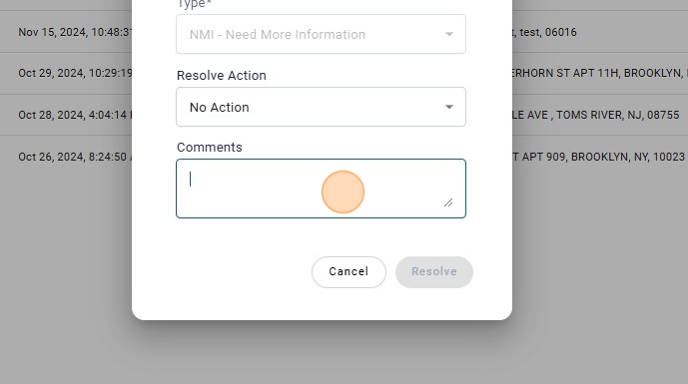
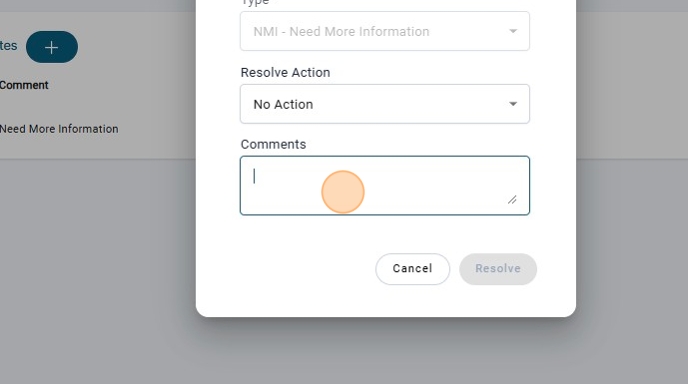
4. Add a Comment
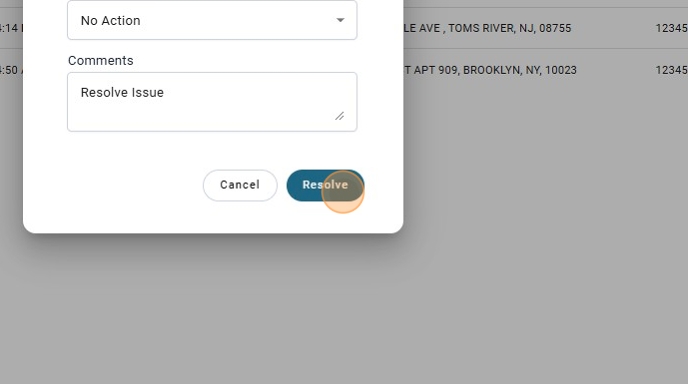
5. Click on Resolve.

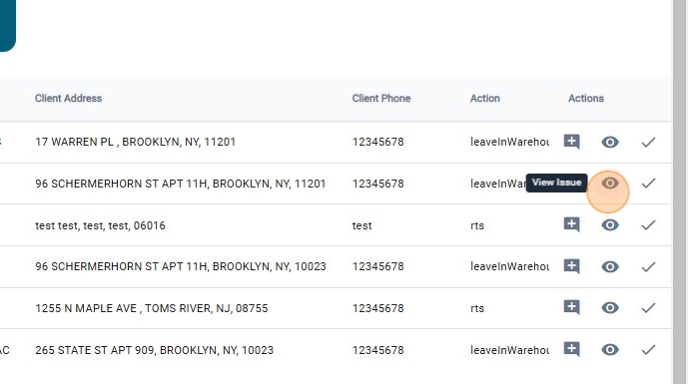
6. There is also the option to resolve Issue, by clicking on "View Issue"
7. Click on "Resolve Issue"
8. Select the "No Action" as Resolve Action.
9. Add a Comment
10. Click on "Resolve"

11. Once the issue of type "NMI" is resolved, a new Issue of type "Block" will be created.
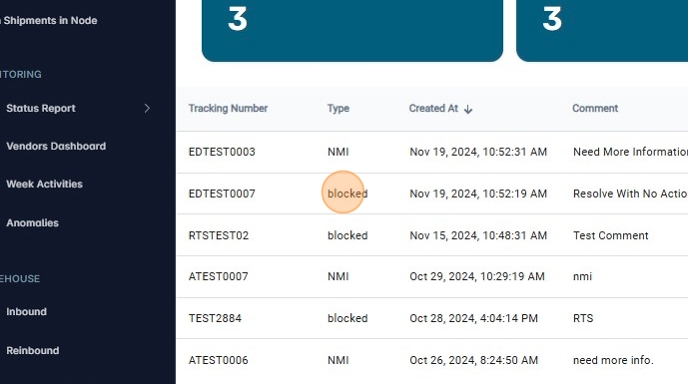
12. Click on "resolve Issue"
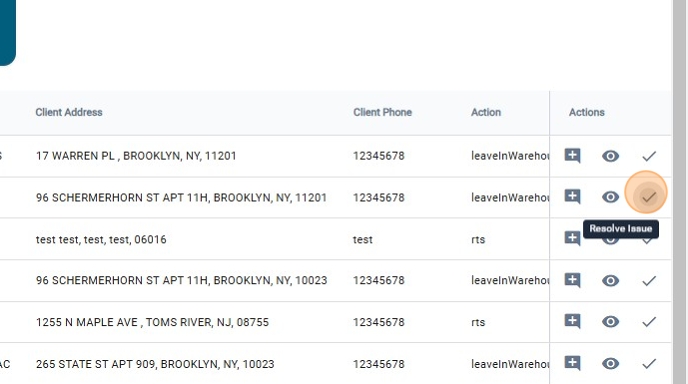
13. There will be only the "No Action" as resolve Action

14. add the comment
15. Click on resolve.
16. Check the shipment, and it will be open again.