Resolve an issue with RTS Action
1. Navigate to https://platform.syncfreight.com/#/issues
2. Check the Issue "Type"

3. Click on "Resolve Issue".

4. The resolve issue Action will be "RTS"

5. Add the comments
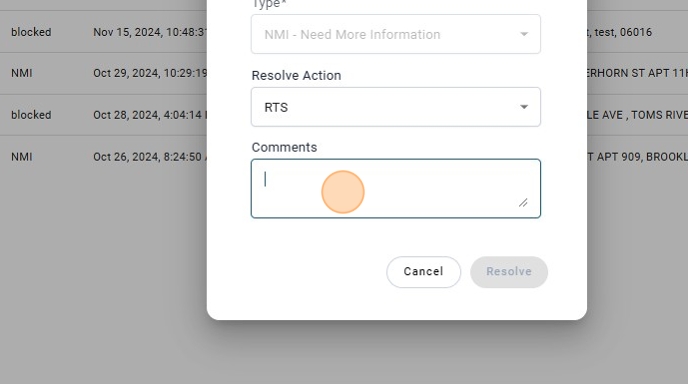
6. Click on "Resolve".
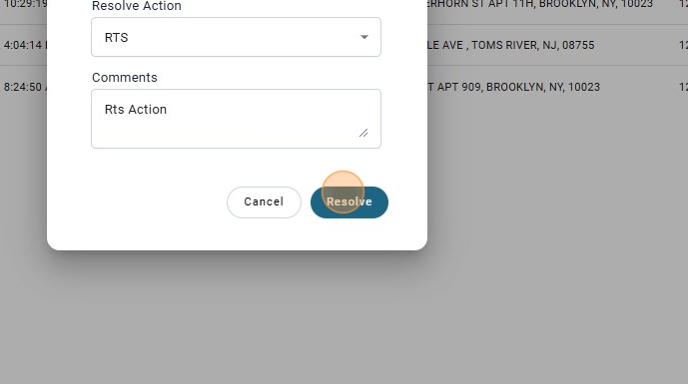
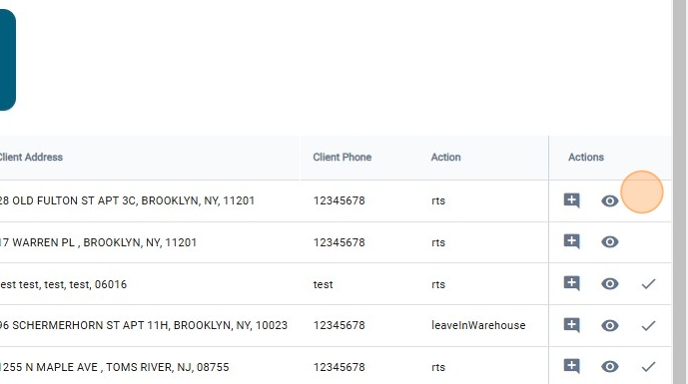
7. The option of resolving an issue will dissapear even if there is an issue created.
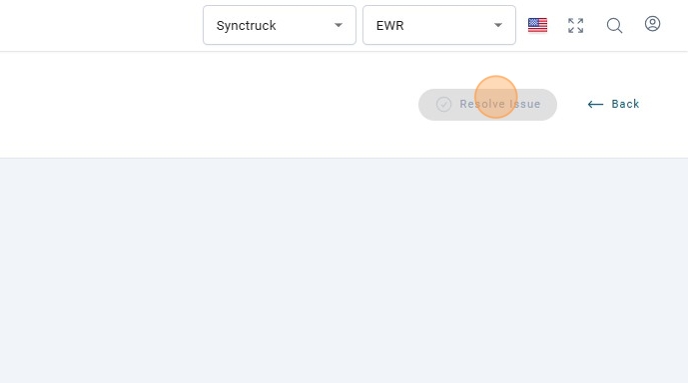
8. Also the option will be disable on the view Issue page.
9. To resolve the issue Blocked with action "RTS"
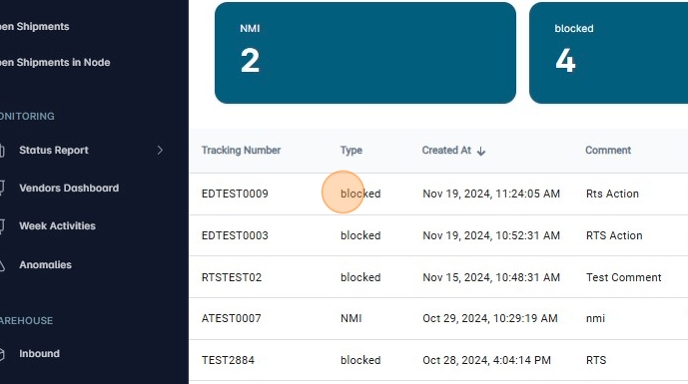
note
View the Create and Scan Out Pallet RTS guide to learn how to configure the dispatch route codes.
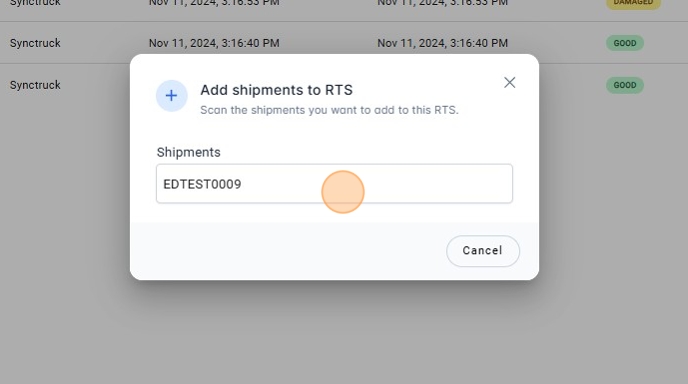
10. Scan The package on RTS Pallet
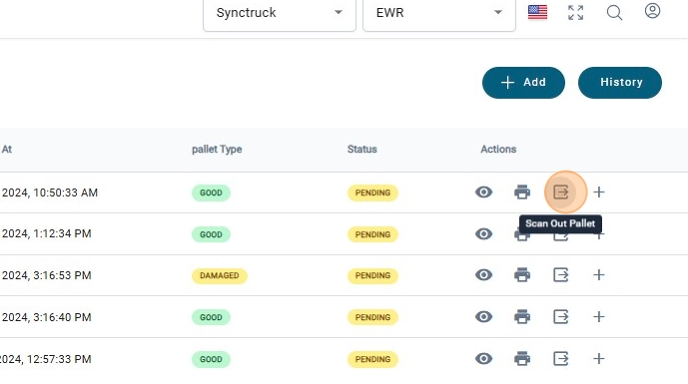
11. Scan Out the Pallet
12. Click "Confirm"
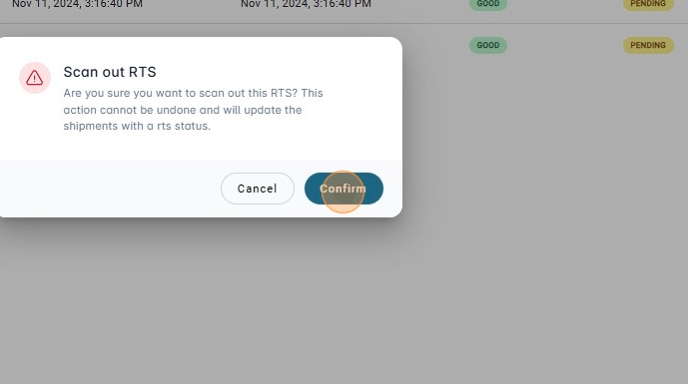
13. Once the shipment is in the RTS Status.
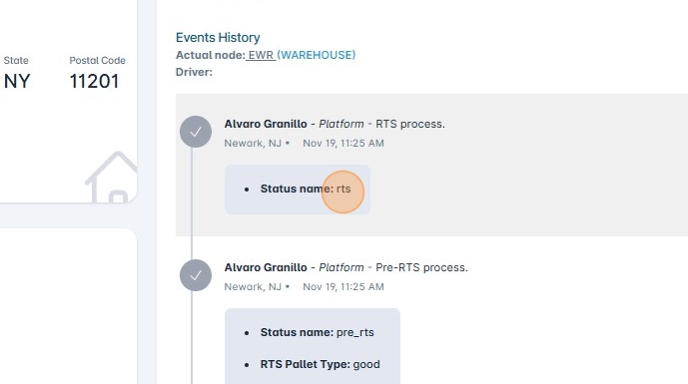
14. The issue will be solved
