Resolve NMI Issues with "Update Address" Action
1. Navigate to https://platform.syncfreight.com/#/issues
2. Check the issue Type on the "Type" Column

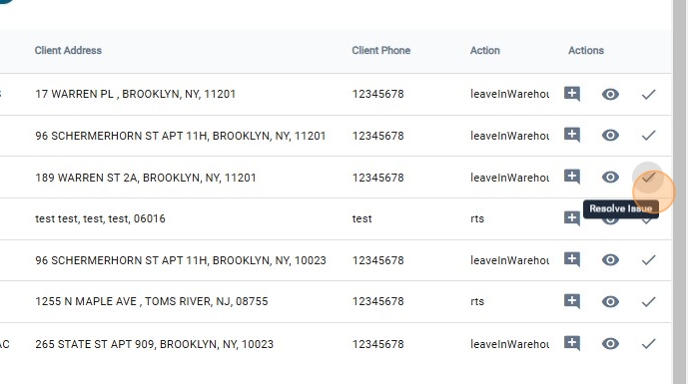
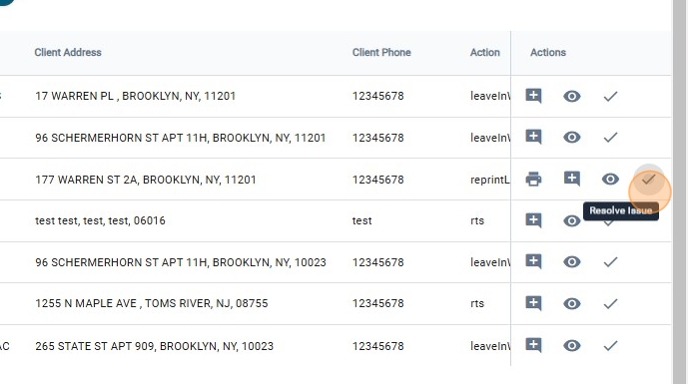
3. To Resolve the Issue, click on "Resolve Issue"
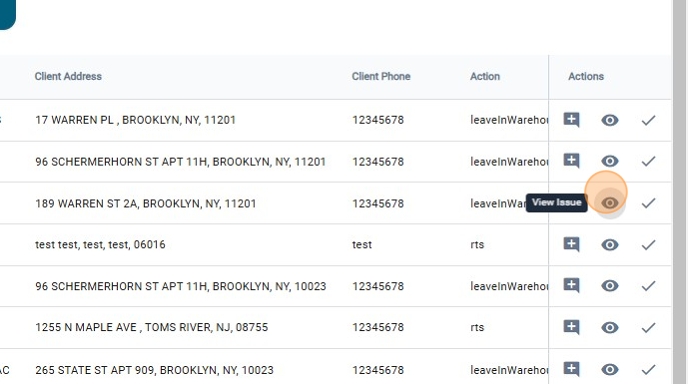
4. Also, there is the option to click on "View Issue"
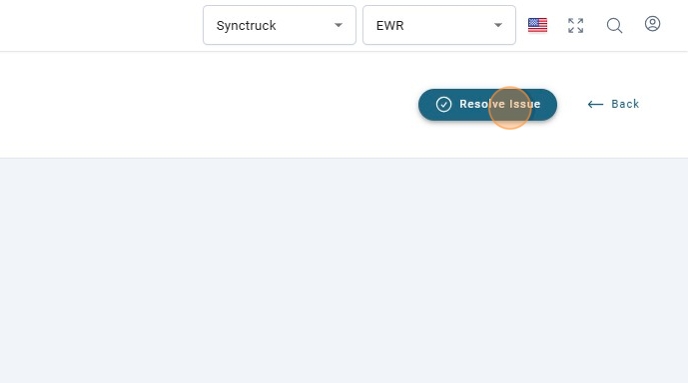
5. And Click on "Resolve Issue"
6. Select the "Resolve Action"
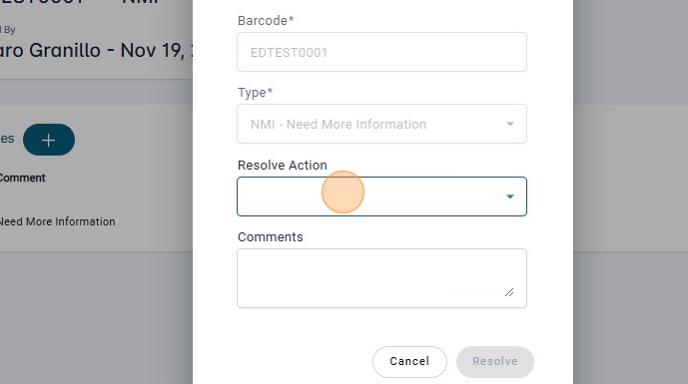
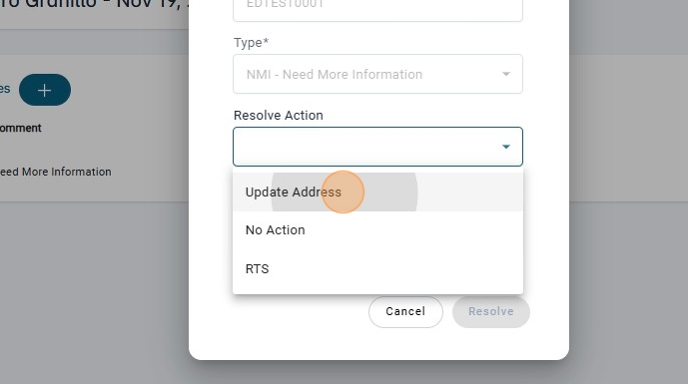
7. Click on "Update Address"
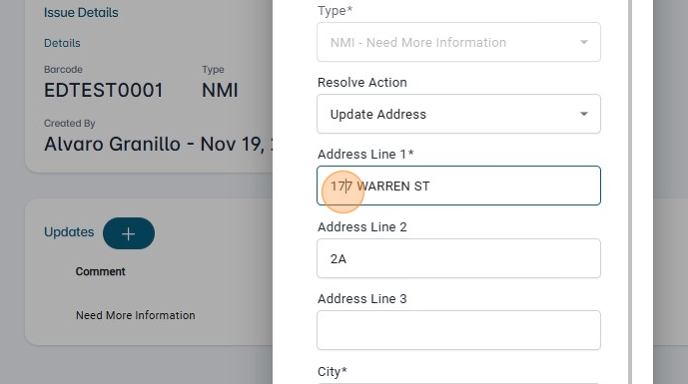
8. Modify the address.
9. Add a Comment.
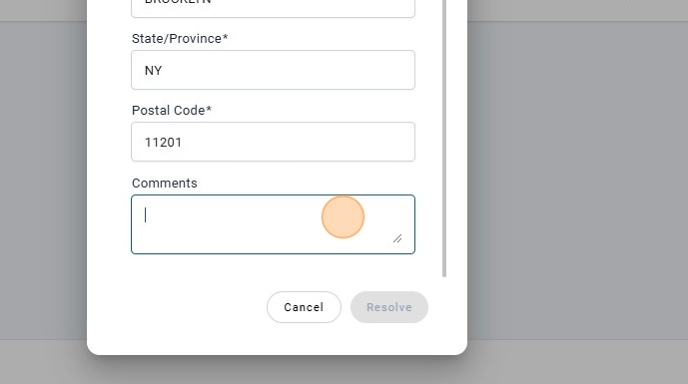
10. Click on "Resolve"
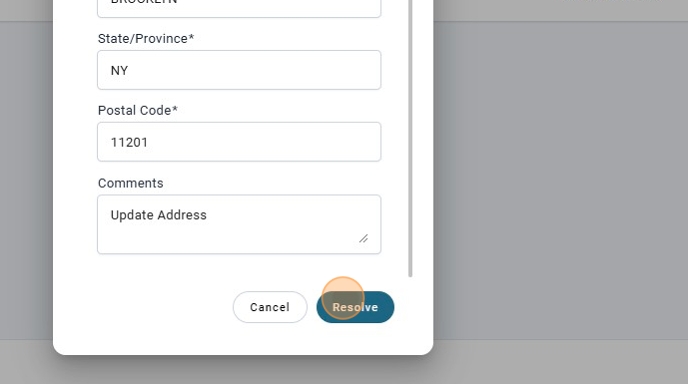
11. Once the "NMI" Issue is resolved with the Action of "Update Address" another issue will be created instantly, It a issue of type "block"
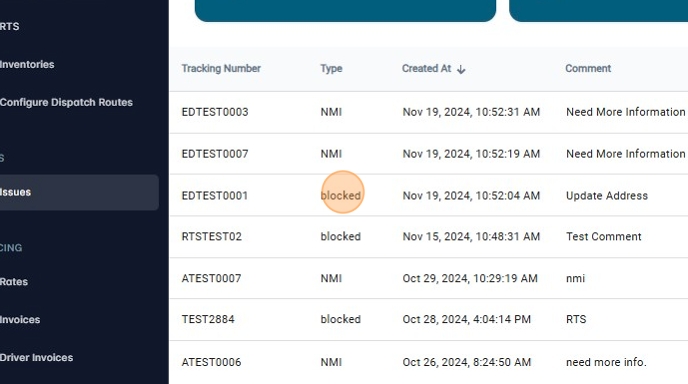
12. To resolve this other issue, click on "Resolve Issue"
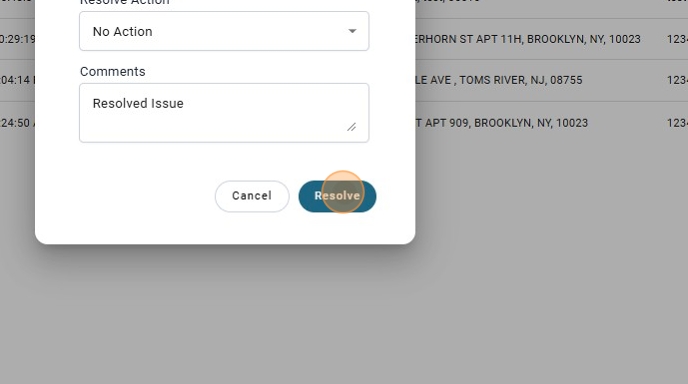
13. There will be only one "Resolve Action" that will be "No Action"
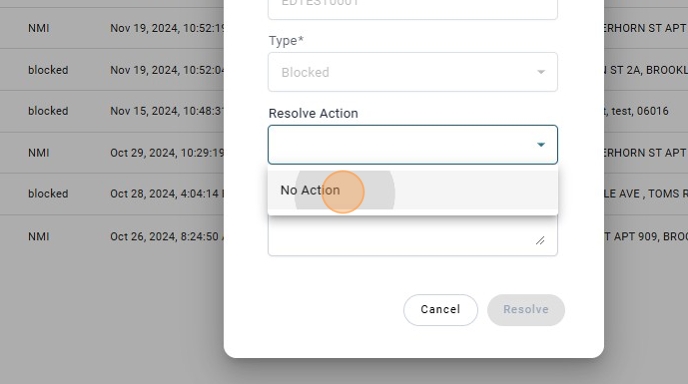
14. Add a comment.

15. Click on "Resolve" and package will be open again.