Close Shipment as Lost with Batch Jobs
- Navigate to https://platform.syncfreight.com/#/jobs
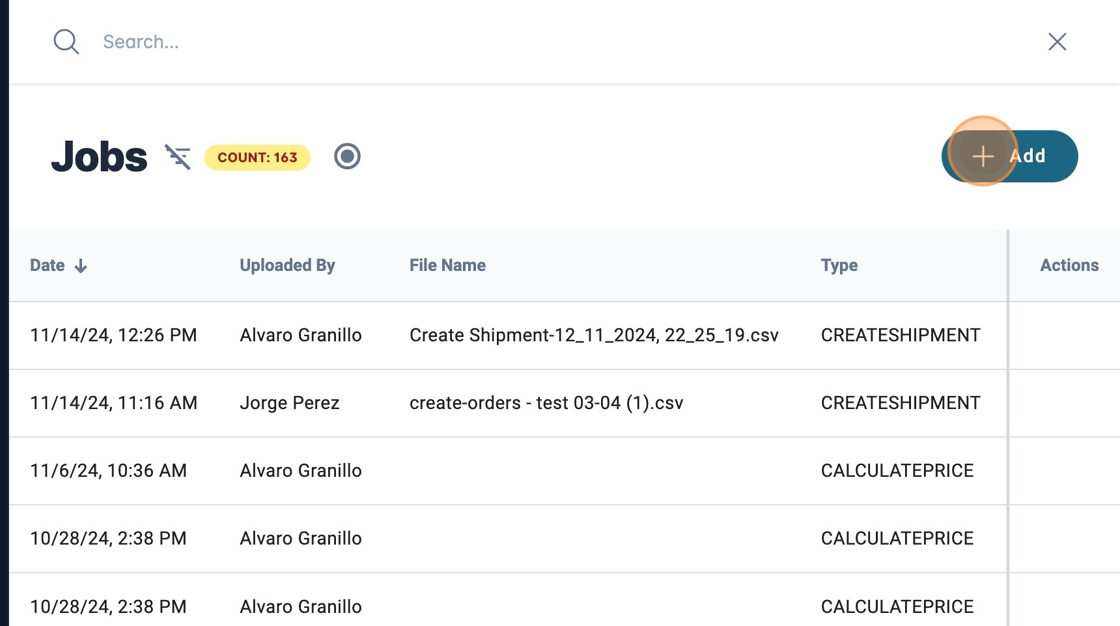
2. Click here.
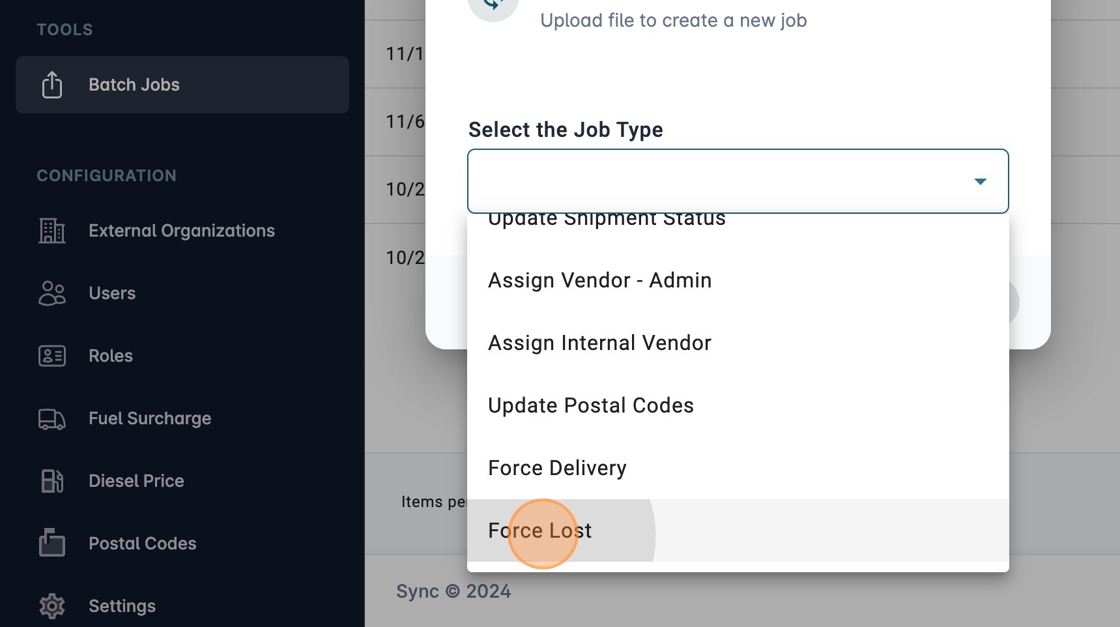
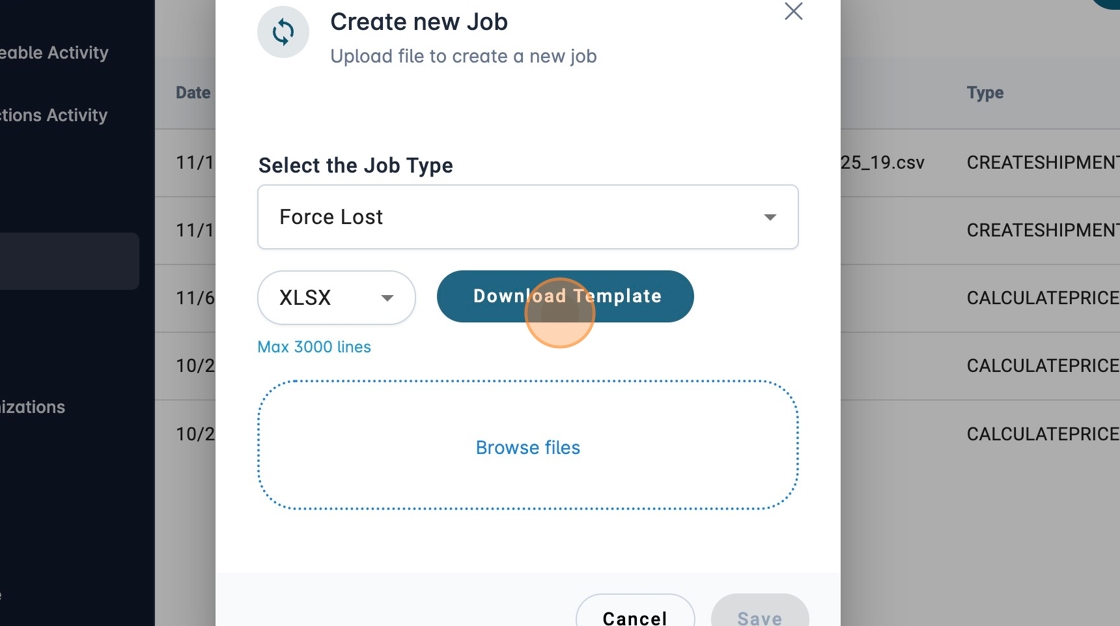
3. Select "Force Lost" on Job Type.
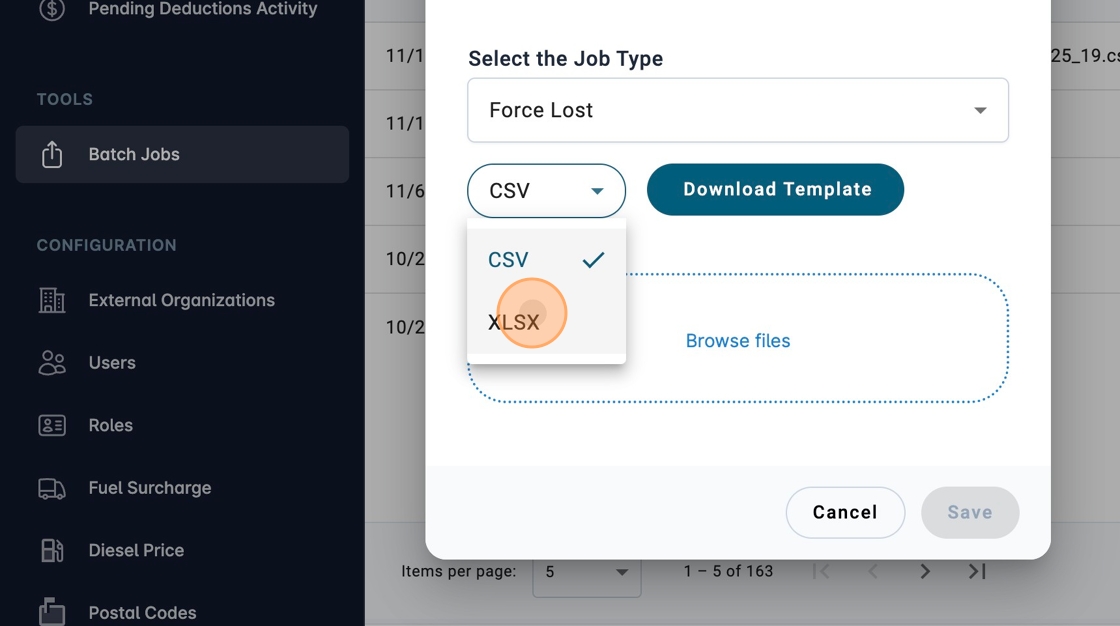
4. Select the Template Format if needed.
5. Click here.
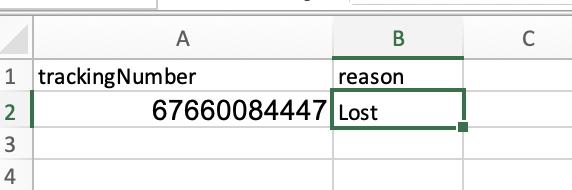
6. Fill in the information in the file according to the format.
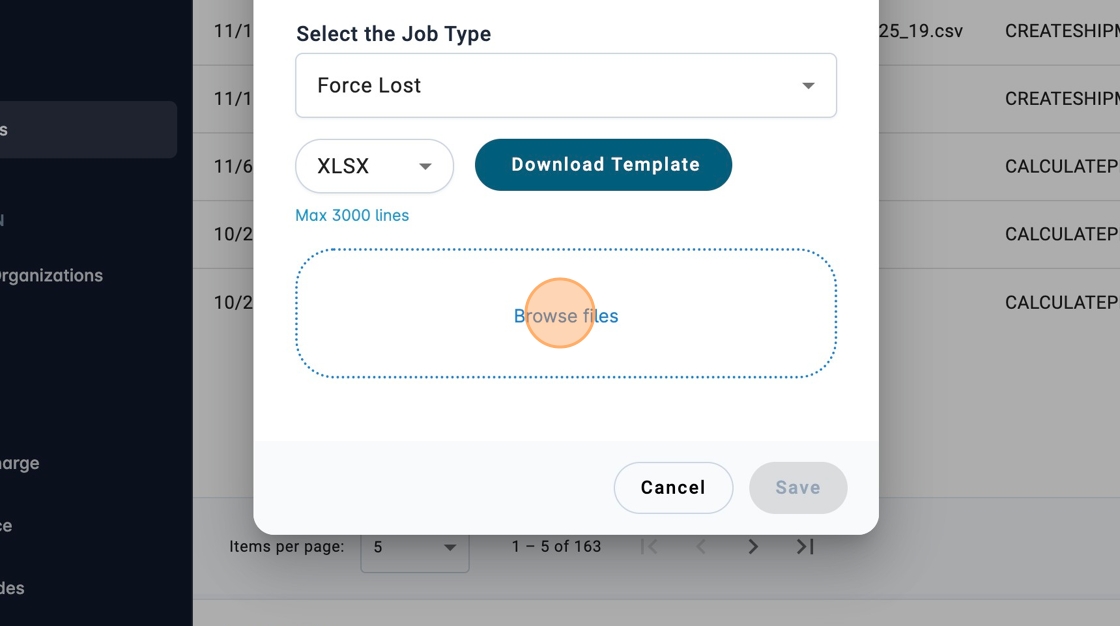
7. Search for the file with the information already entered.
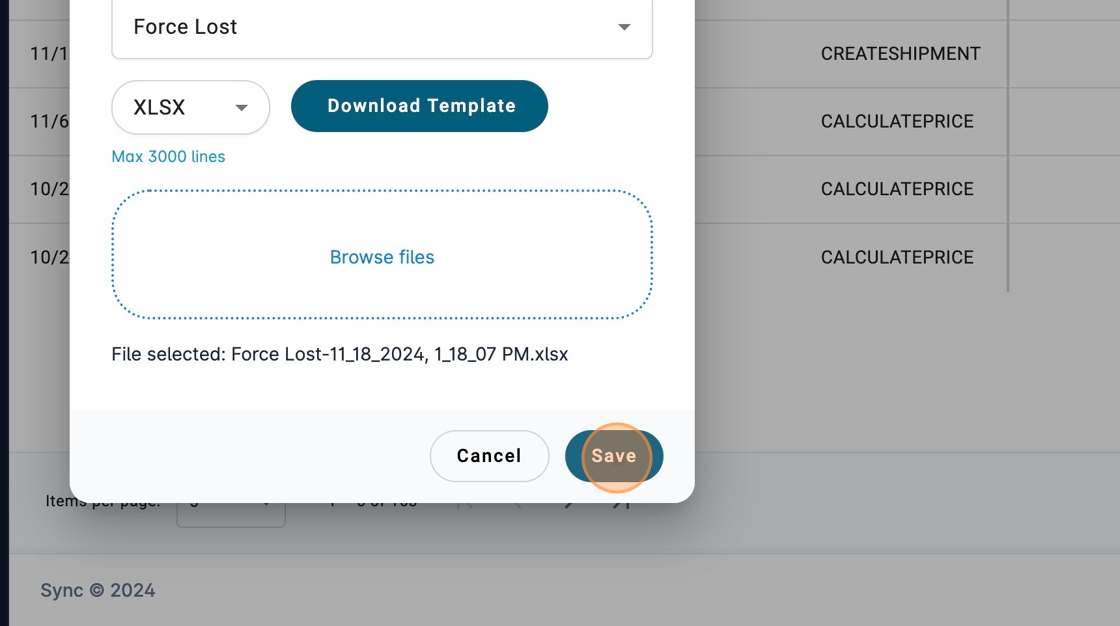
8. Click "Save"
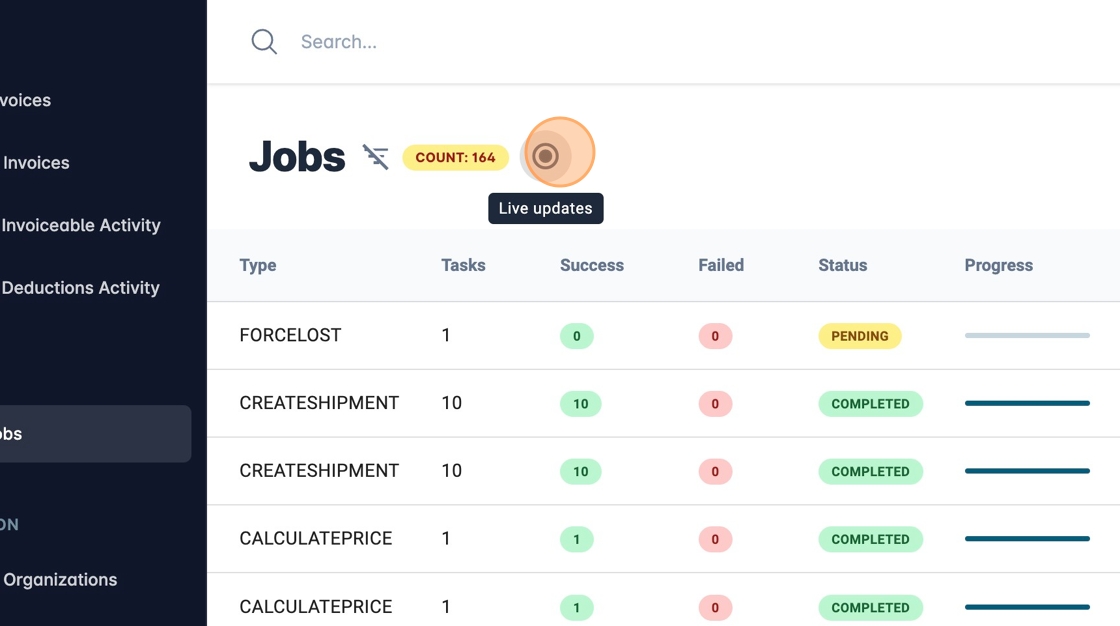
9. You can enable live updates if you want to see the progress of the job.
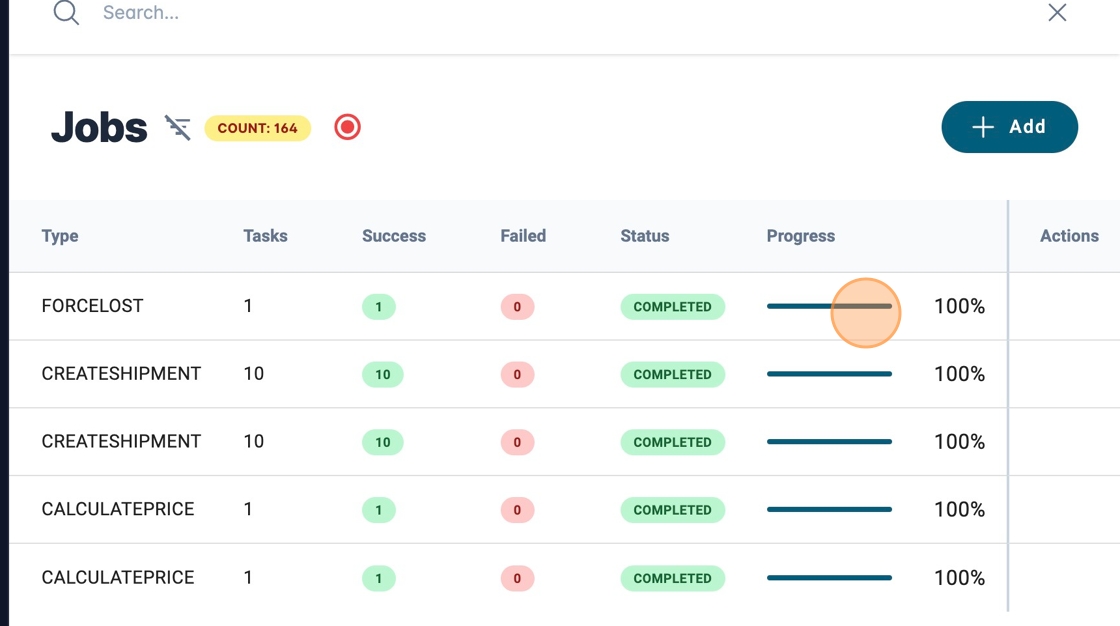
10. When finished you will be able to see that the percentage is at 100% and the number of those that were successful and failed. If there is one that failed you will be able to download a file with the details.
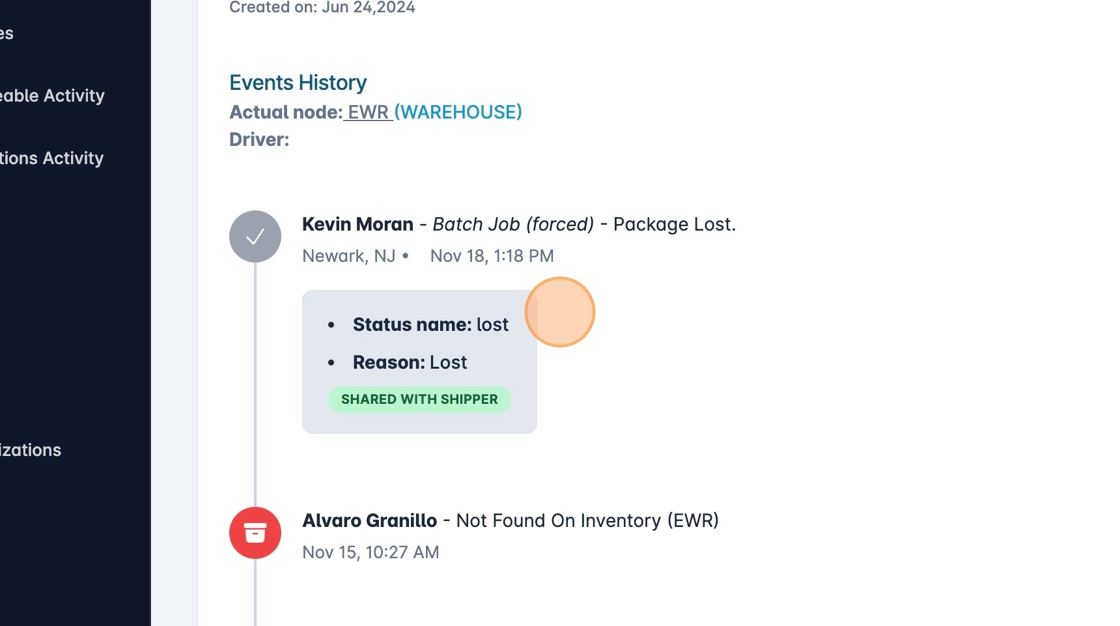
11. If we search for the package we can see the new lost status recorded.