Updating Postal Codes with Batch Jobs
1. Navigate to https://platform.syncfreight.com/#/jobs
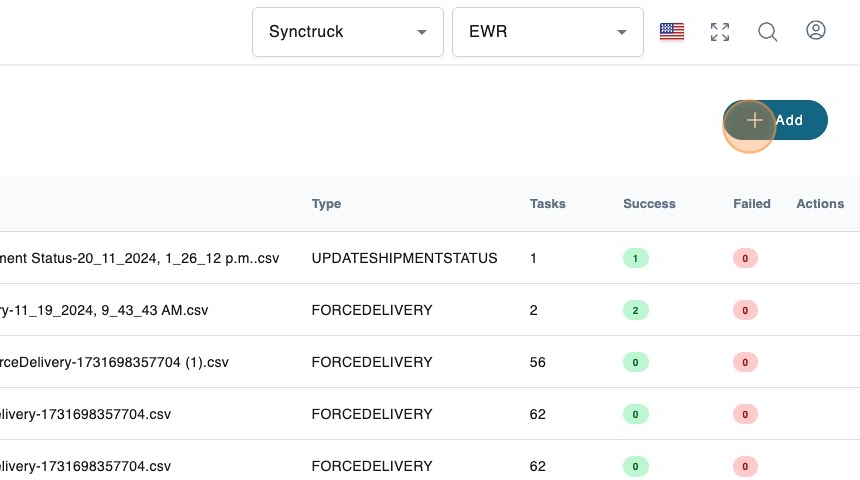
2. Create a new job
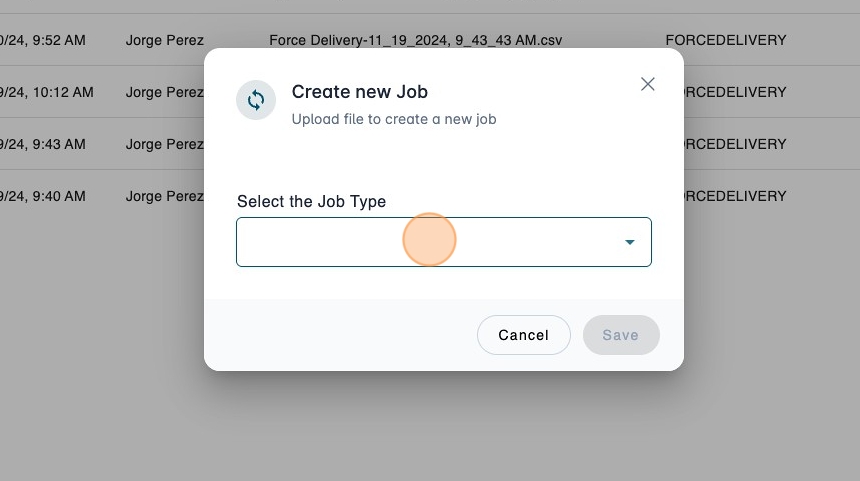
3. Open the selector.
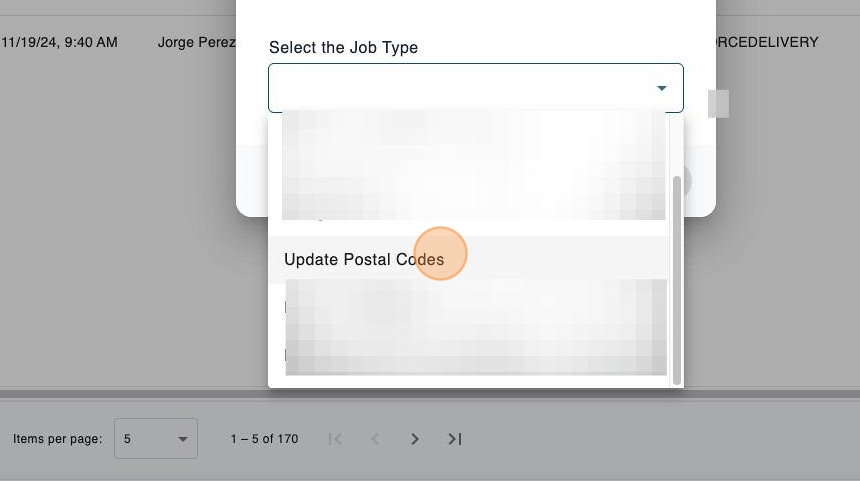
4. Click "Update Postal Codes"
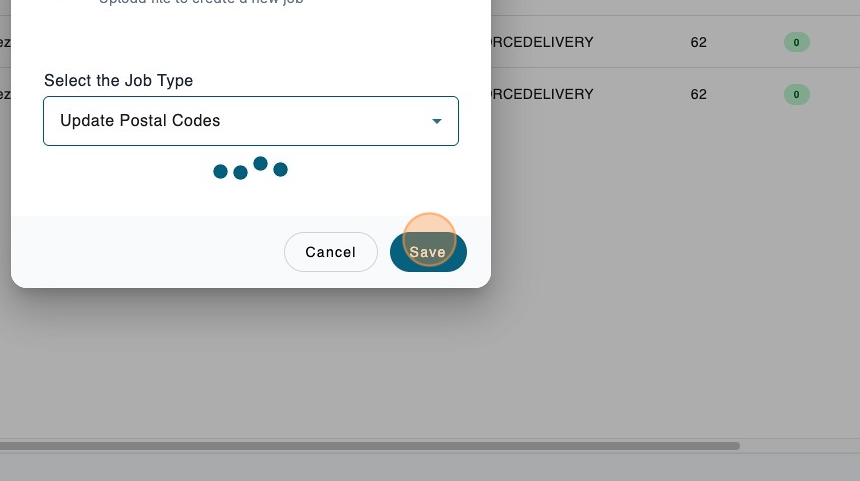
5. Click here.
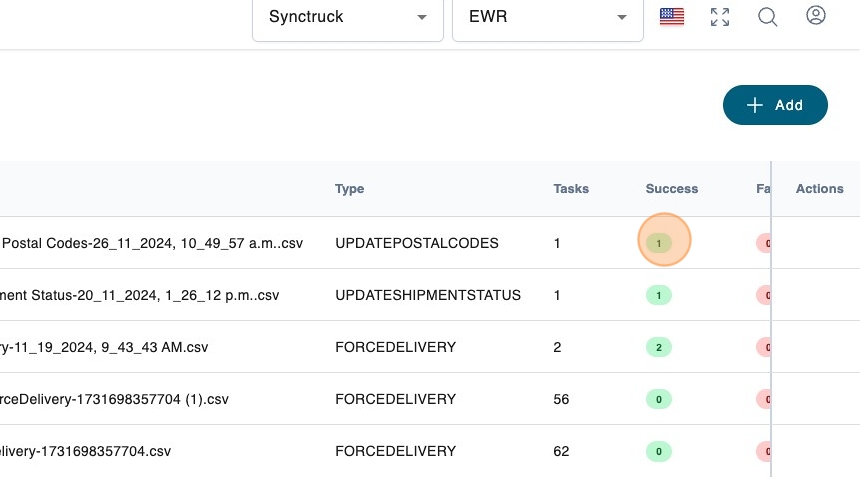
6. You will see the successful tasks after the job is finished.
1. Navigate to https://platform.syncfreight.com/#/jobs
2. Create a new job
3. Open the selector.
4. Click "Update Postal Codes"
5. Click here.
6. You will see the successful tasks after the job is finished.