Update Shipment Status with Batch Jobs
You can update multiple shipments to a specific status using batch jobs.
1. Navigate to https://platform.syncfreight.com/#/jobs
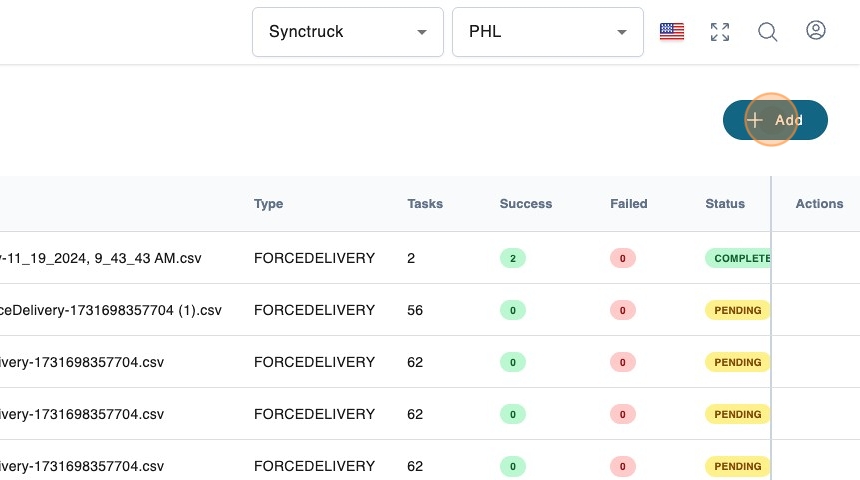
2. Click "Add".
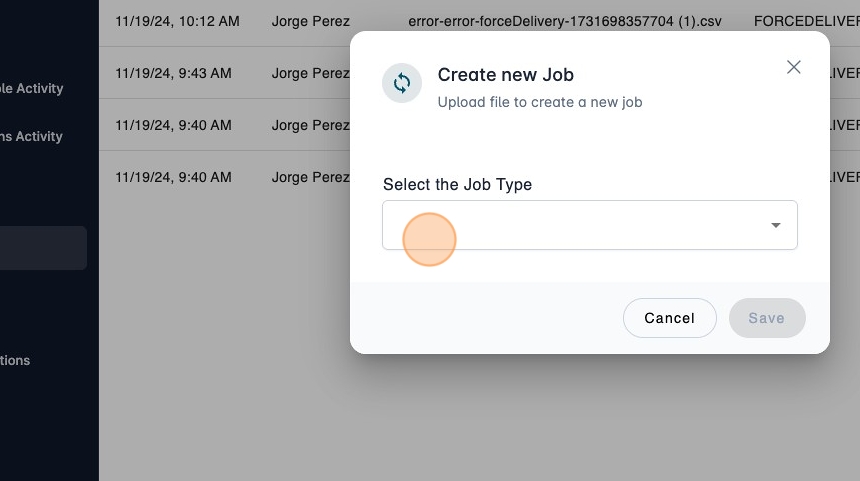
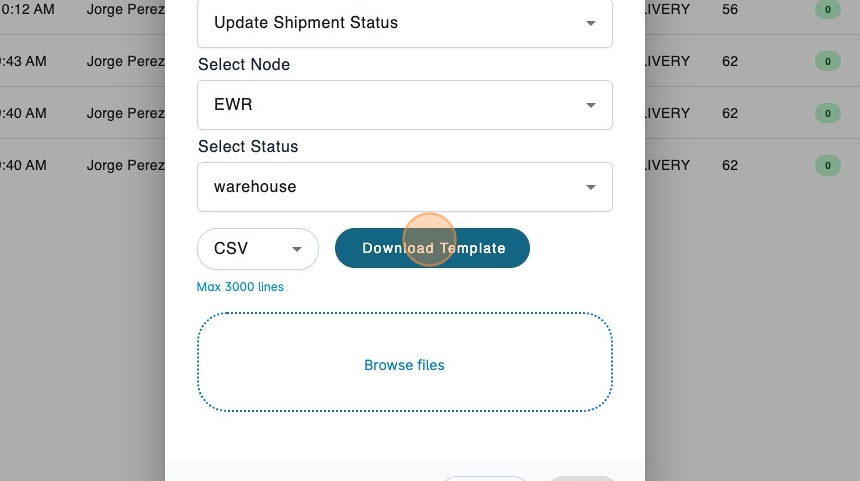
3. Select the batch job type.
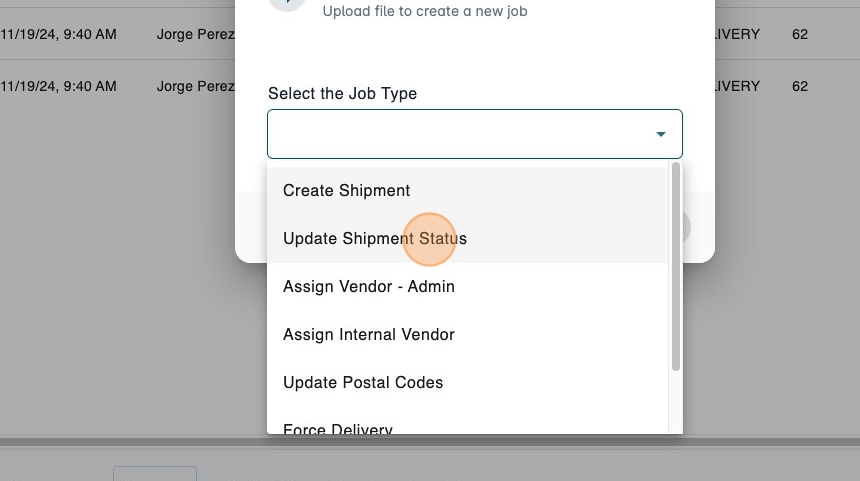
4. Click "Update Shipment Status".
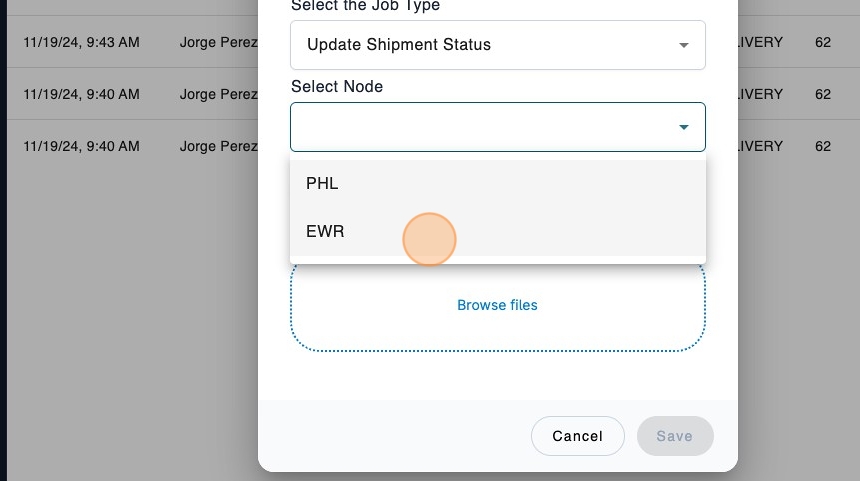
5. Select the node.
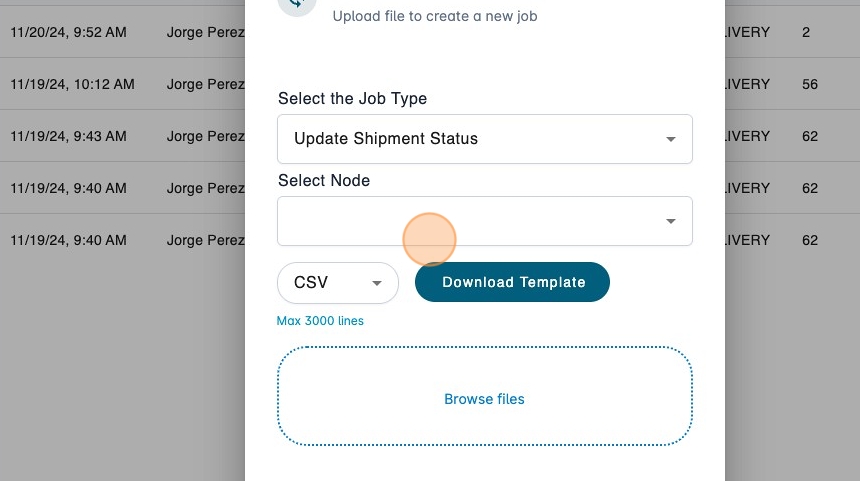
6. In this example, we will select EWR.
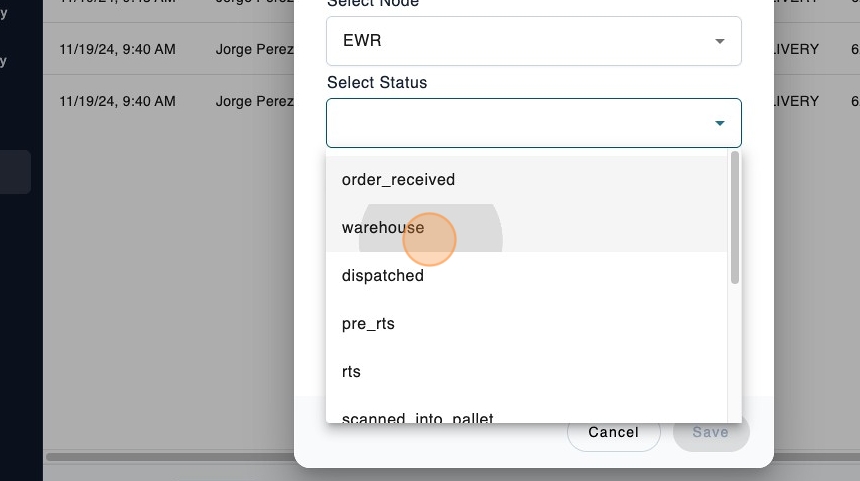
7. Select the new status.
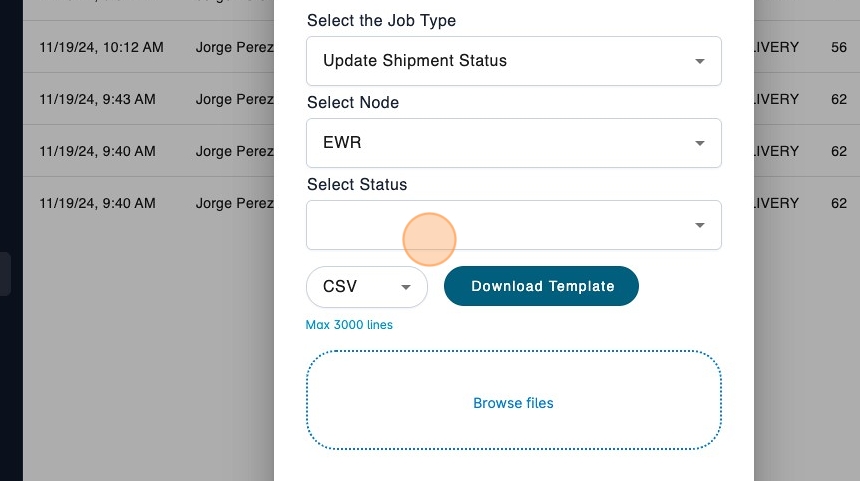
8. We will update the shipments to the warehouse status.
9. Click "Download Template" to get the CSV file.
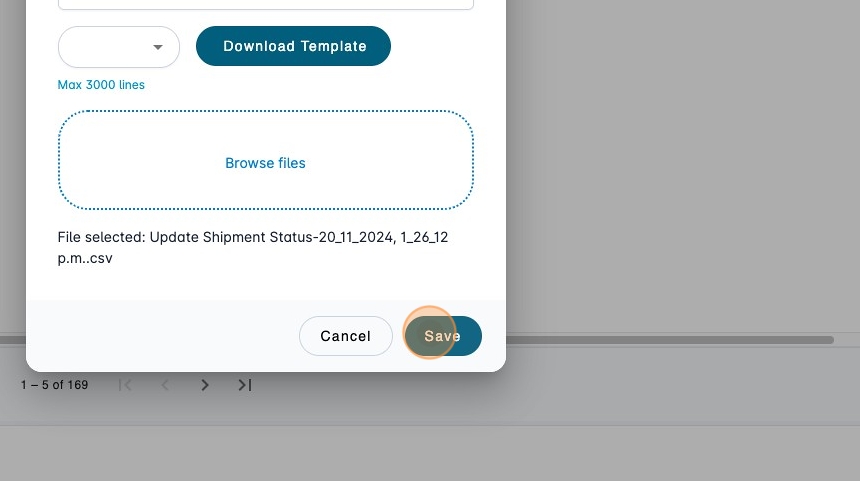
10. Once the file has been filled, you can upload it and then click "Save".
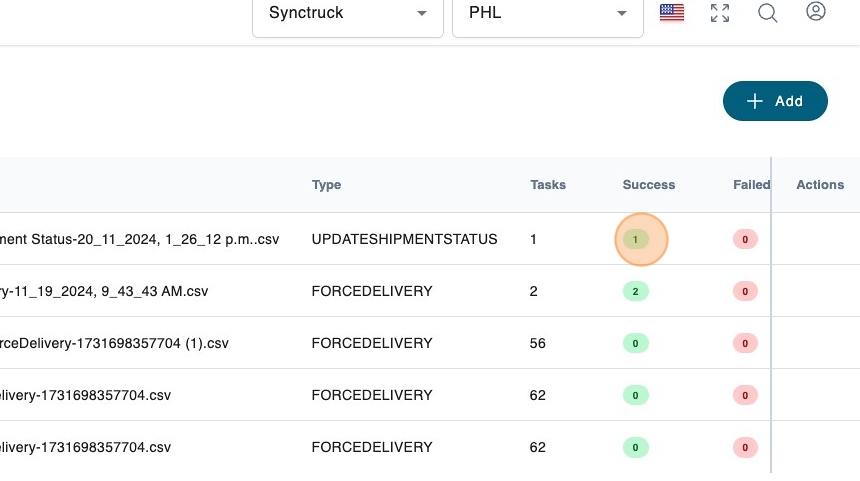
11. You will see the number of tasks created.
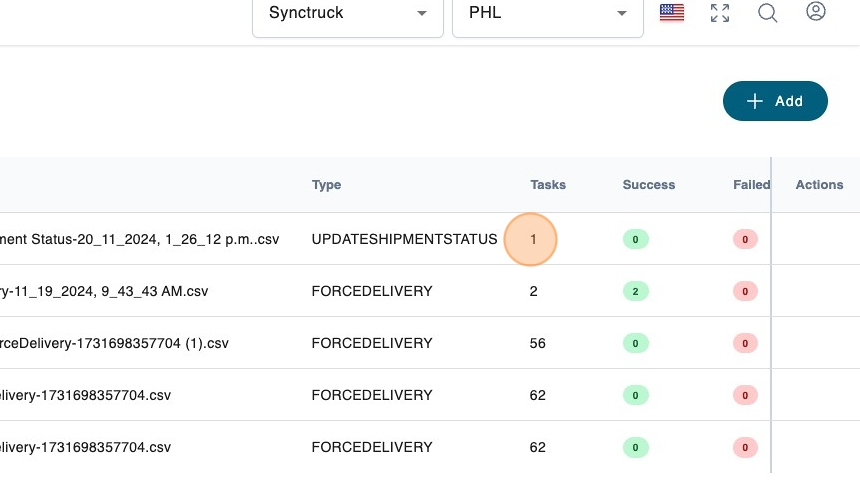
12. Once the job finishes you can see the successful tasks.